Rasterizer

UC Berkeley
CS 184 Spring 2025 HW 1

Project Overview

I implement the rasterization pipeline that rasterizes a triangle with a fixed color, interpolates the color within triangle with barycentric coordinates, and texture mapping. For antialiasing, I implement supersampling, different pixel sampling approaches and level sampling approaches for texture mapping. I also filled in some transformation matrices for 2D homogeneous coordinates. I faced problem with edge conditions, and usually clipping pixels/texels to within its bounds solves the problem. My website link is https://ZekaiWang04.github.io/cs184/hw1/.

Task 1: Drawing Single-Color Triangles

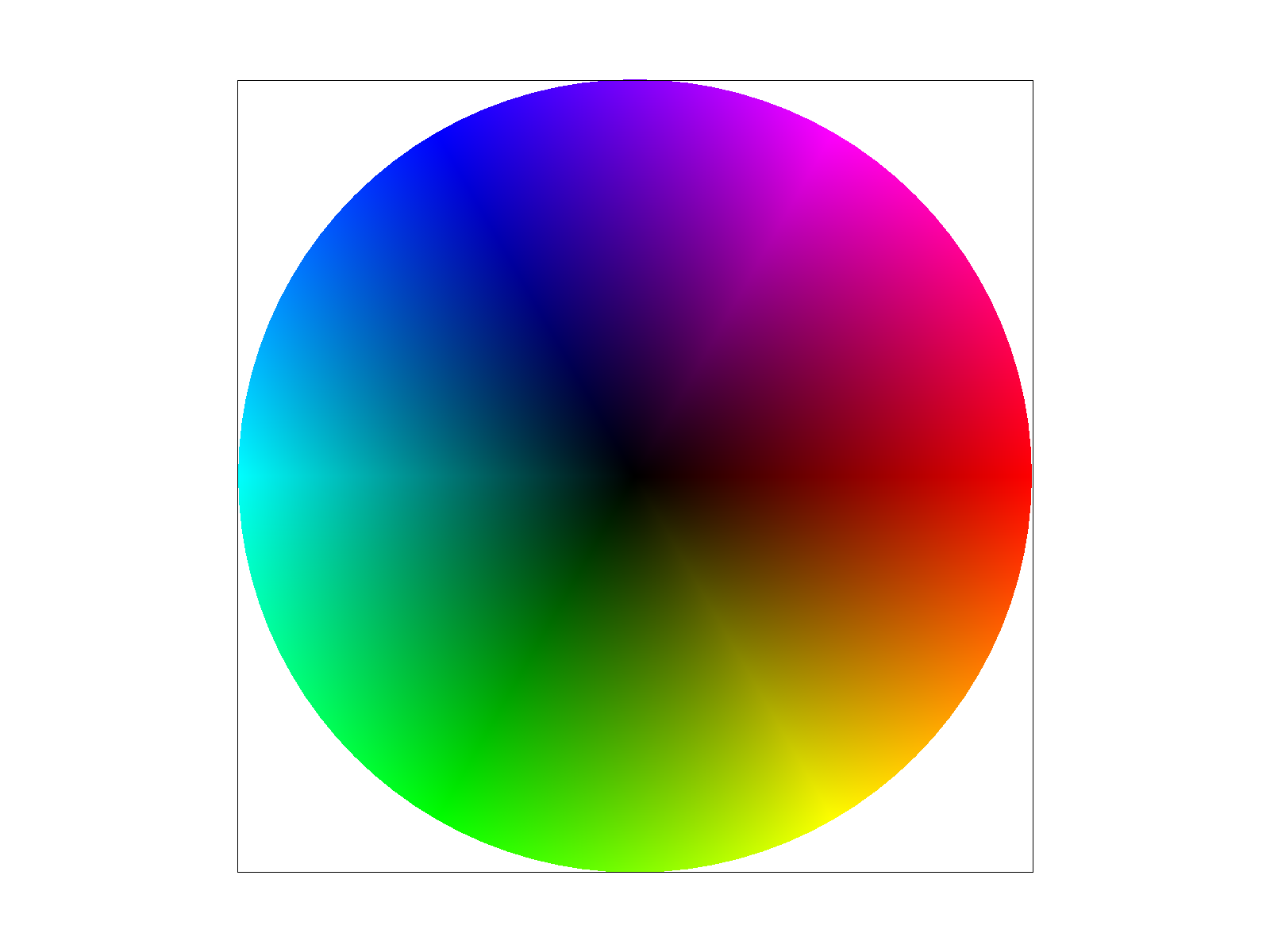
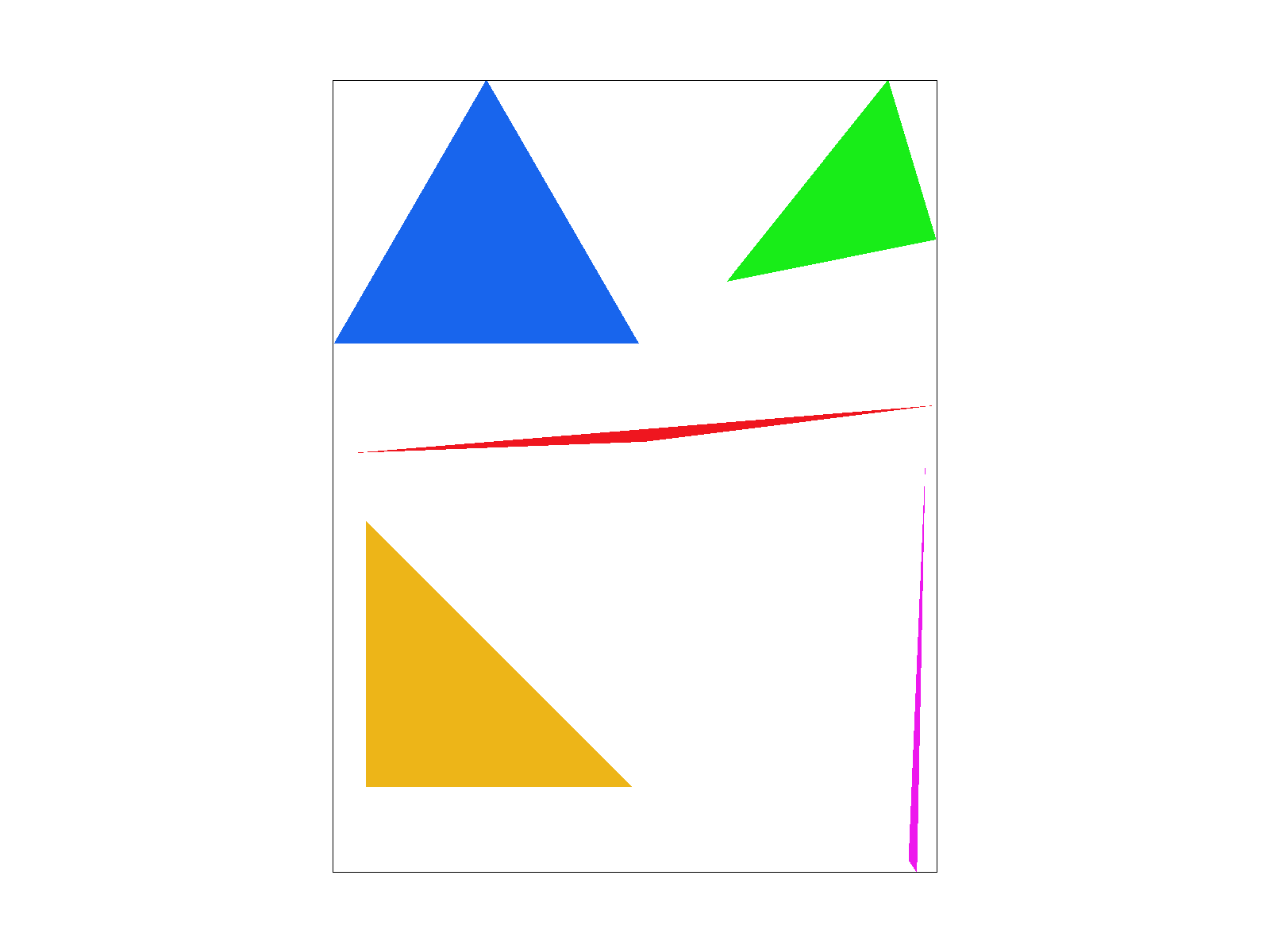
I first calculate the bounding rectangle of the triangle by finding \(\lfloor\min(x_1, x_2, x_3)\rfloor, \lceil\max(x_1, x_2, x_3)\rceil, \lfloor\min(y_1, y_2, y_3)\rfloor, \lceil\max(y_1, y_2, y_3)\rceil\). Then, I do a sanity check by clipping the vertices of the triangle with the bounds of the buffer. I then iterate through the pixel centers of the bounding rectangle and check if the pixel is inside the triangle. To do this, I use a slightly different approach than the one covered in lecture. We know a point is inside a triangle if and only if it is on the same side of all three edges as the corresponding vertices that are not part of the edge. For all three edges, I can calculate the line equation \(ax + by + c = 0\) using the two vertices of the edge. Then, I can check if the point is on the same side of the edge as the third vertex by checking the sign of \(ax + by + c\), plugging in the \(x, y\) coordinates of the point and the vertex not included in the edge. Below is basic/test4.svg.
basic/test4.svg
Task 2: Antialiasing by Supersampling

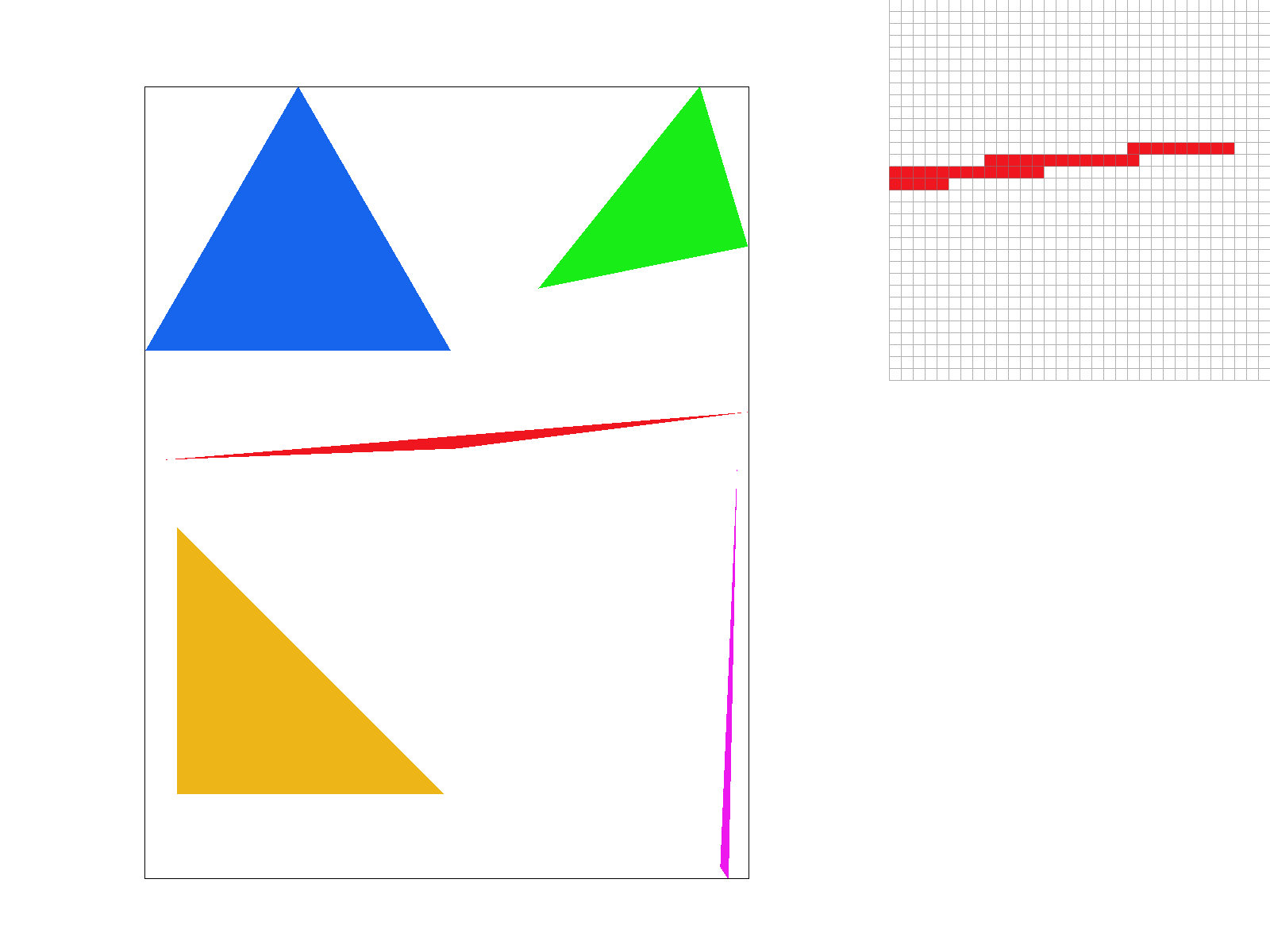
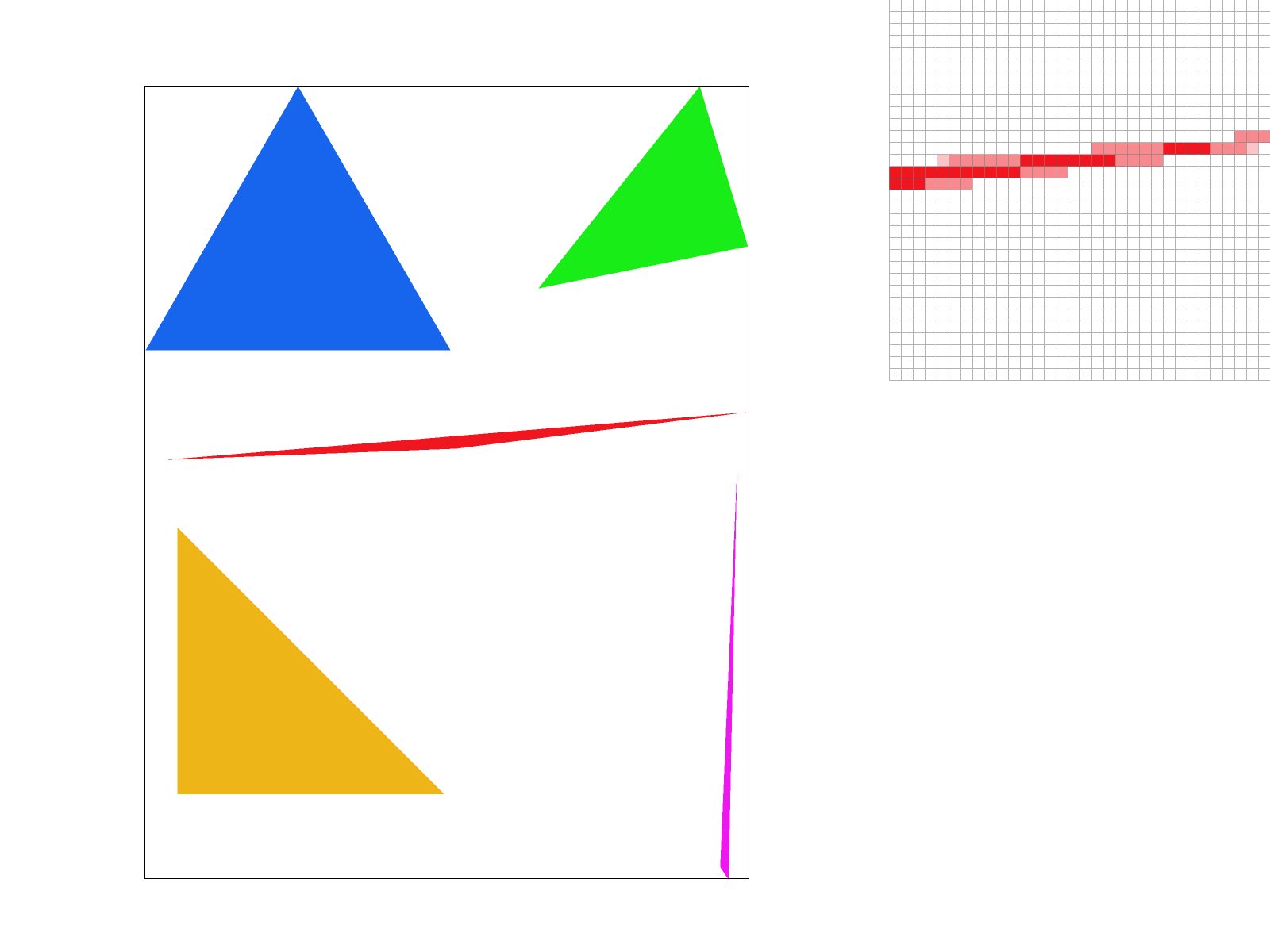
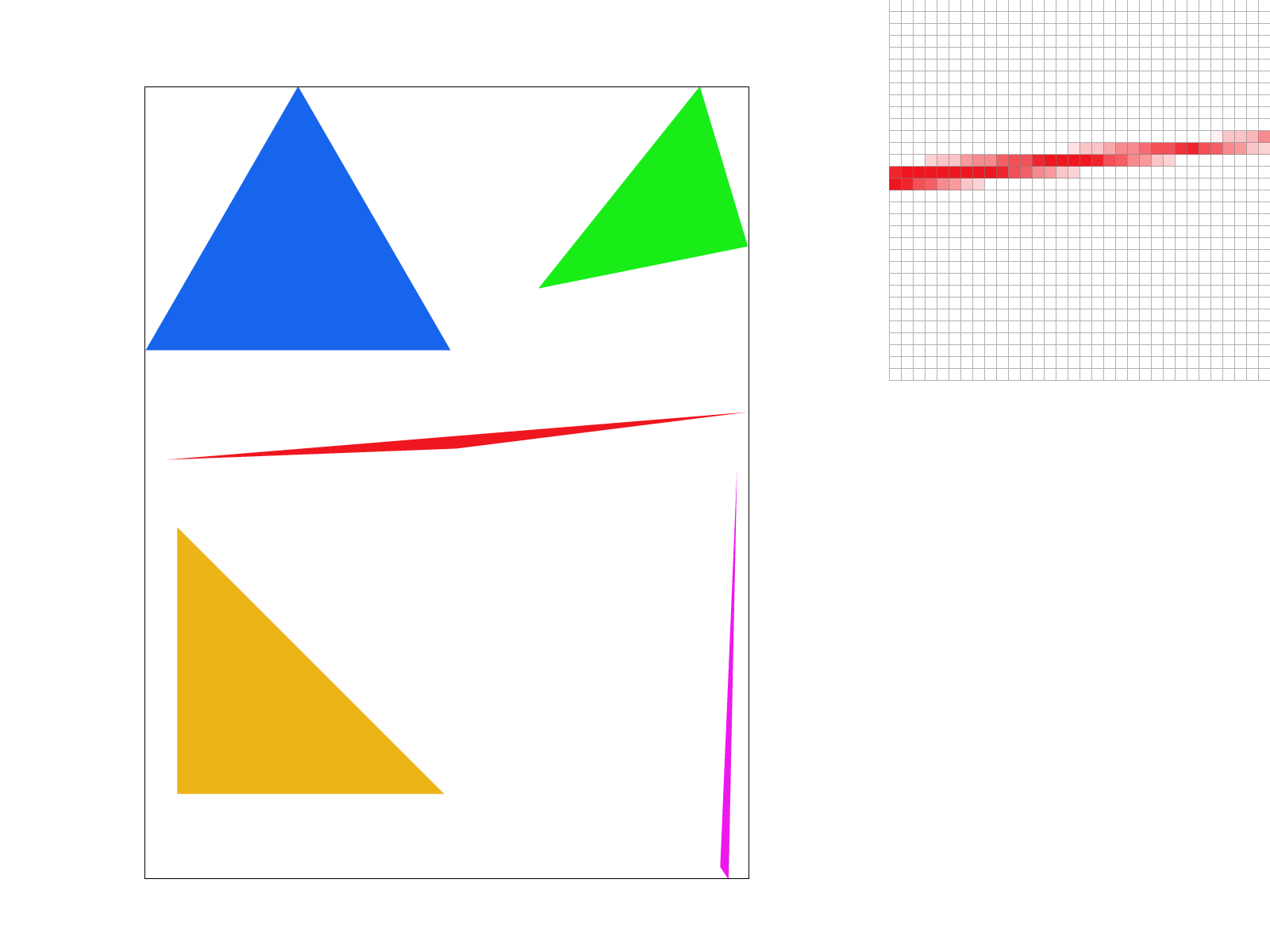
I use the naive approach of resizing RasterizerImp::sample_buffer to represent the supersampling grid. I modified RasterizerImp::set_sample_rate(), RasterizerImp::set_framebuffer_target() to reflect the resized length of the buffer, and called RasterizerImp::clear_buffers() at RasterizerImp::set_sample_rate() to clear the buffer when a new sample rate is set. I then changed RasterizerImp::rasterize_triangle() and RasterizerImp::fill_pixel() to reflect the supersampling grid (for RasterizerImp::rasterize_triangle(), the only modification is to multiply the coordinates of the vertices by \(\sqrt{\textrm{sample_rate}}\)), and averaged the colors of the buffer at RasterizerImp::resolve_to_framebuffer() to produce the final buffer. Supersampling is useful because it reduces aliasing. Since we are sampling at a higher frequency, the Nyquist-Shannon sampling theorem tells us that we can capture more high frequency information in the image. Since when downsampling the supersampled grid we are using the classical technique of first smoothing (by a box filter) and then downsampling, the downsampling process will not introduce significant aliasing. For triangles specifically, since we can apply the within-triangle test at more grids, we can better approximate the coverage of the continuous triangle. Then when downsampled, we can reduce aliasing. Below is basic/test4.svg with 1x1, 2x2, and 4x4 supersampling. Since at skinny edges the within-triangle test will fail to capture the coverage of the triangle with a coarse sampling, supersampling improves the quality of the image.

1x1 No Supersampling
2x2 Supersampling
4x4 Supersampling

Task 3: Transforms

Waving Robot

Task 4: Barycentric Coorcdinates

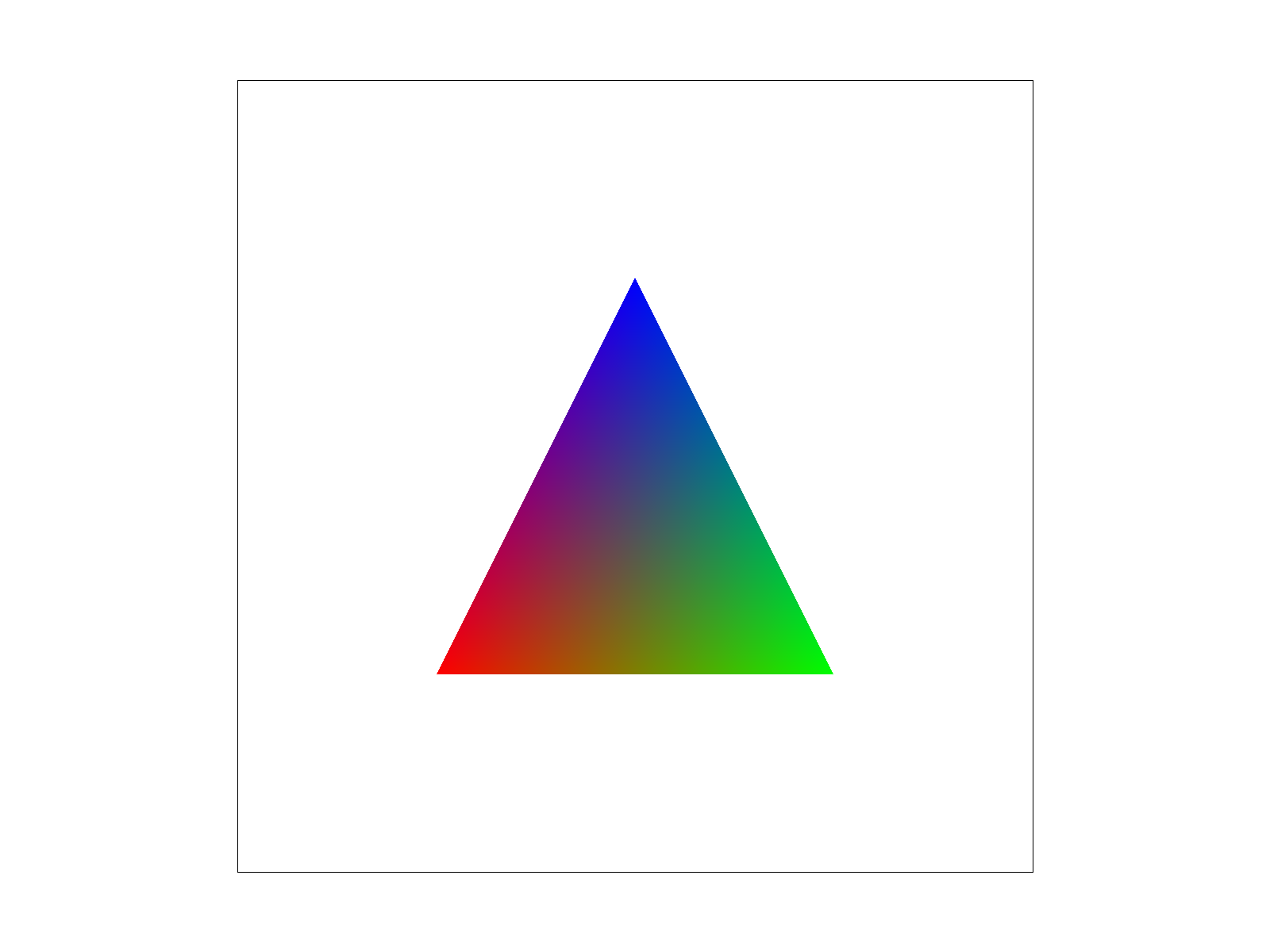
Barycentric coordinate is a coordinate system based on a triangle (i.e. three points). If we let \(A, B, C\) be the three non-colinear 2D points that form the triangle, and let \(O\) be an (arbitrary) origin, then every point \(P\) can be represented by \(\overrightarrow{OP} = \alpha \overrightarrow{OA} + \beta \overrightarrow{OB} + \gamma \overrightarrow{OC}, \alpha + \beta + \gamma = 1\). In other words, barycentric coordinate is the coefficient of an affine combination of the three vertices of the triangle. THus, \(\alpha, \beta, \gamma\) gives us a way to represent any point in the plane. The Triangle interpolation image below shows the barycentric coordinate value of any point in the triangle, using the three color channels to store the barycentric coordinate values.

Triangle
basic/test7.svg

Task 5: "Pixel Sampling" For Texture Mapping

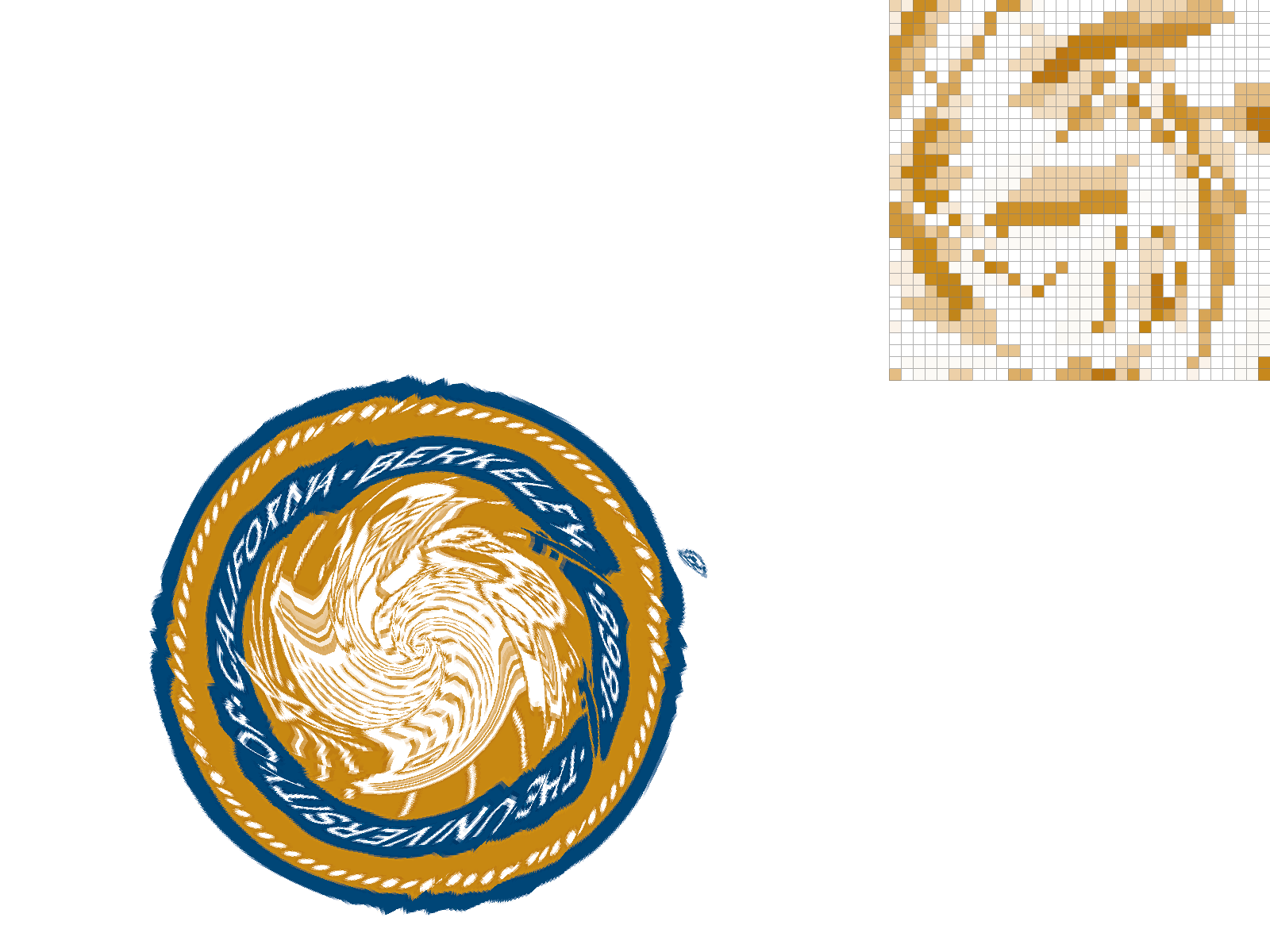
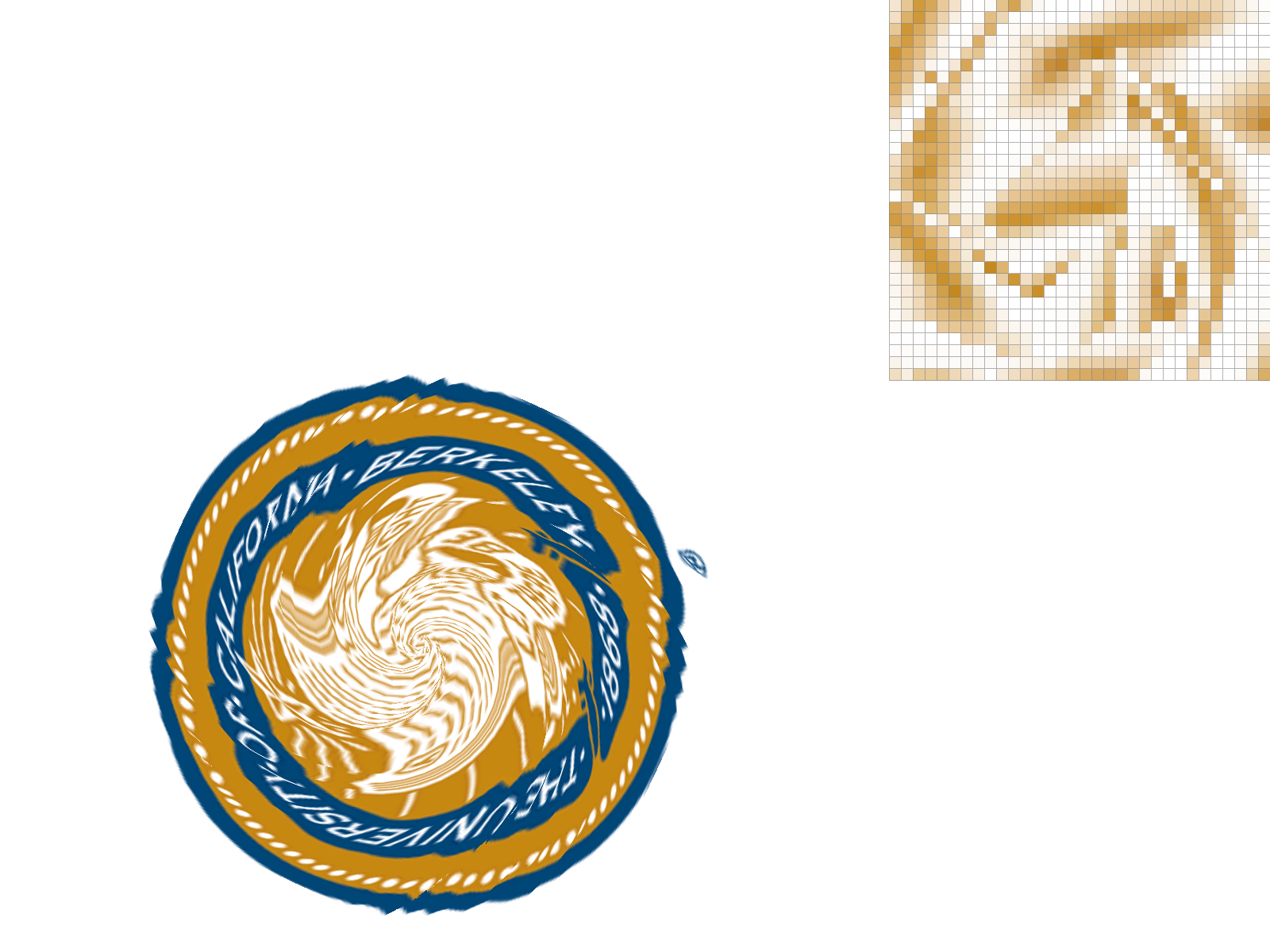
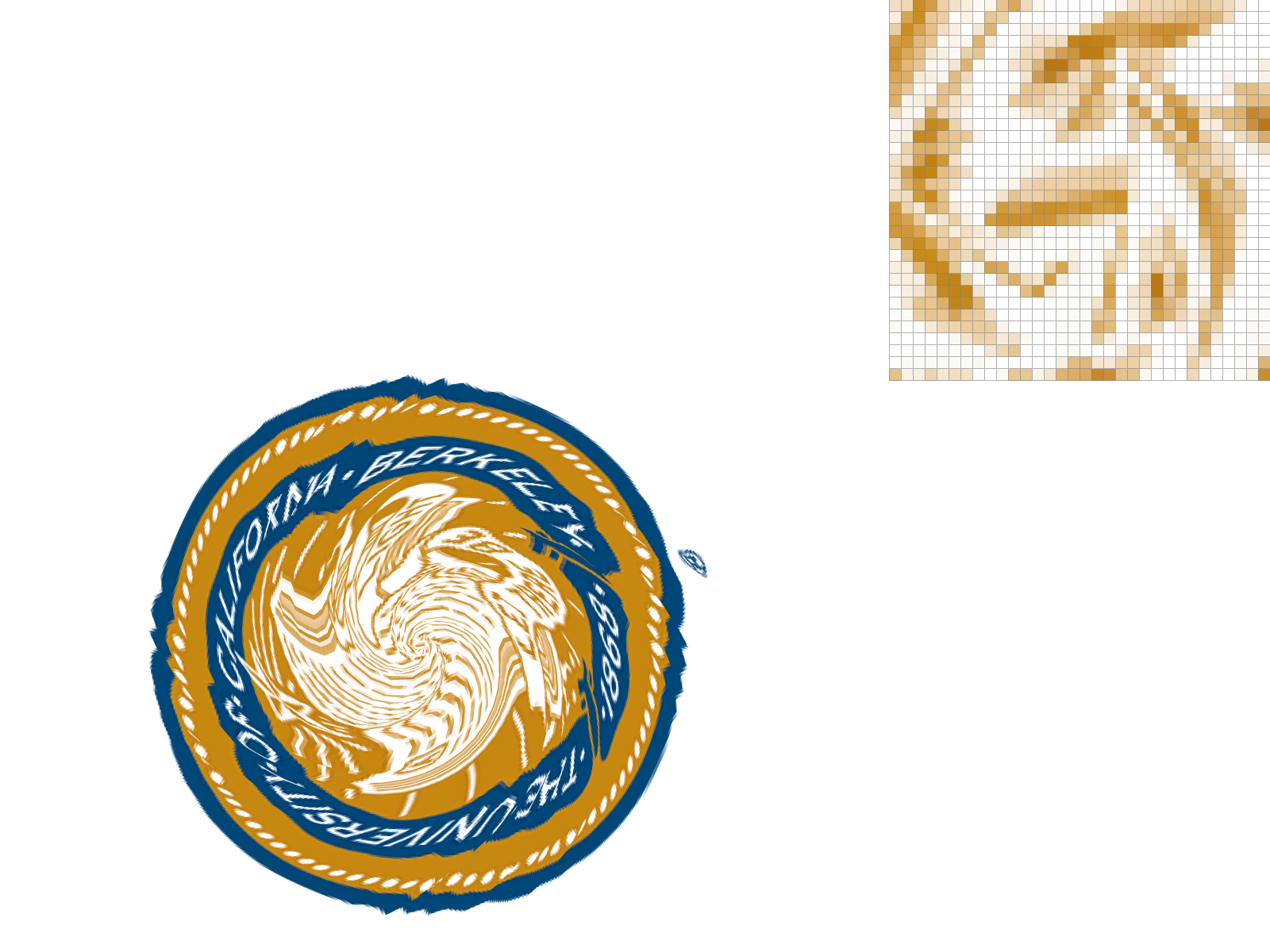
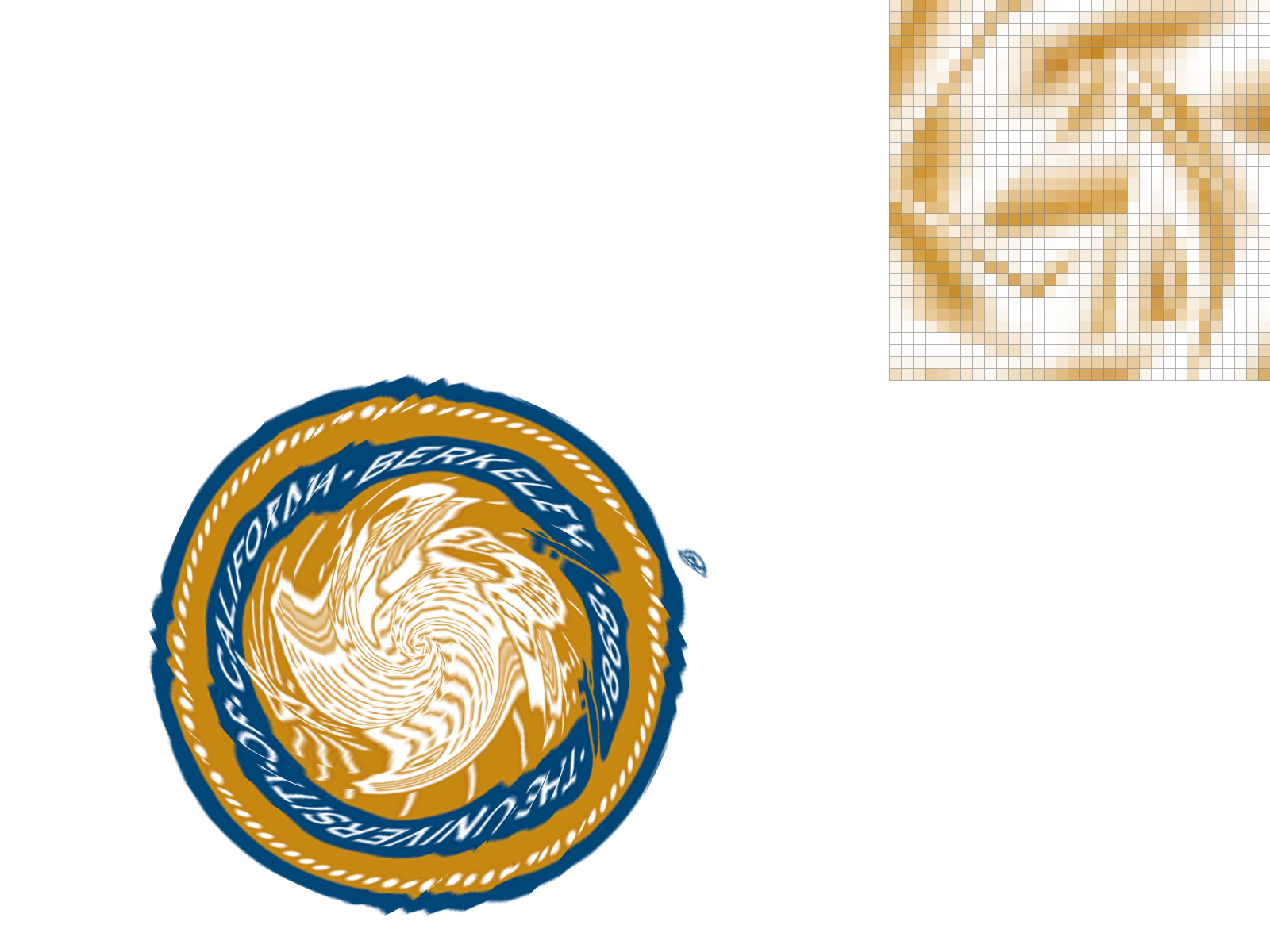
I use barycentric coordinate to find the uv coordinate of the target pixel we want to render by calculating its barycentric coordinate in xy plane and evaluate it in the uv plane. Then, I can map the nearest texel of the uv target coordinate (for nearest sampling) or a biliniear interpolation of the four adjacent texels (for bilinear sampling) to the color of the target point. Below is texmap/test5.svg with nearest and bilinear sampling, with 1x1 sampling and 4x4 supersampling. We can see that bilinear sampling gives a smoother image and nearest sampling gives a sharper image. When the supersampling rate is low and at edges of the triangles, bilinear sampling gives a very different result than nearest sampling (because the nearest texel jumps, yet bilinear sampling smoothen the transition).

1x1 No Supersampling, Nearest
1x1 No Supersampling, Bilinear
4x4 Supersampling, Nearest
4x4 Supersampling, Bilinear

Task 6: Level Sampling with Mipmaps for Texture Mapping

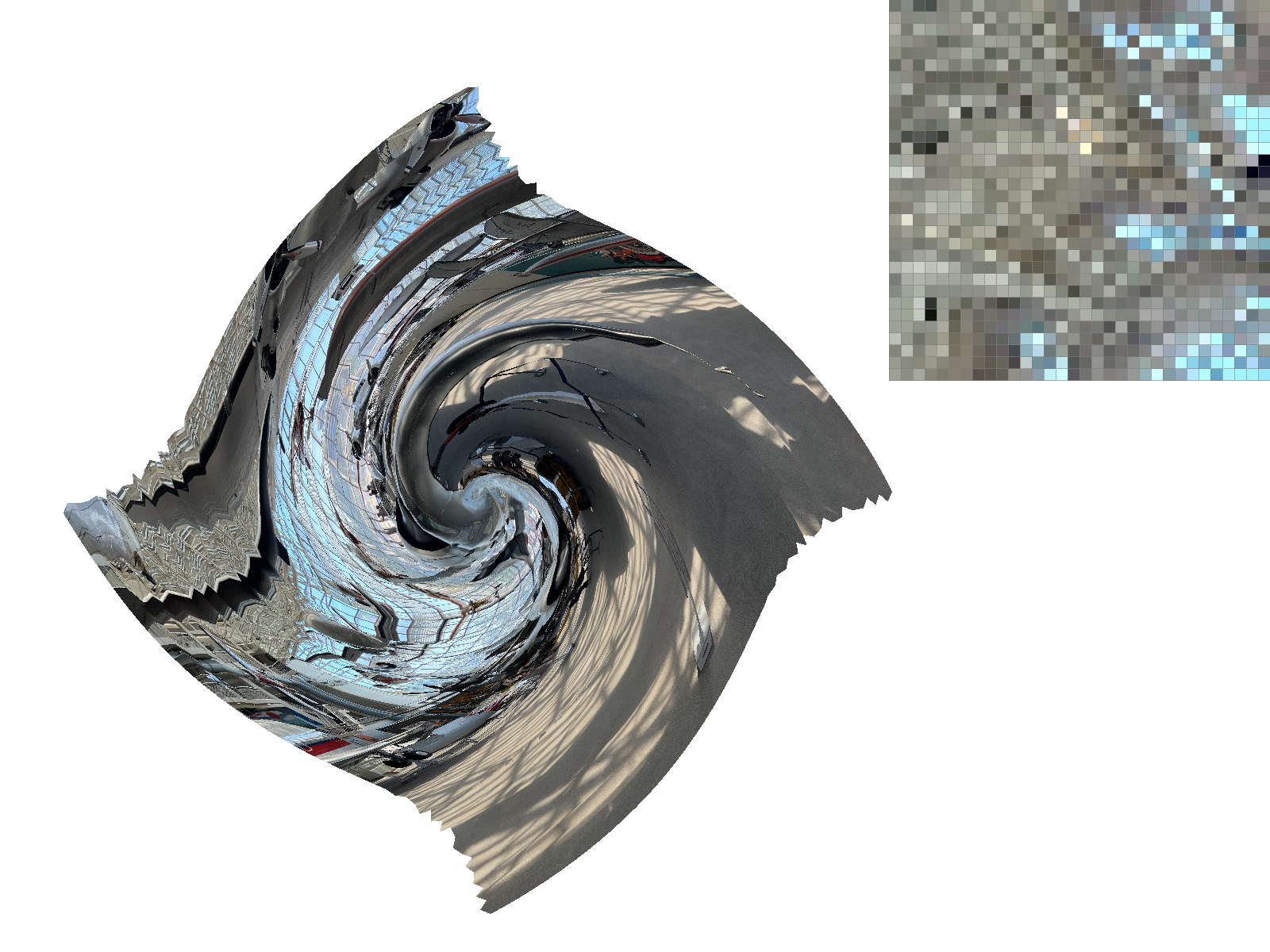
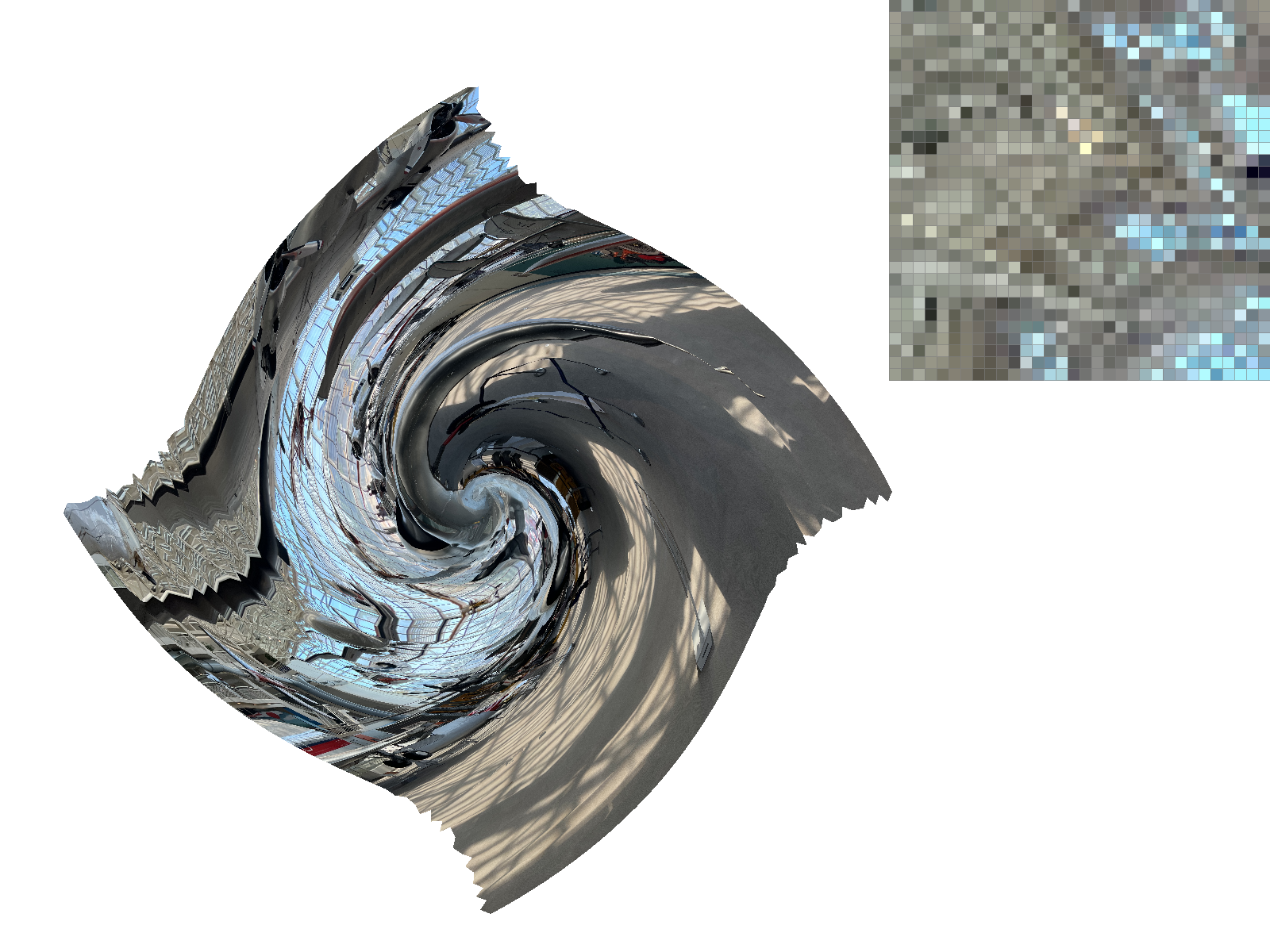
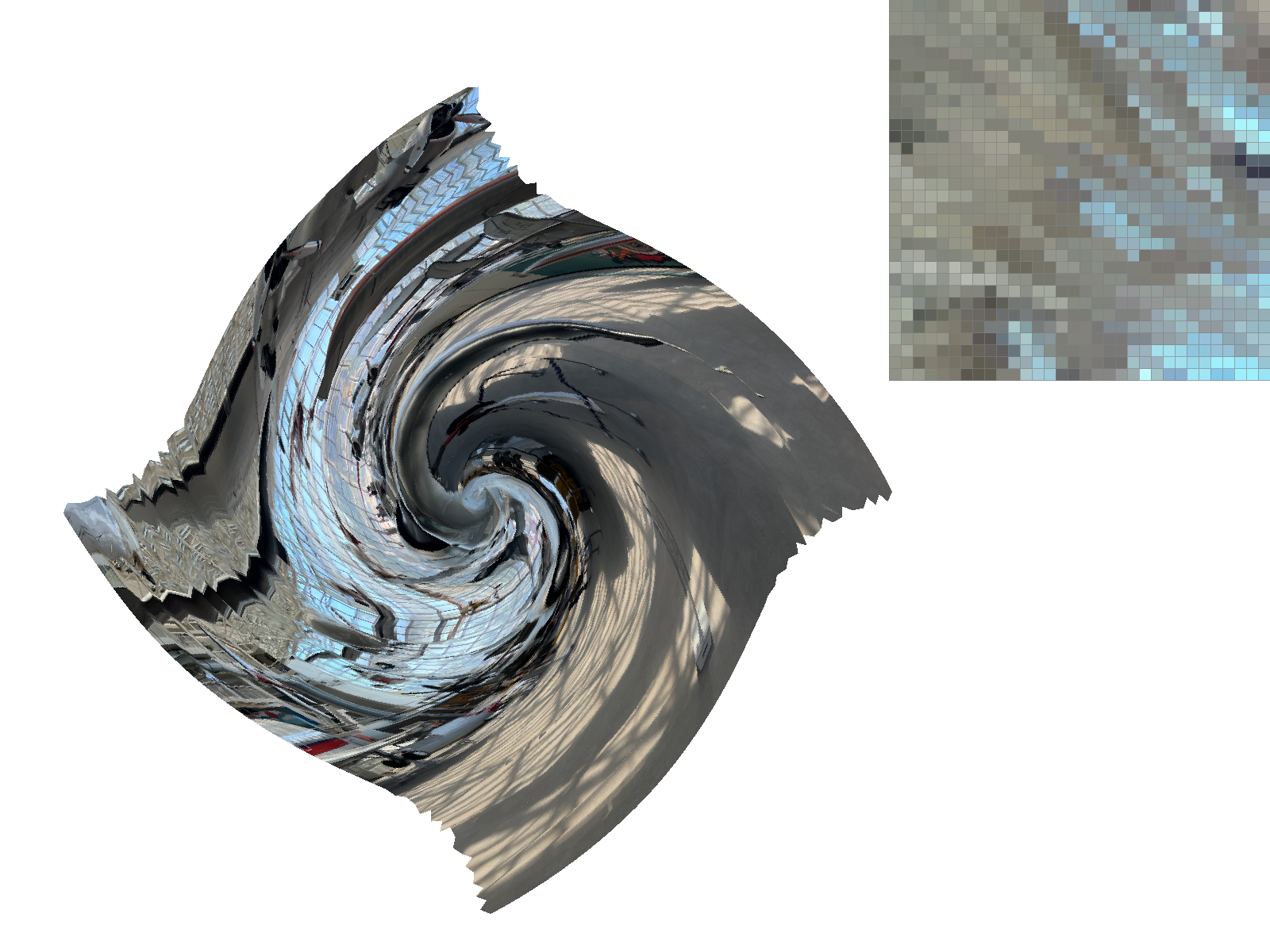
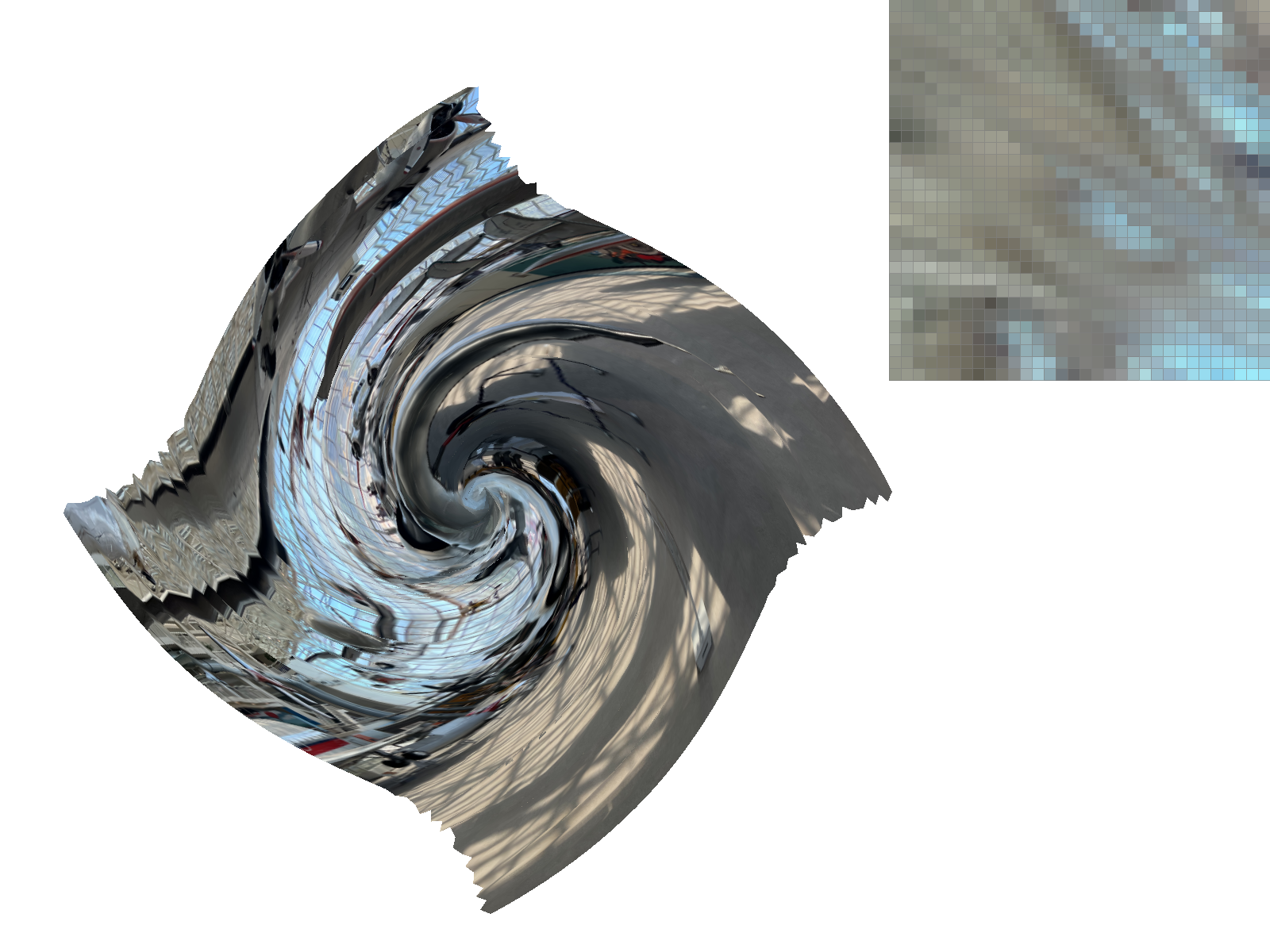
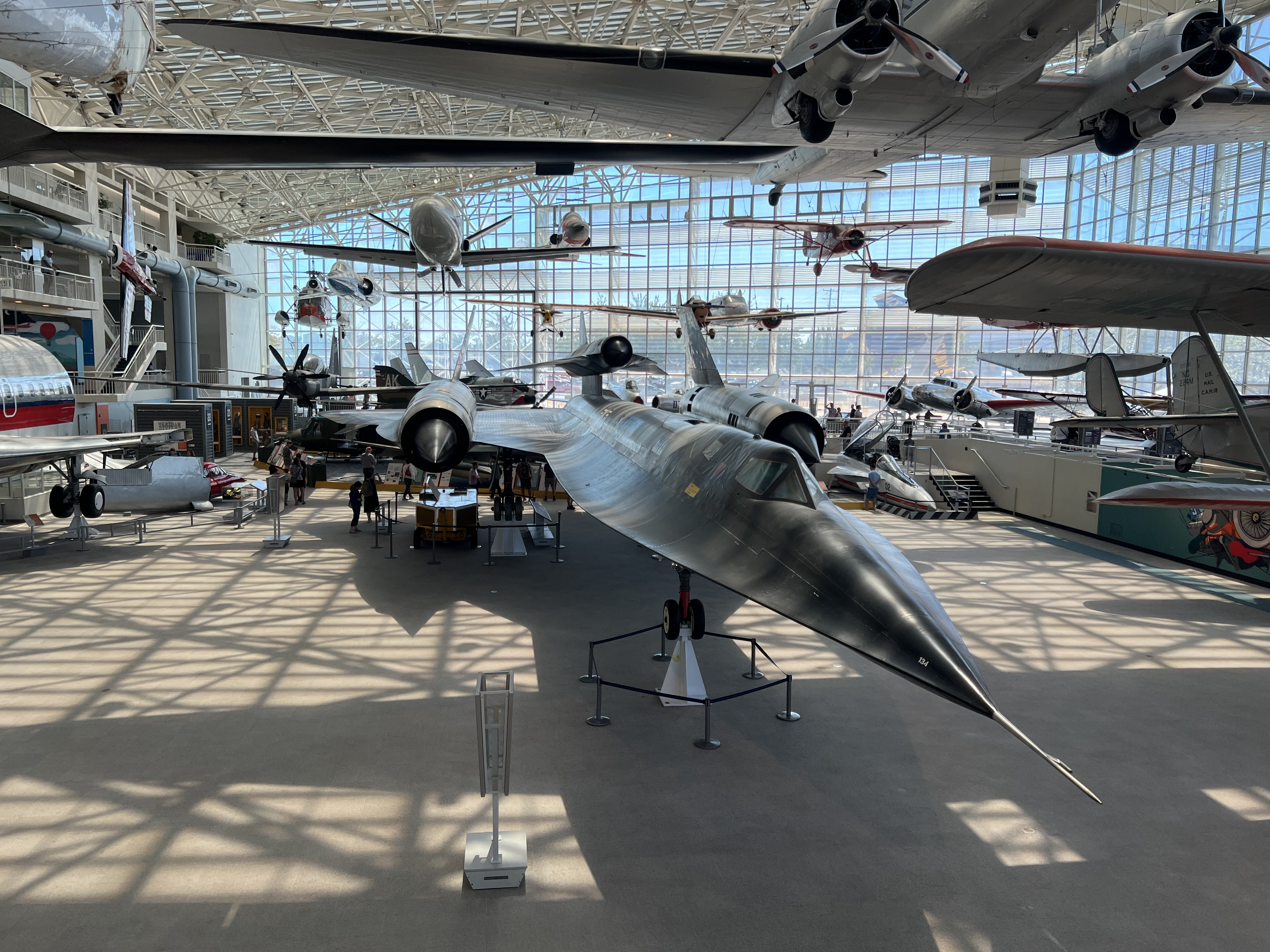
To approximate the gradient of uv with respect to xy, I calculate the uv coordinates corresponding to \((x+1, y), (x, y+1)\) by evaulating the corresponding barycentric coordinates (calculated in xy space) in uv space. Then, I use euler's formula to approximate the gradient of uv with respect to xy, after which I multiply the u gradients with the height of the level 0 texture image and the v gradients with its width. With the adjusted gradients, I can approximate the "size" of the footprint by calculating \(\max(\sqrt{(\frac{\partial u}{\partial x})^2 + (\frac{\partial v}{\partial x})^2}, \sqrt{(\frac{\partial u}{\partial y})^2 + (\frac{\partial v}{\partial y})^2} )\) and its \(log2\) value. Similar to texel sampling stragety, I can sample the level 0 (finest) mipmap, the mipmap closest to the log size of the footprint, or use a linear interpolation of the two nearest mipmaps. Comparing methods for pixel sampling, level sampling, and supersampling, we see that using bilinear rather than nearest pixel/level sampling is about 2x slower each but does not cost much memory overhead. In contrast, supersampling both increases the memory cost and reduces computation speed by the sample rate. They all improves the quality of the rendered image. Below is texmap/test5.svg without supersampling and with my own texture png file. My texture png is high resolution and contains a lot of details. We can see that naively using the level 0 mipmap gives a very jagged image, while using the nearest level gives a much smoother image. Bilinear sampling for pixel also gives a smoother image than nearest sampling.

Level 0, Nearest
Level 0, Bilinear
Nearest Level, Nearest
Nearest Level, Bilinear
My Texture