In the first section I implemented Bezier curve and surface evaluation, which iteratively uses linear interpolation. In the second section I implemented triangle mesh flipping, splitting, and loop subdivision for upsampling. I also implemented area-weighted vertex normals. These implementation requires extreme caution modifying the vertex, edge, and face objects, as well as the underlying halfedge objects. My website link is https://ZekaiWang04.github.io/cs184/hw2/.
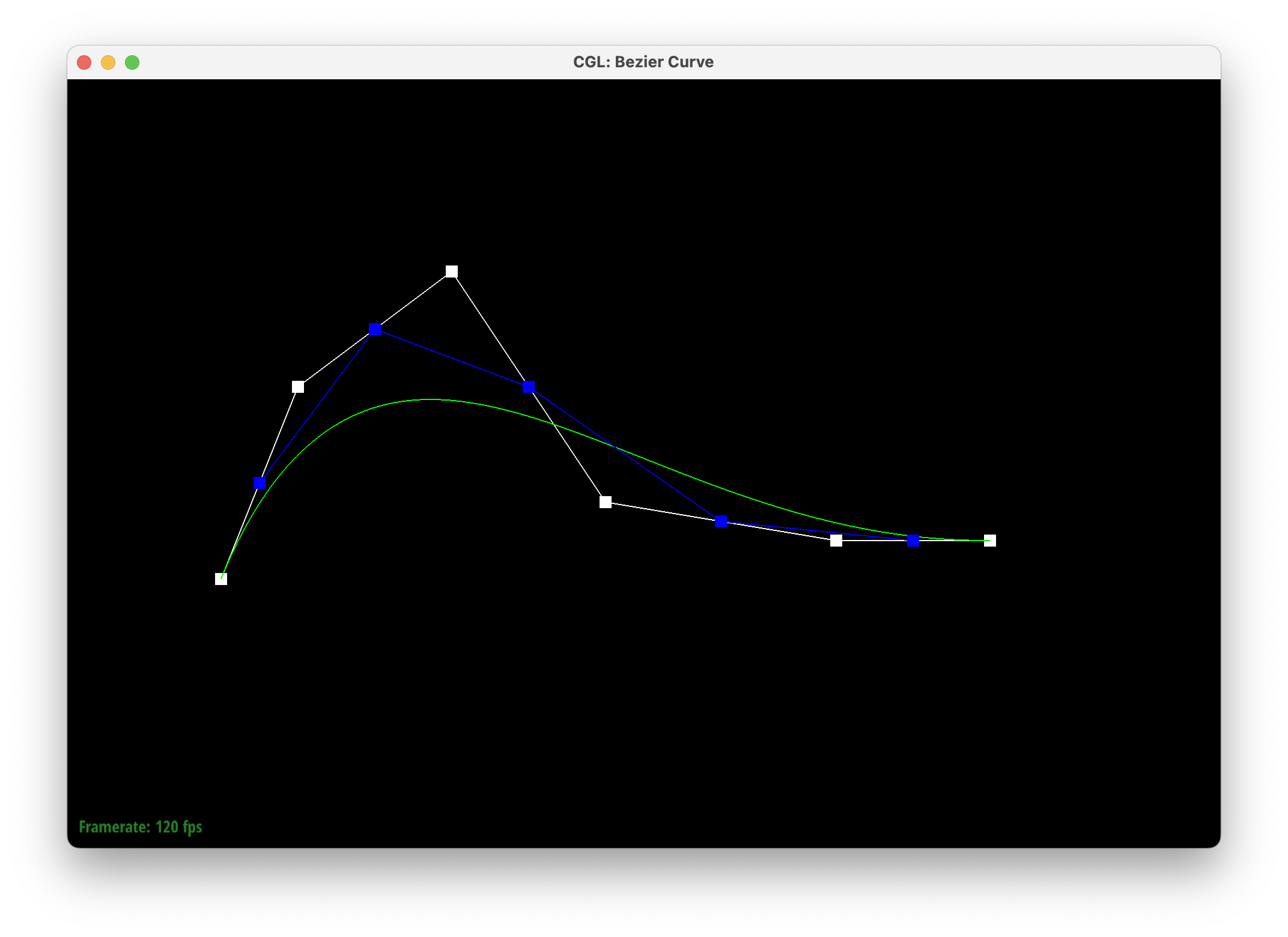
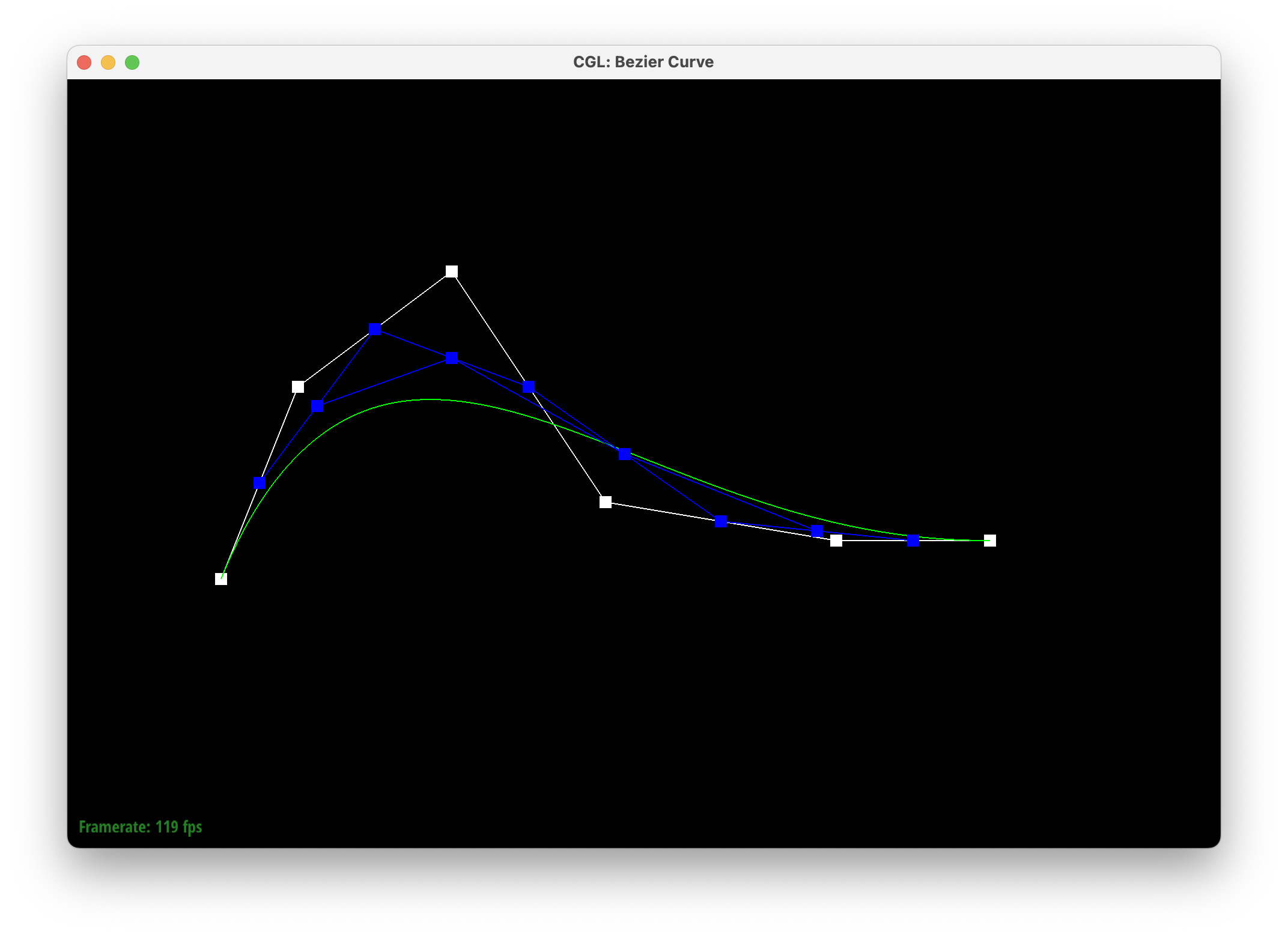
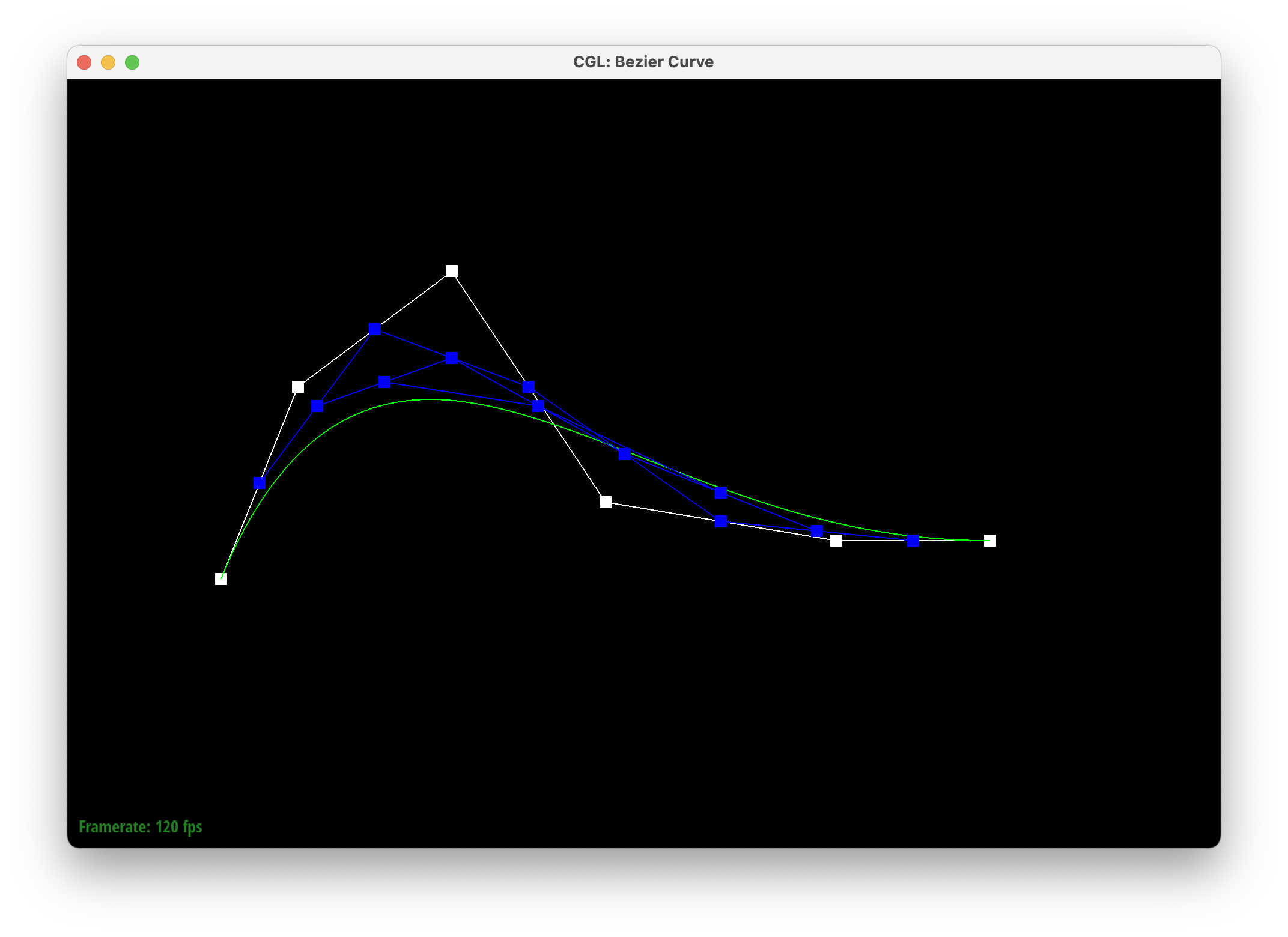
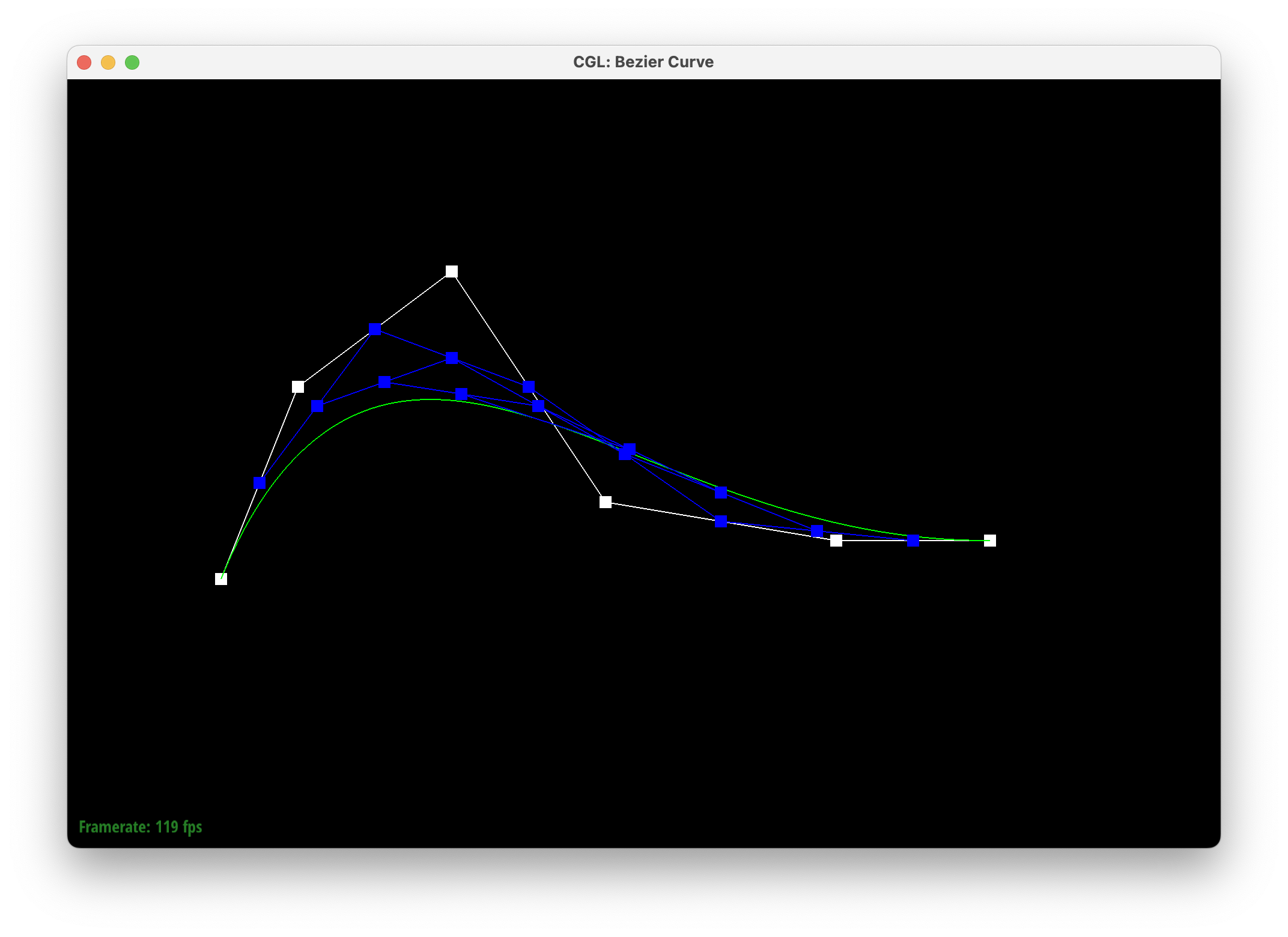
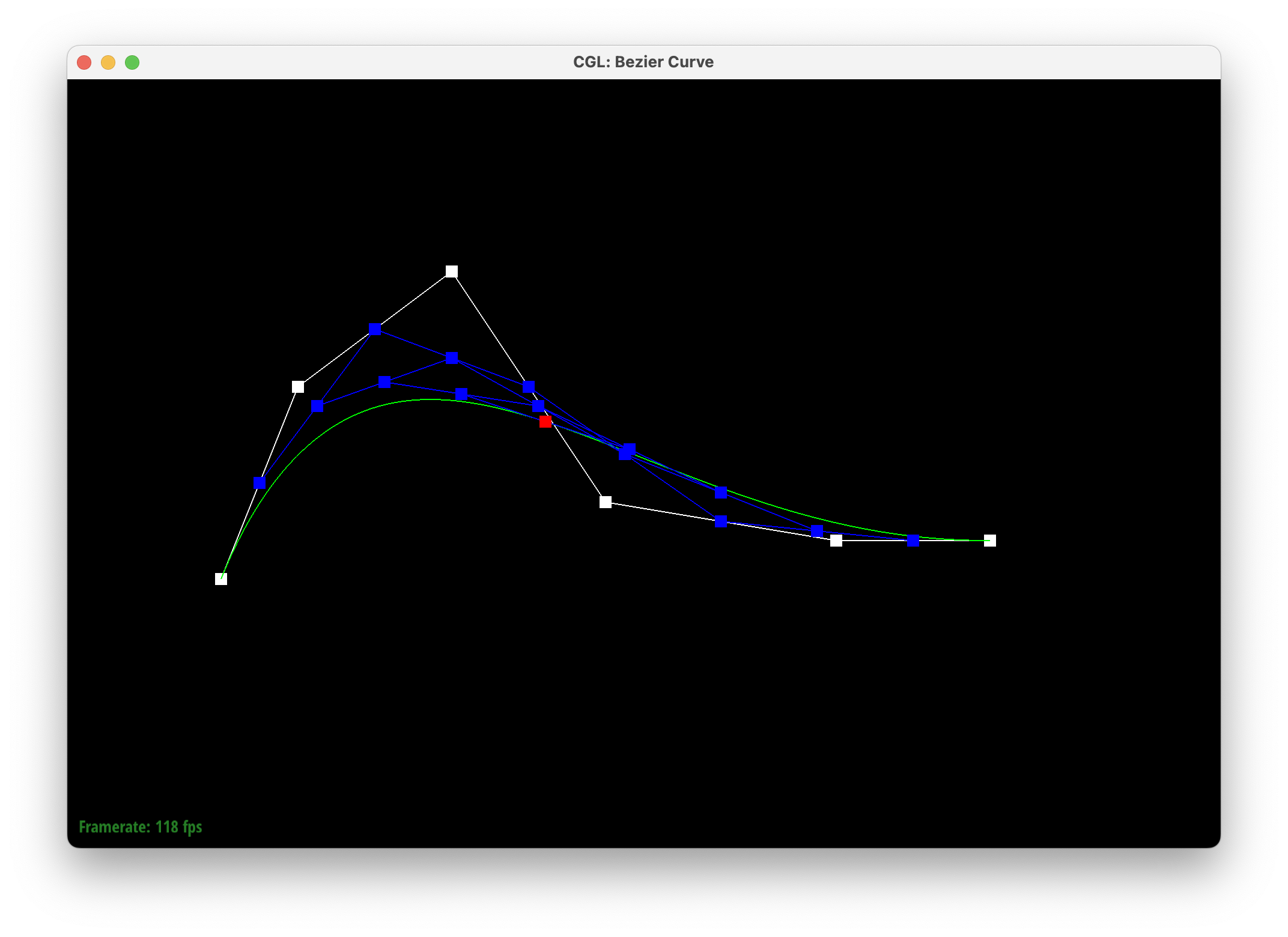
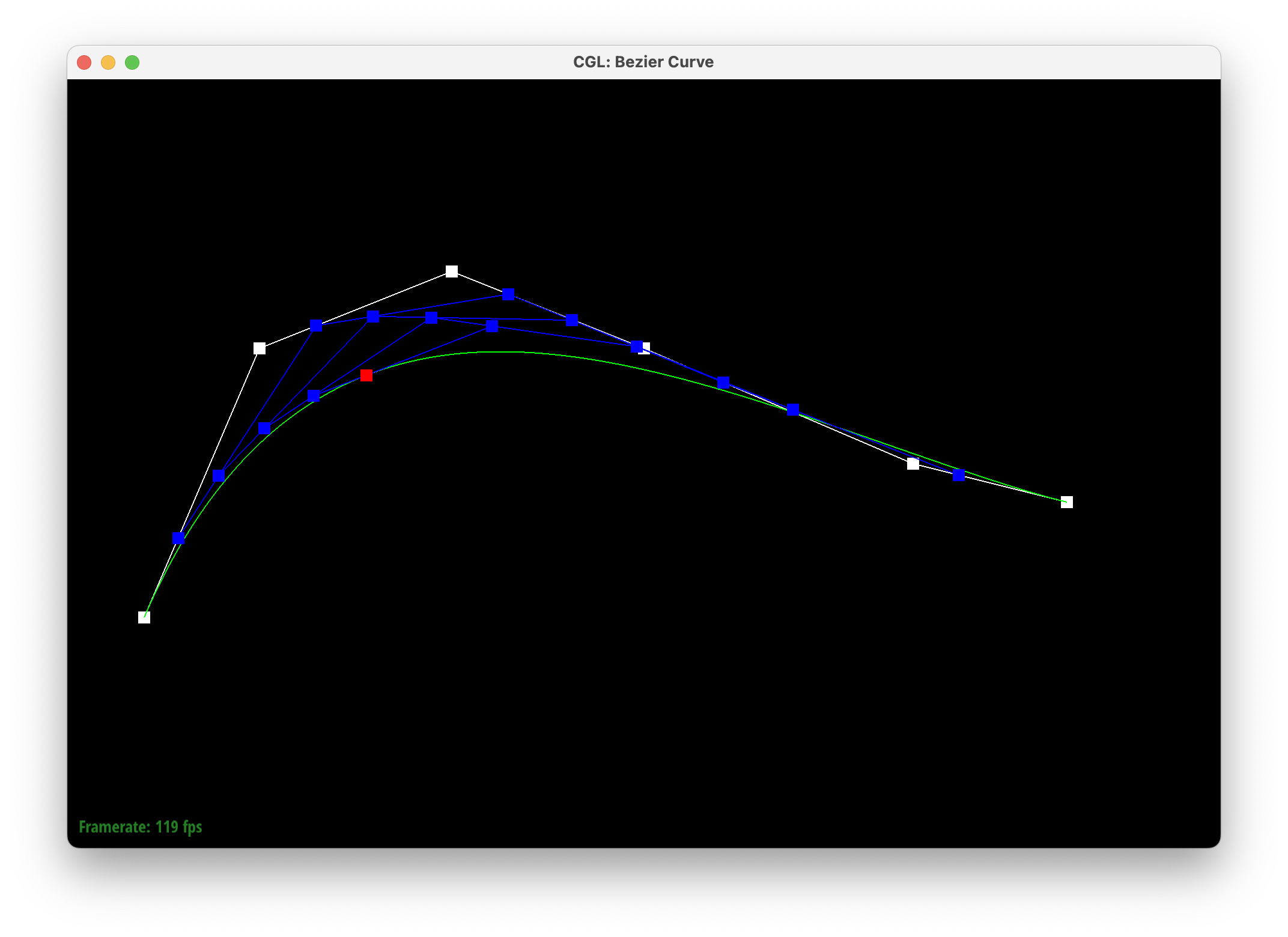
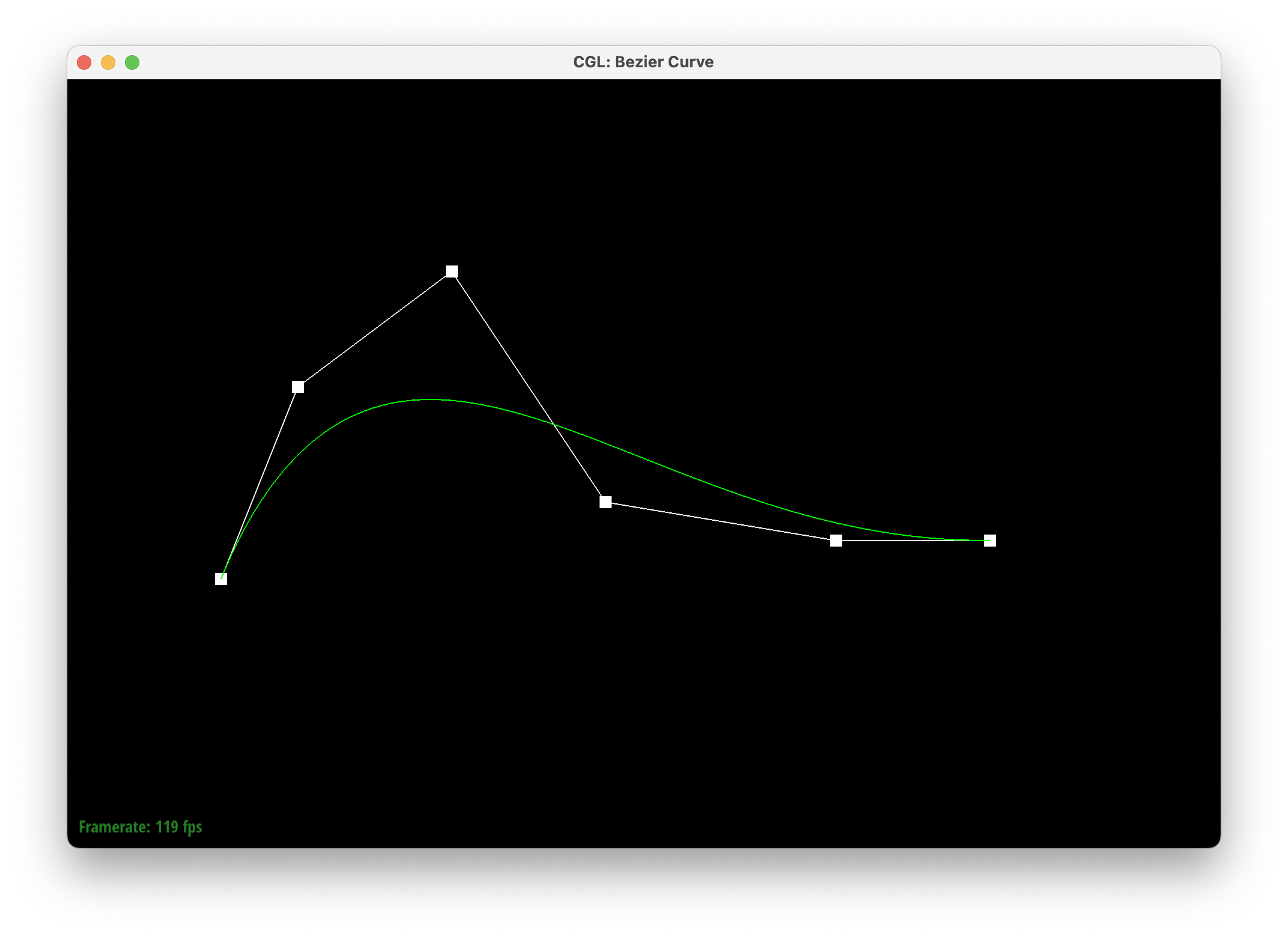
Bezier curves can be defined as iteratively applying linear interpolation to a set of control points, and treating the resulting points as the next level control points, which in turn can be applied linear interpolation once again till we reach a level consisting of a single point (this is the de Casteljau algorithm). The bezier curve is the set of all such points given different t parameters in the linear interpolation operation. The function I implement is BezierCurve::evaluateStep(), which takes a vector of 2D control points, sequentially applying linear interpolation to neighbors, and returning the resulting vector of 2D points that form the next level of control points. Iteratively calling this function would give us a point on the Bezier curve with respect to t. Below are the visualizations with a 6-control point Bezier curve, and a slightly different 6-control point Bezier curve.
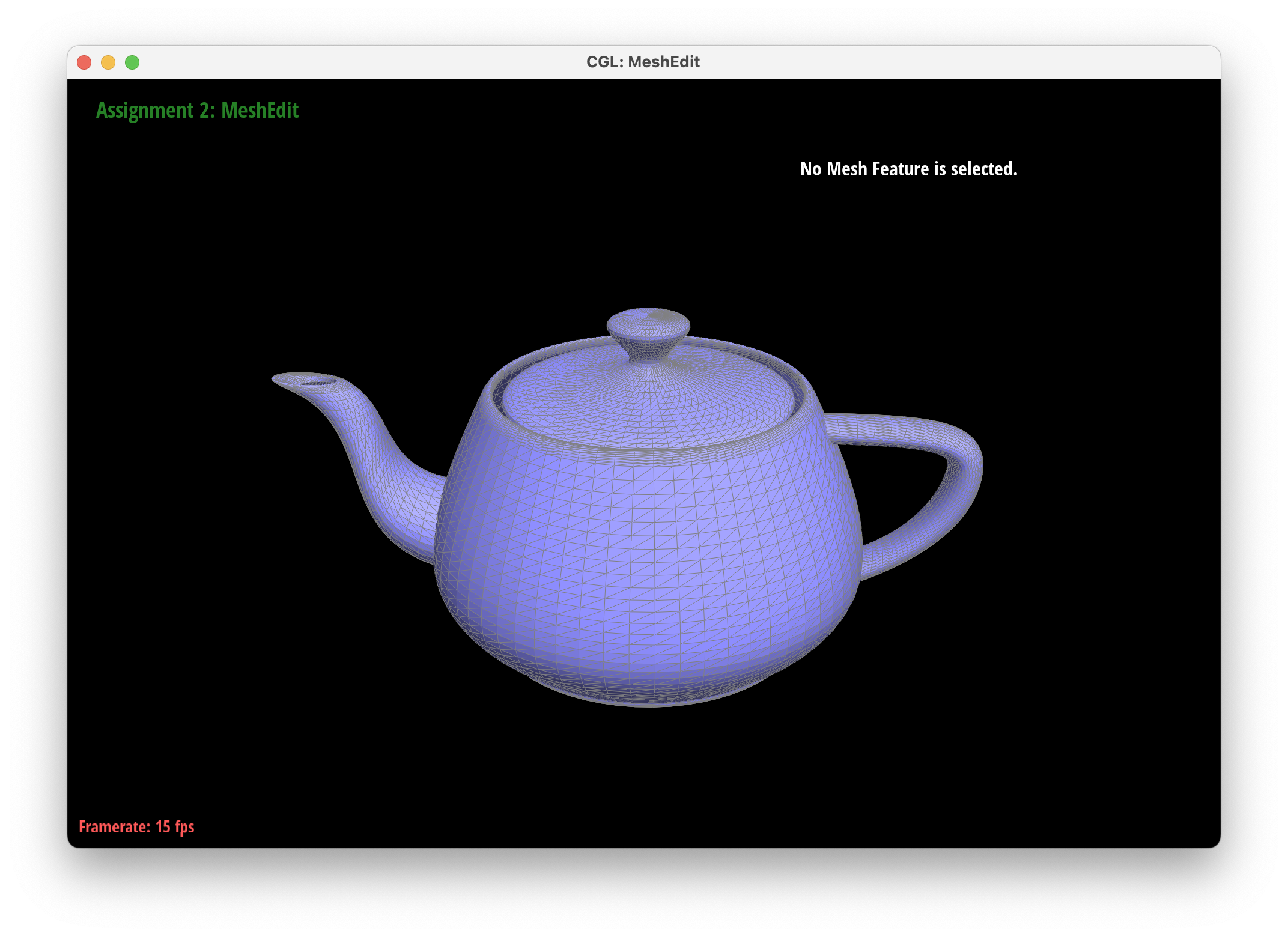
We can extend the 1D de Casteljau algorithm to 2D by first applying the 1D version to each row (forming a new row control point for each row) with lerp parameter u, and then applying the 1D version to the newly formed row control points with lerp paremeter v. Through this process we can evaluate the Bezier surface at a given (u, v) parameter. In my implementation, BezierPatch::evaluateStep() evaluates one step of the 1D de Casteljau algorithm, BezierPatch::evaluate1D is the 1D de Casteljau algorithm (which recursively calls BezierPatch::evaluateStep()), and BezierPatch::evaluate is the 2D de Casteljau algorithm (which calls BezierPatch::evaluate1D on the newly formed row control points). Below is a visualization of the teapot.
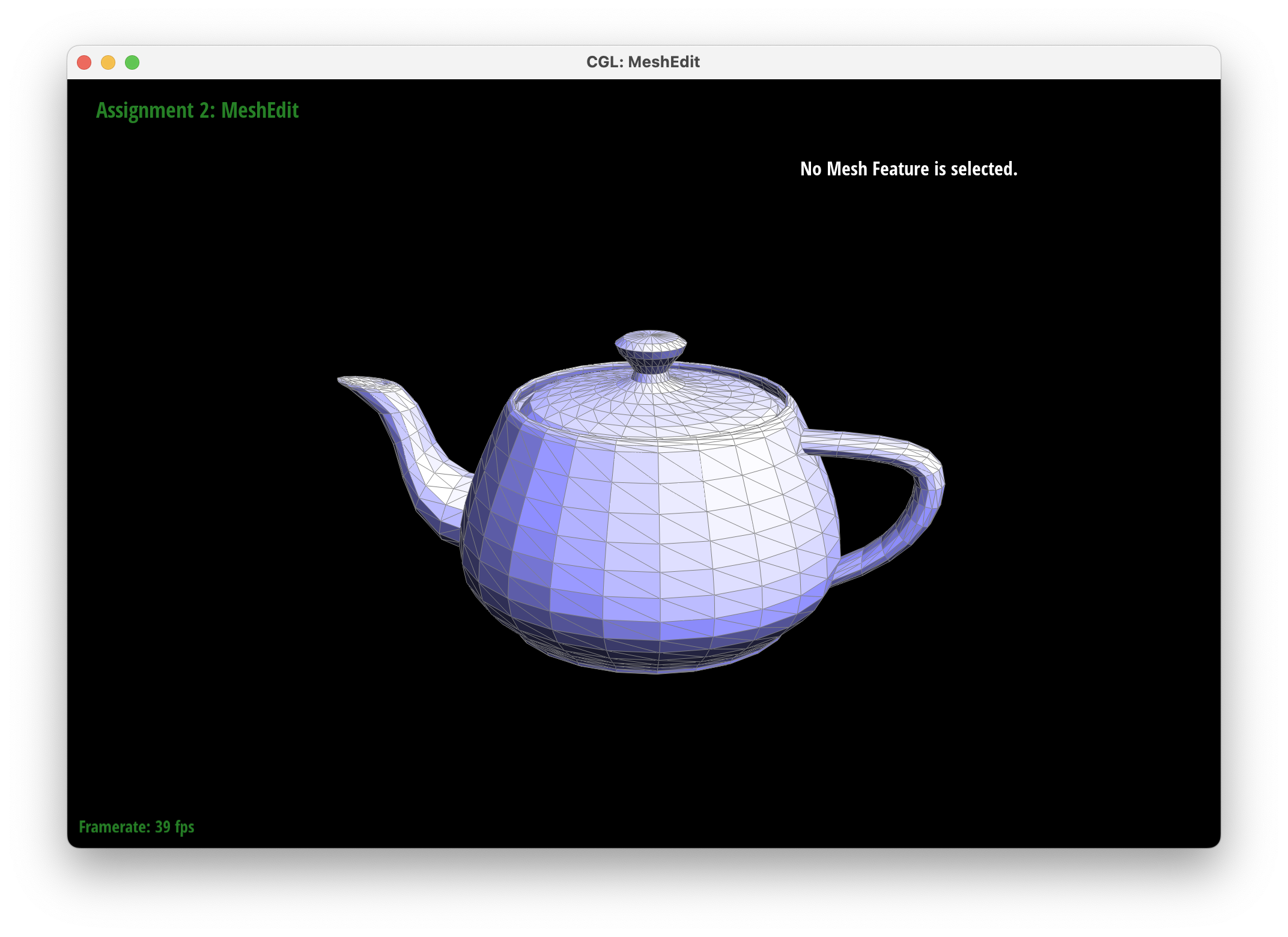
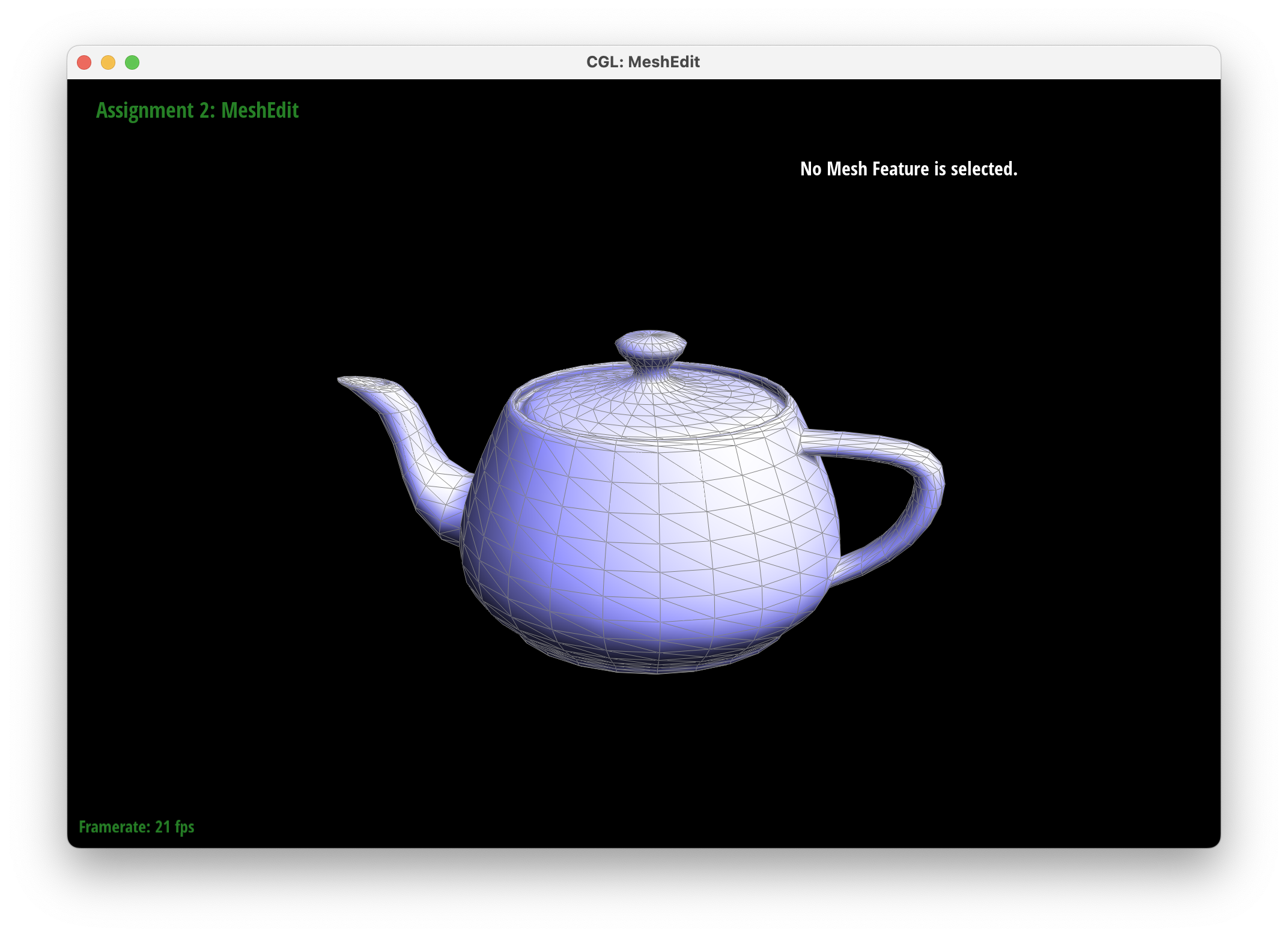
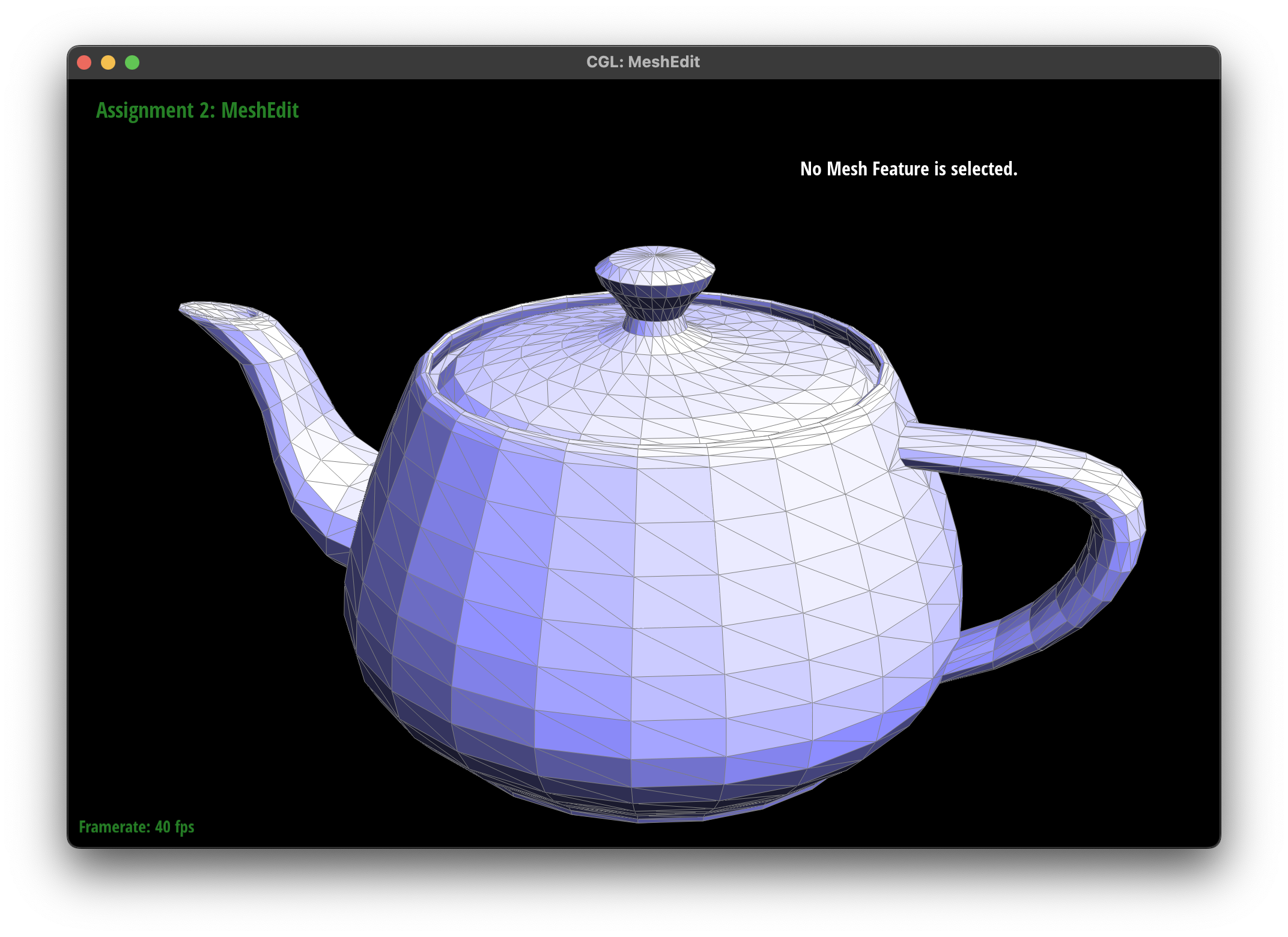
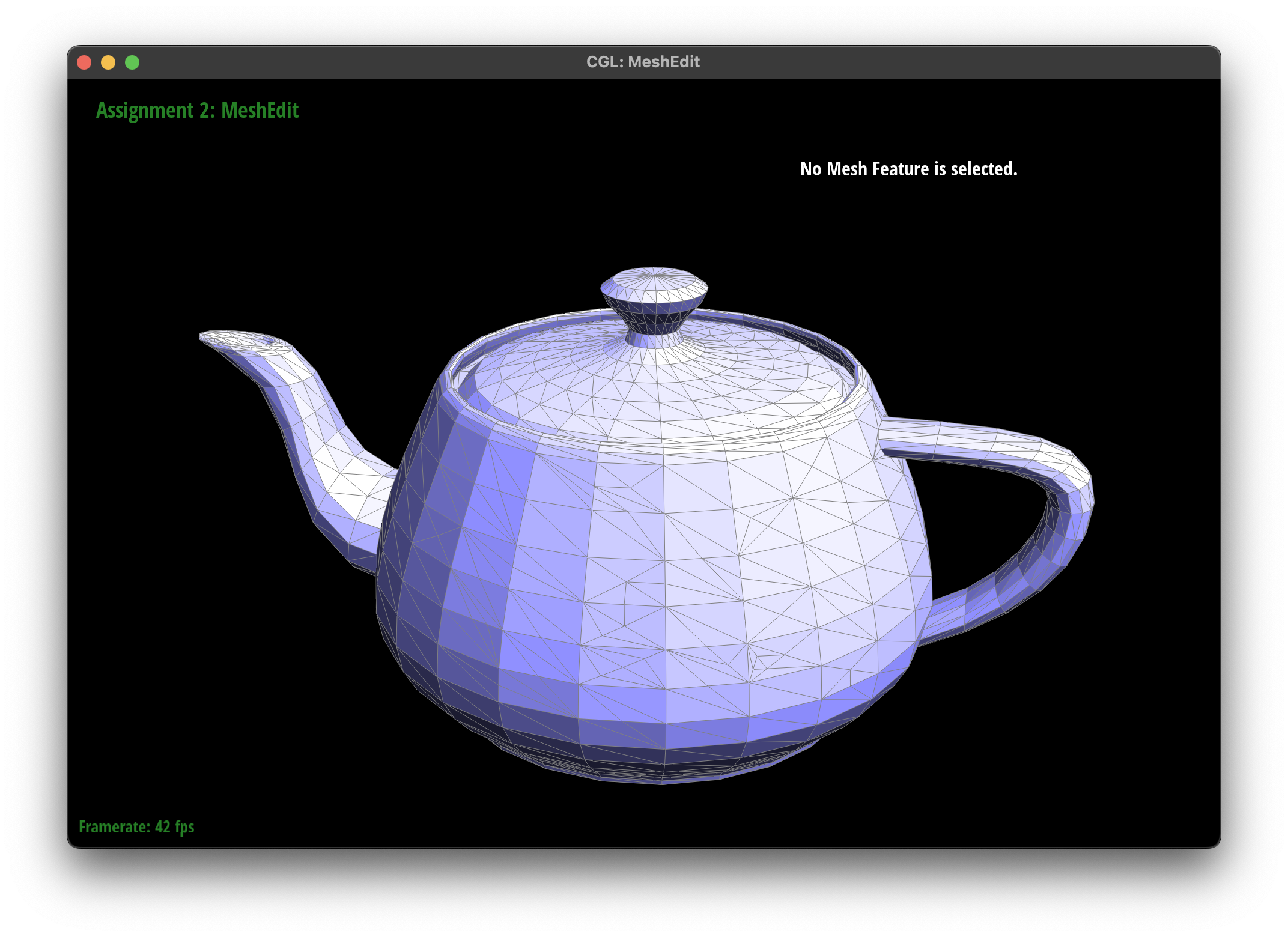
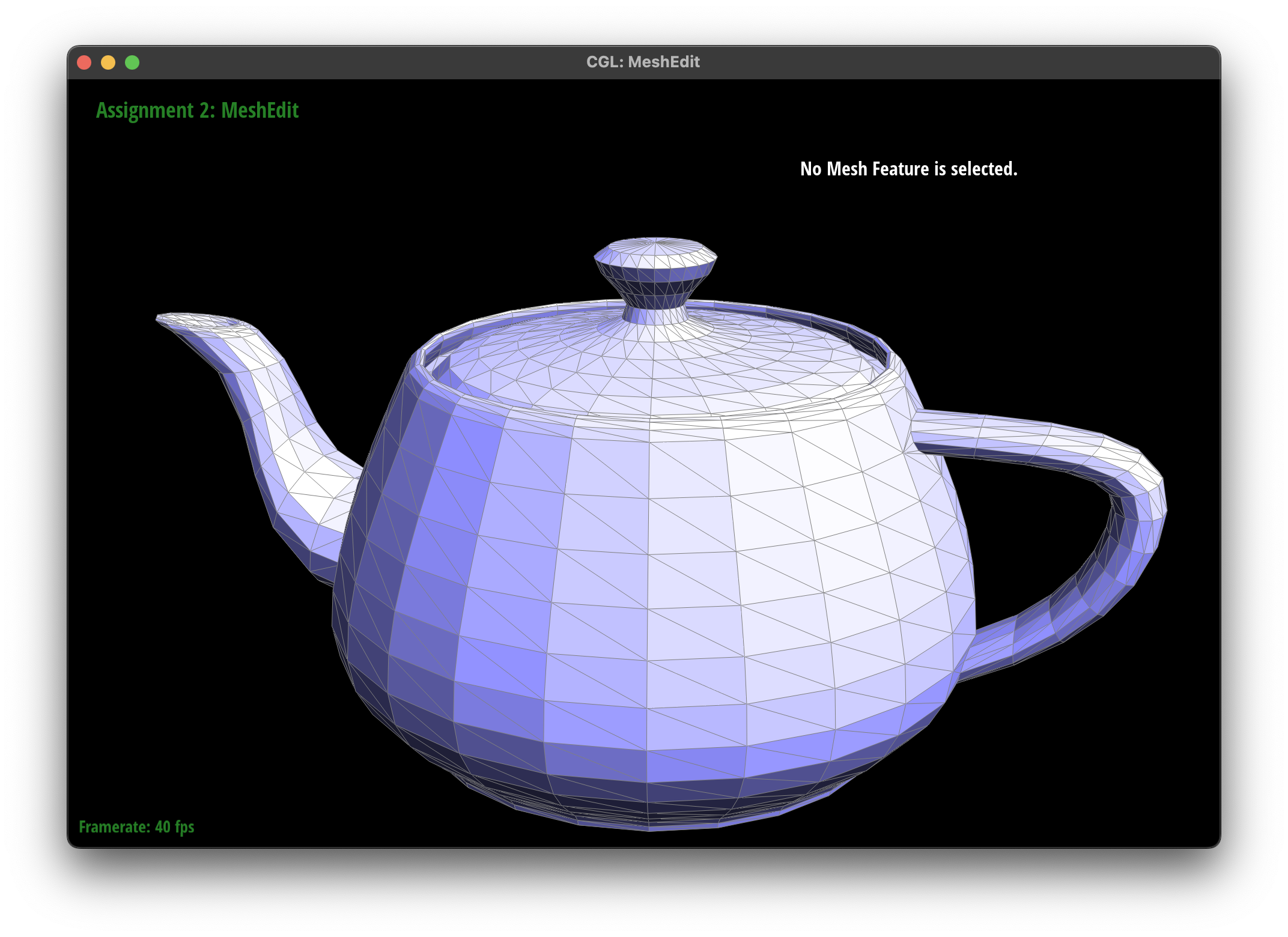
bez/teapot.bezTo implement area-weighted vertex normals, I first traverse all the faces (that are not part of the boundary) at the given vertex, and then I obtain the position of the three vertices attached to the triangle face (I also explicitly assert that all non-boundary faces are triangles). Then I can use cross product (since the orientation is obtained by right-hand rule and the vlaue of the corss product of two edges gives two times the area of the triangle) to calcualte the normal of the triangle face whose length is the area of the triangle. I add these area-weighted normals together and return its unit direction. Below are the comparison of the teapot shading with and without vertex normals.
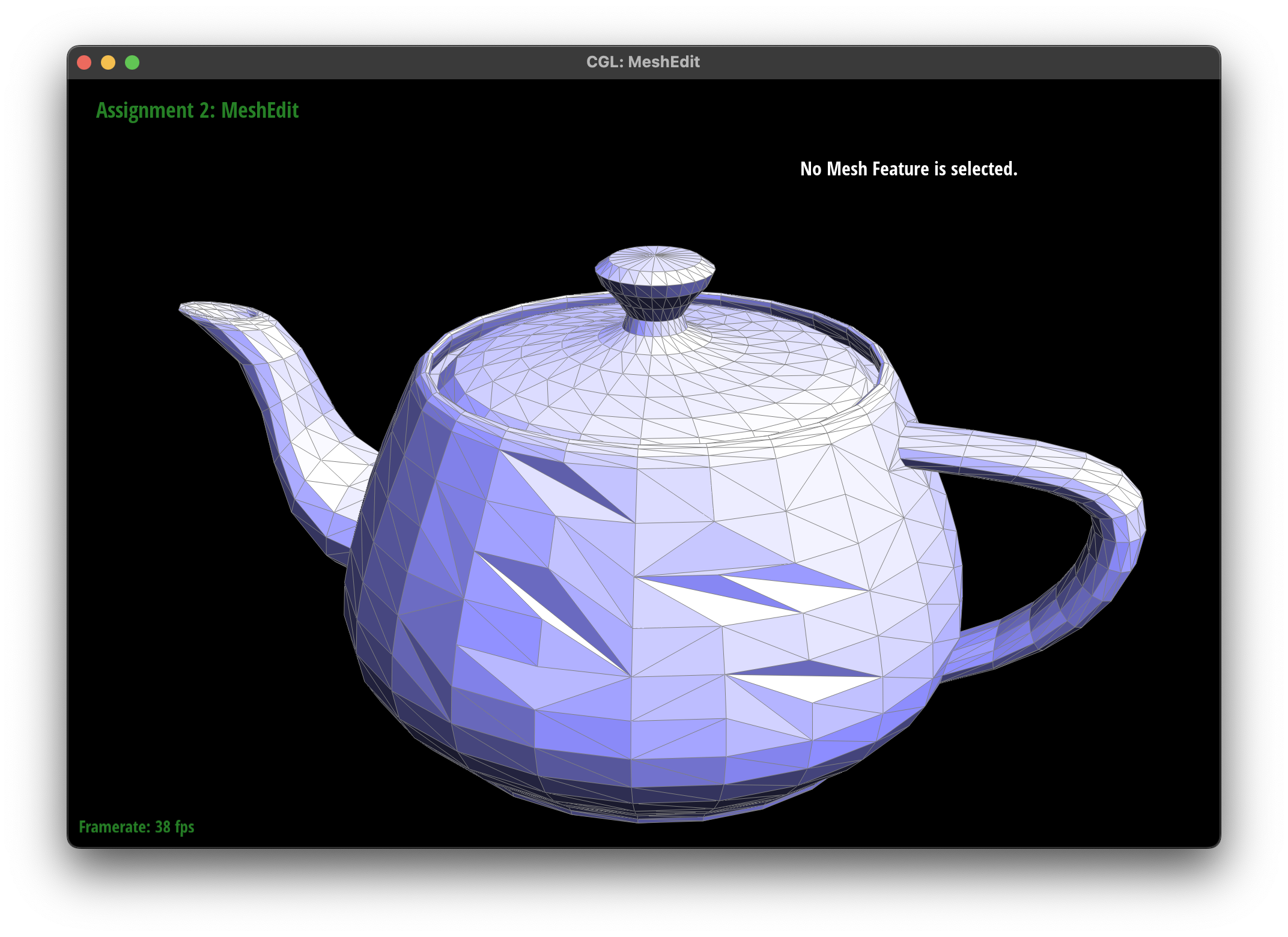
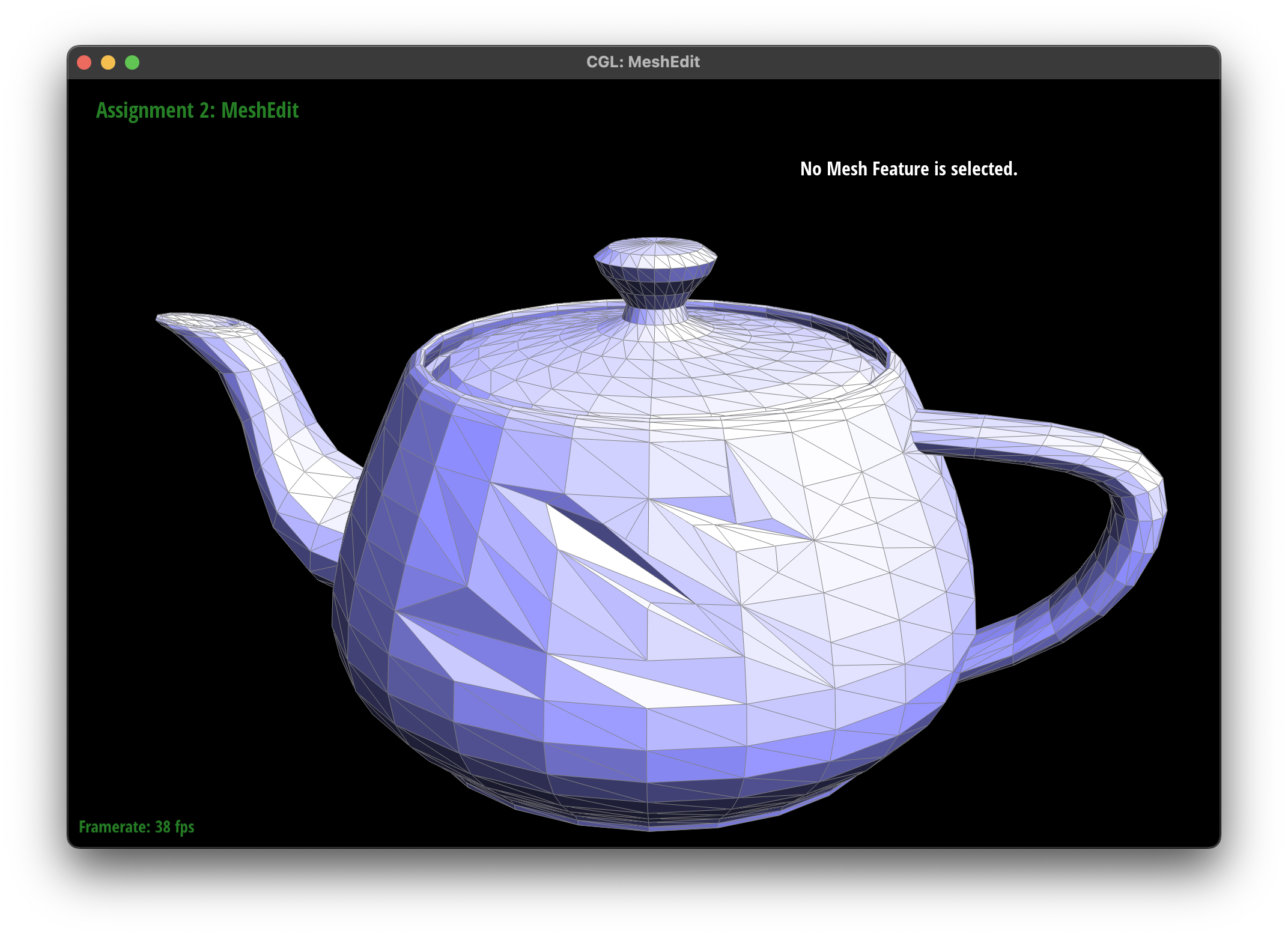
To implement edge flip, I first retrieved all the halfedges, edges, faces, and vertices in tha ABCD rhombus (assuming we want to flip BC to AD). Then, I carefully reassigned the internal pointers of the halfedges, and then adjust the faces' and vertices' internal pointers accordingly. I do not have to change the edges' internal pointers since they are shared before and after the flip. Printing statements and assert statements were useful for debugging. Below are the screenshots of the teapot before and after some edge flips. Note because some flips make the mesh concave, so it is shaded. (N/A for debugging journey).
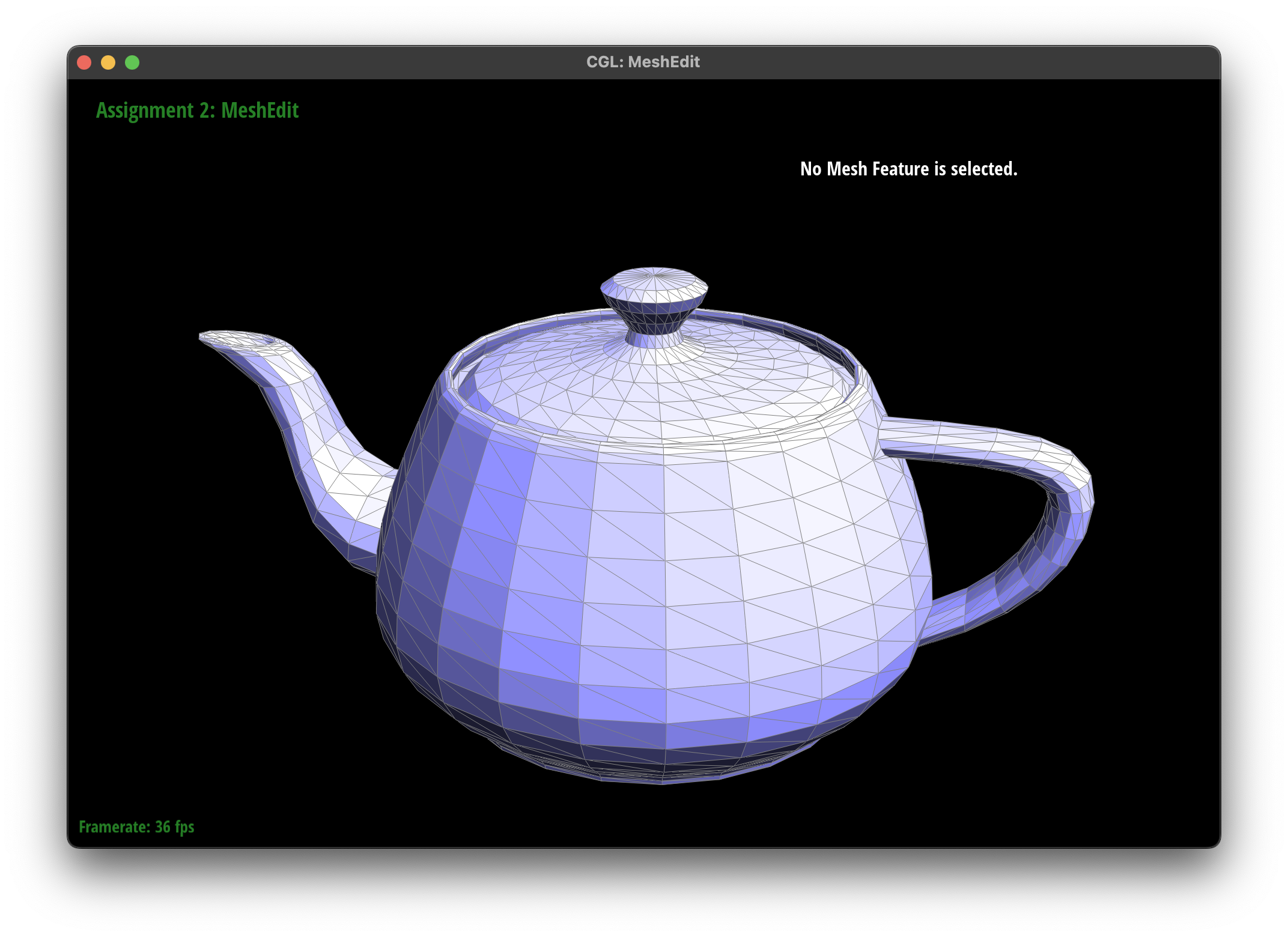
To implement edge split, similarly I first retrieved all the halfedges, edges, faces, and vertices in the ABCD rhombus (assuming we want to split BC). Then, I created the new M (midpoint) vertex, the six new halfedges (AM/MA/CM/MC/DM/MD, BM/MB are reassigned from BC/CB), the three new edges (AM/CM/DM, BM is reassigned from BC), and the two new faces (AMC/BMD, the other two are reassigned). Below are the screenshots of the teapot before and after some edge splits (and some combination of edge flips and splits). (N/A for debugging journey or extra credit).
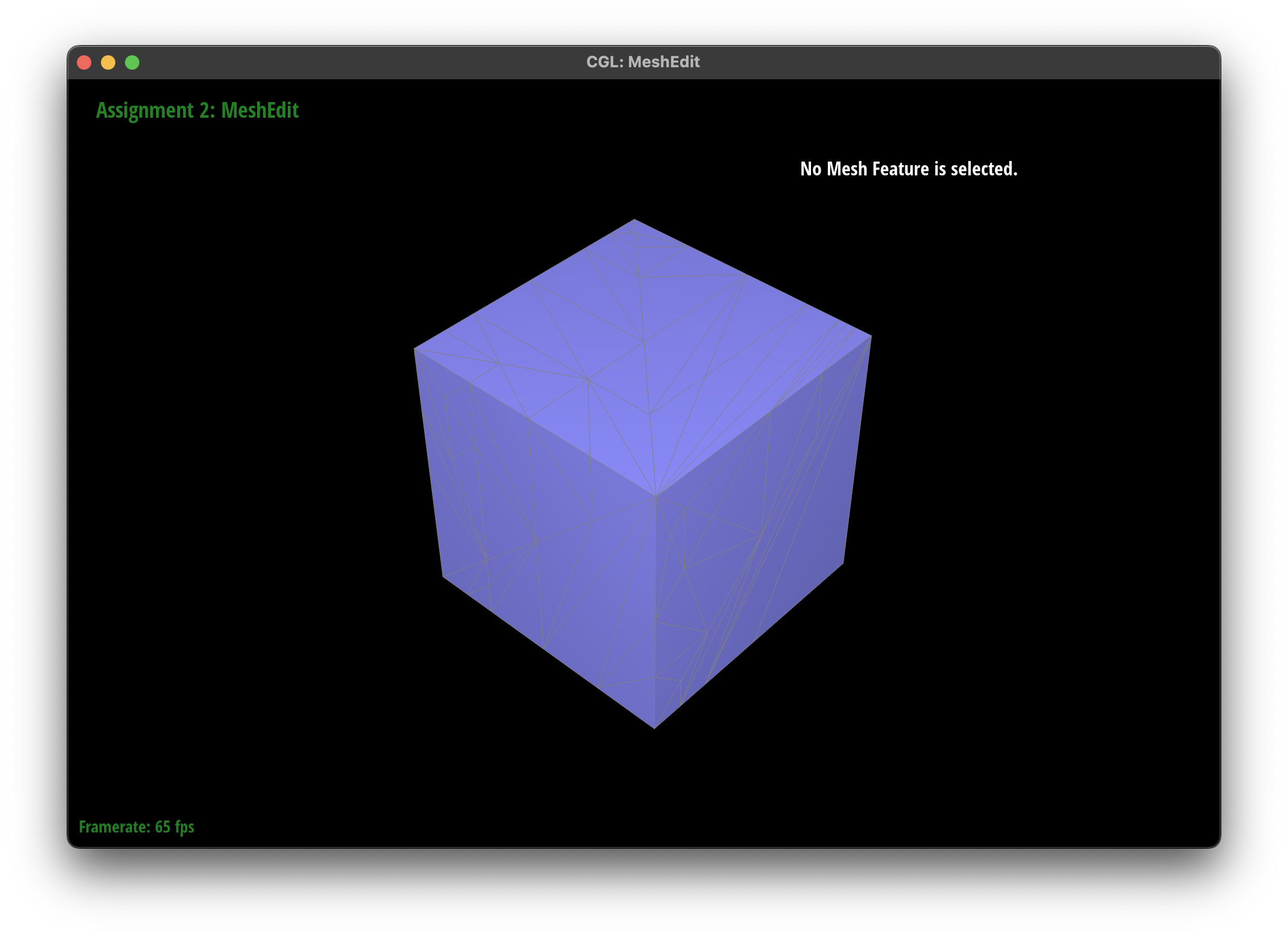
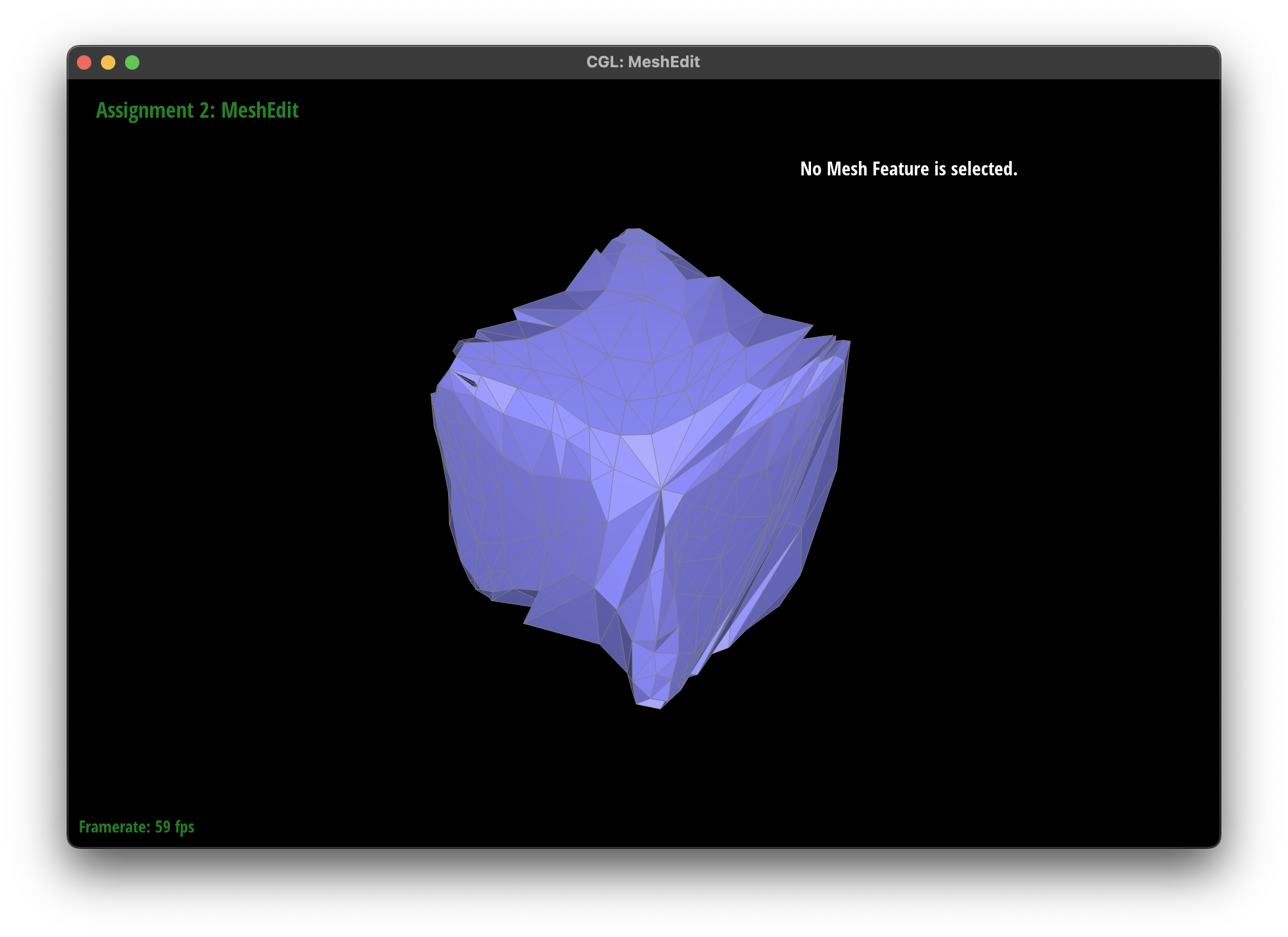
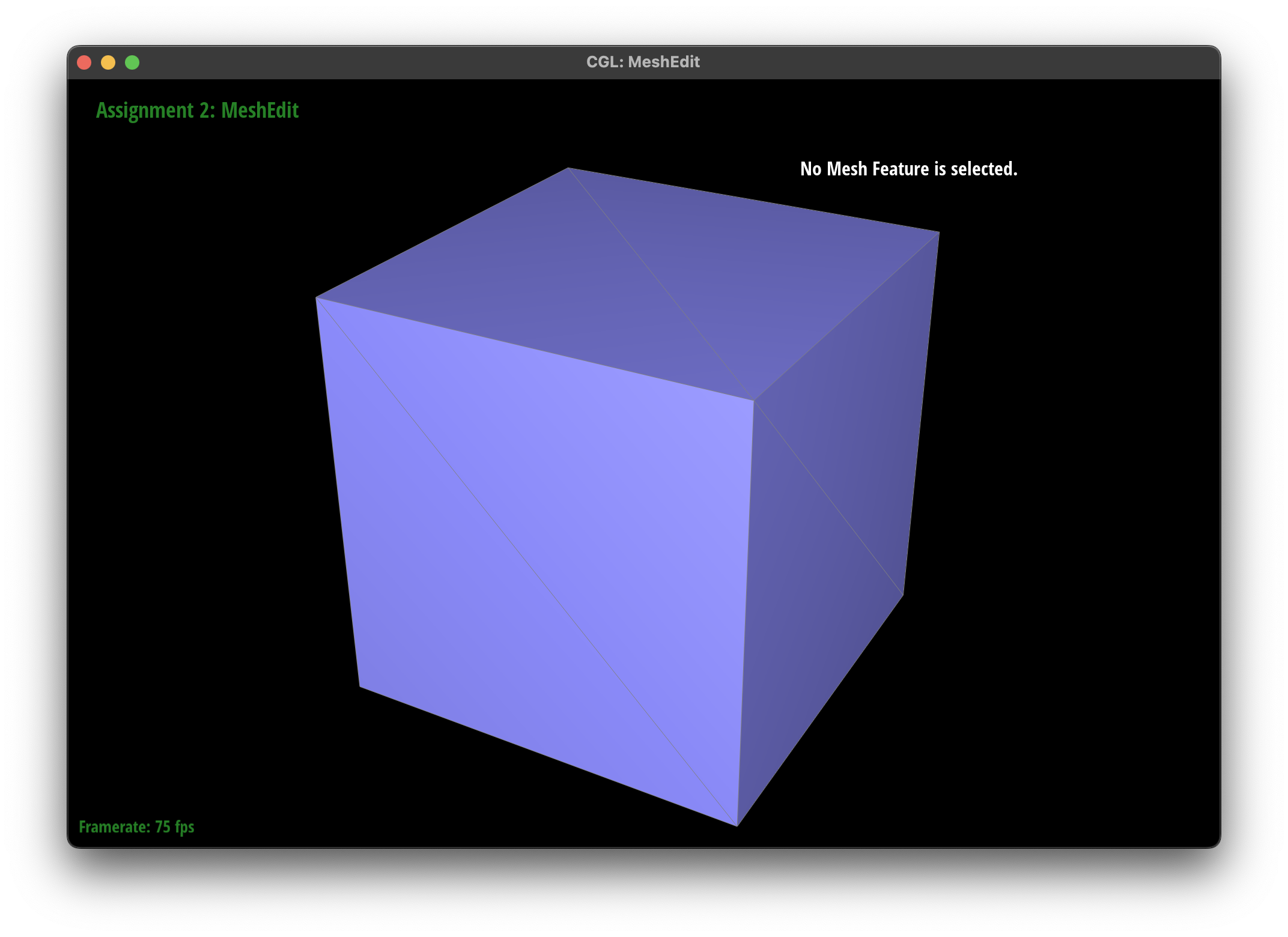
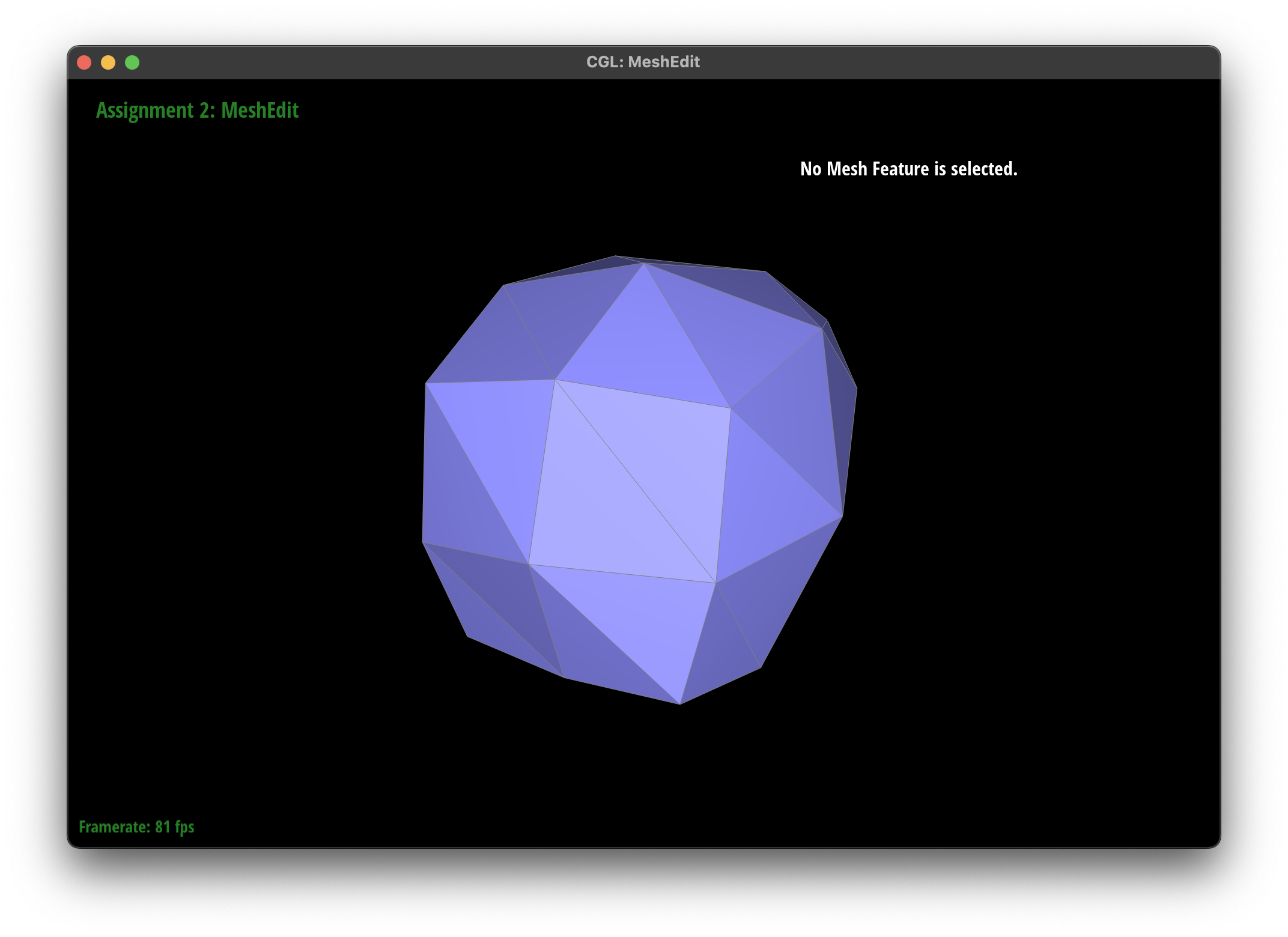
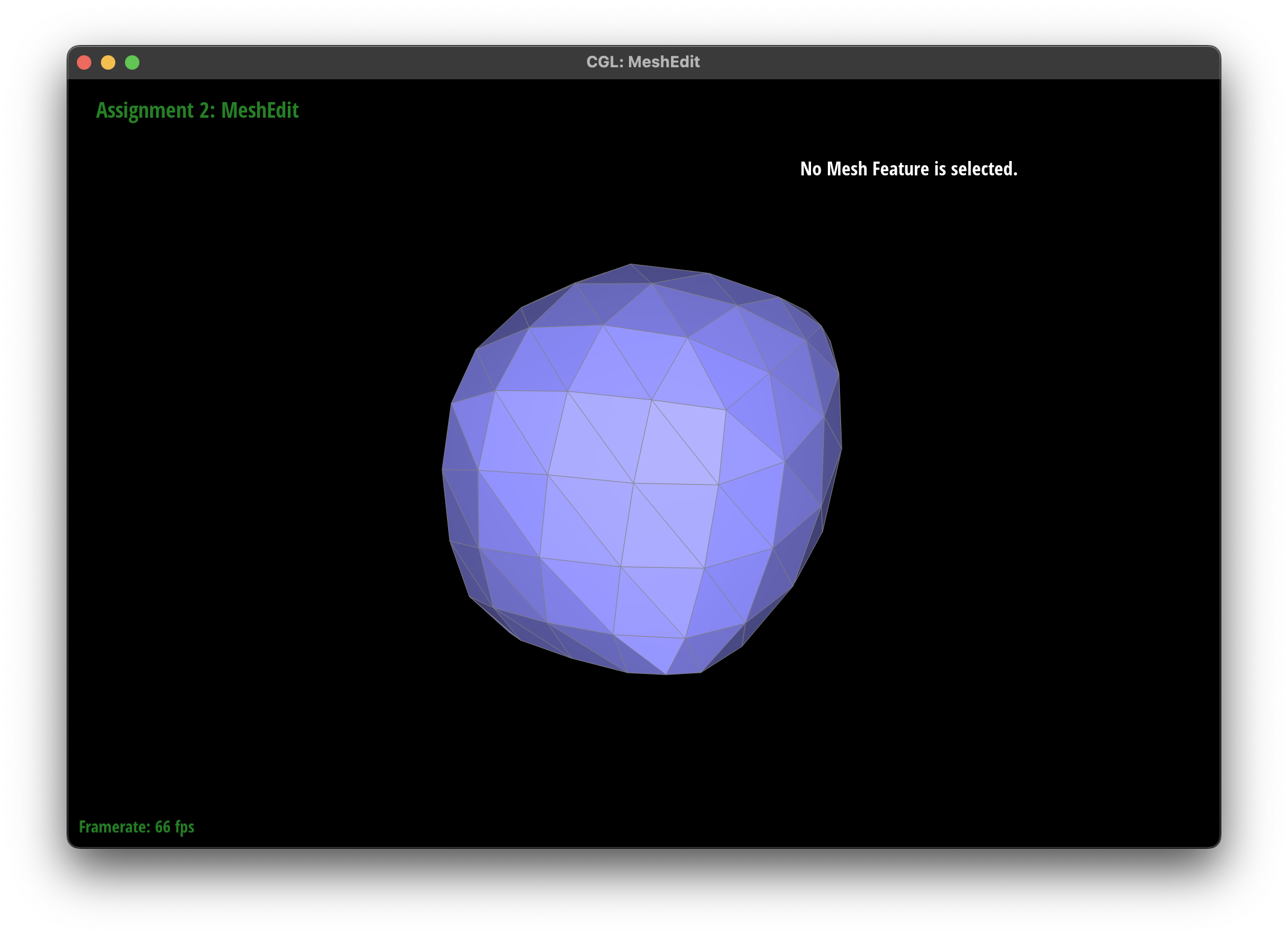
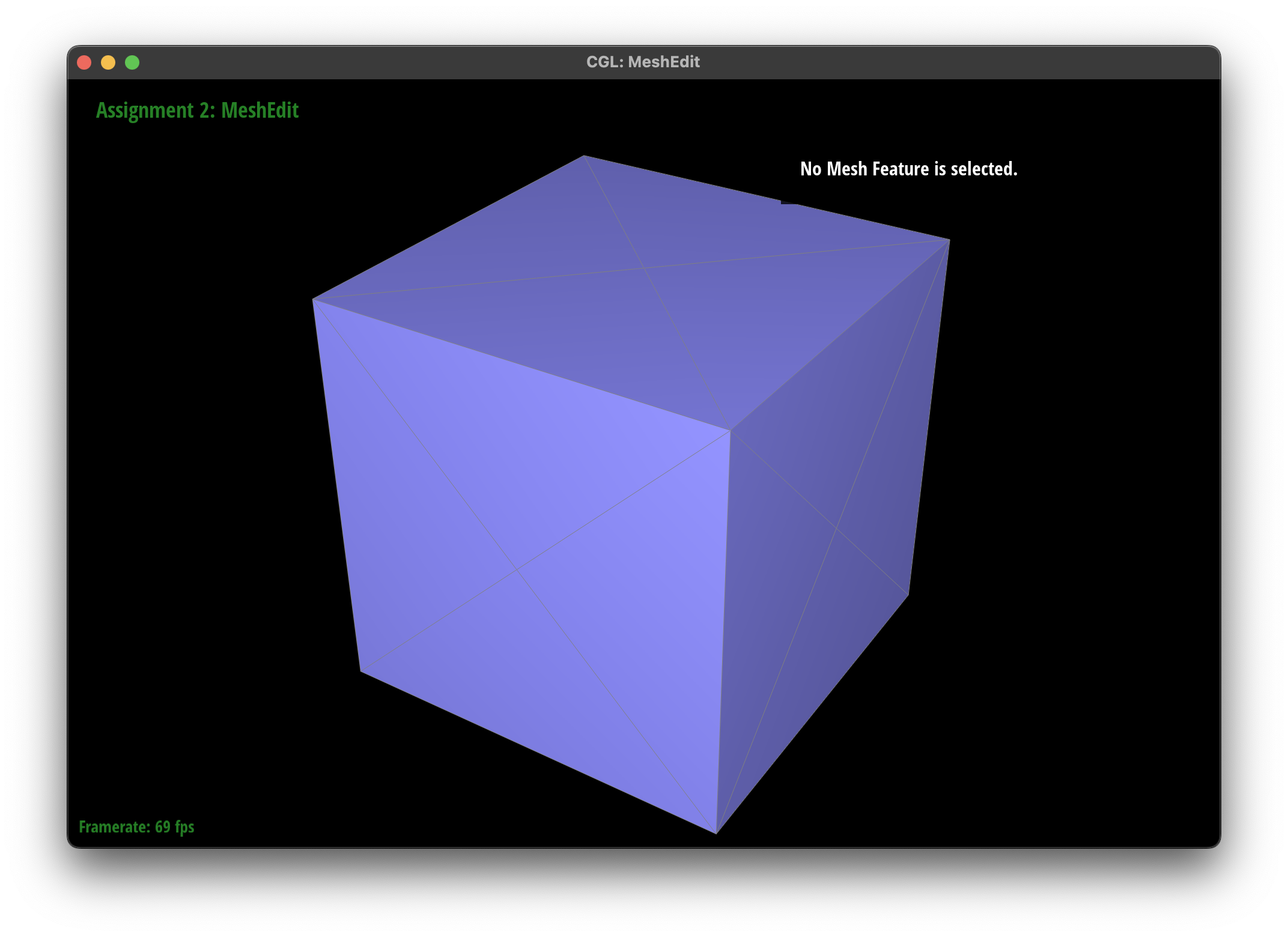
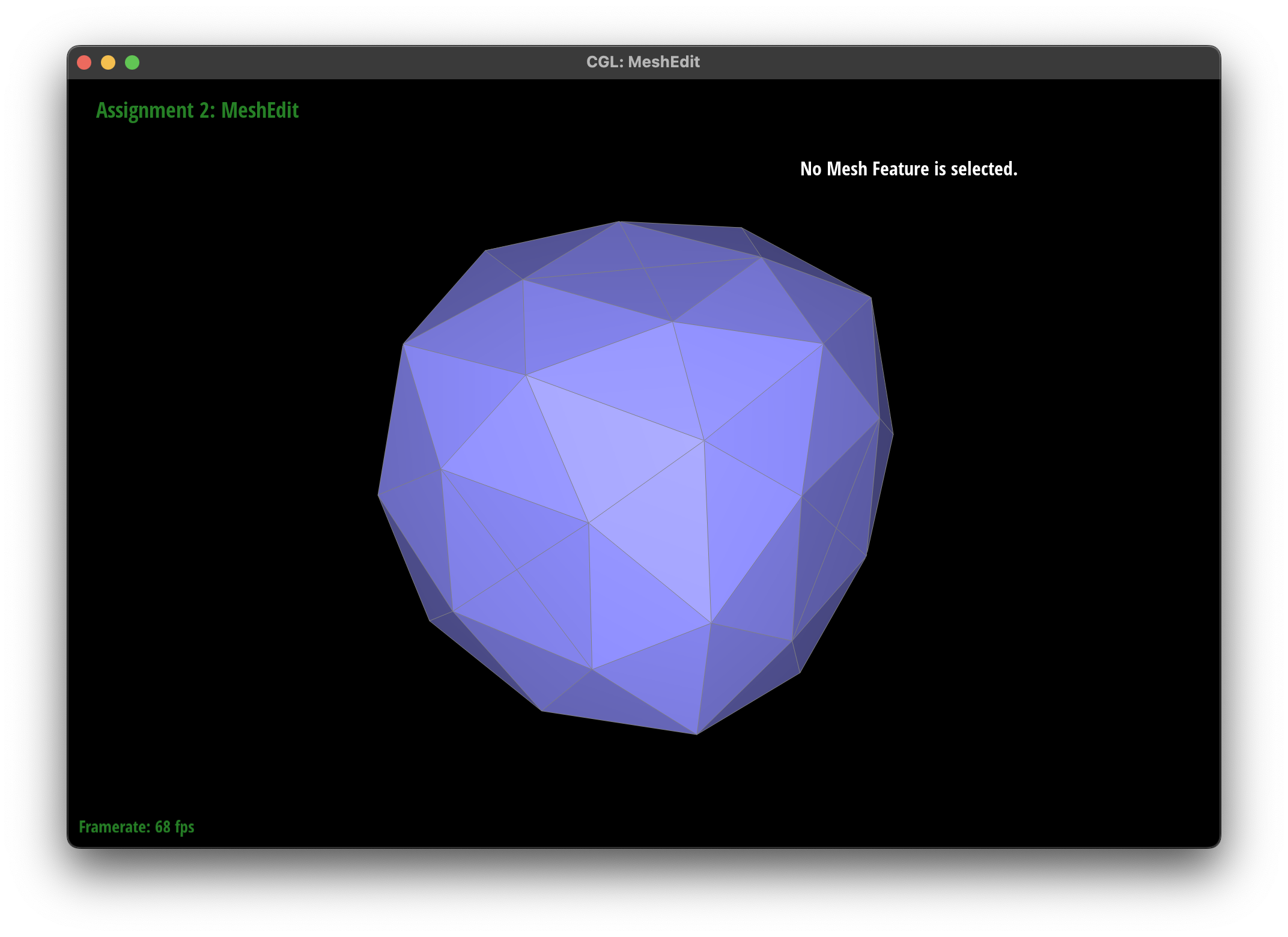
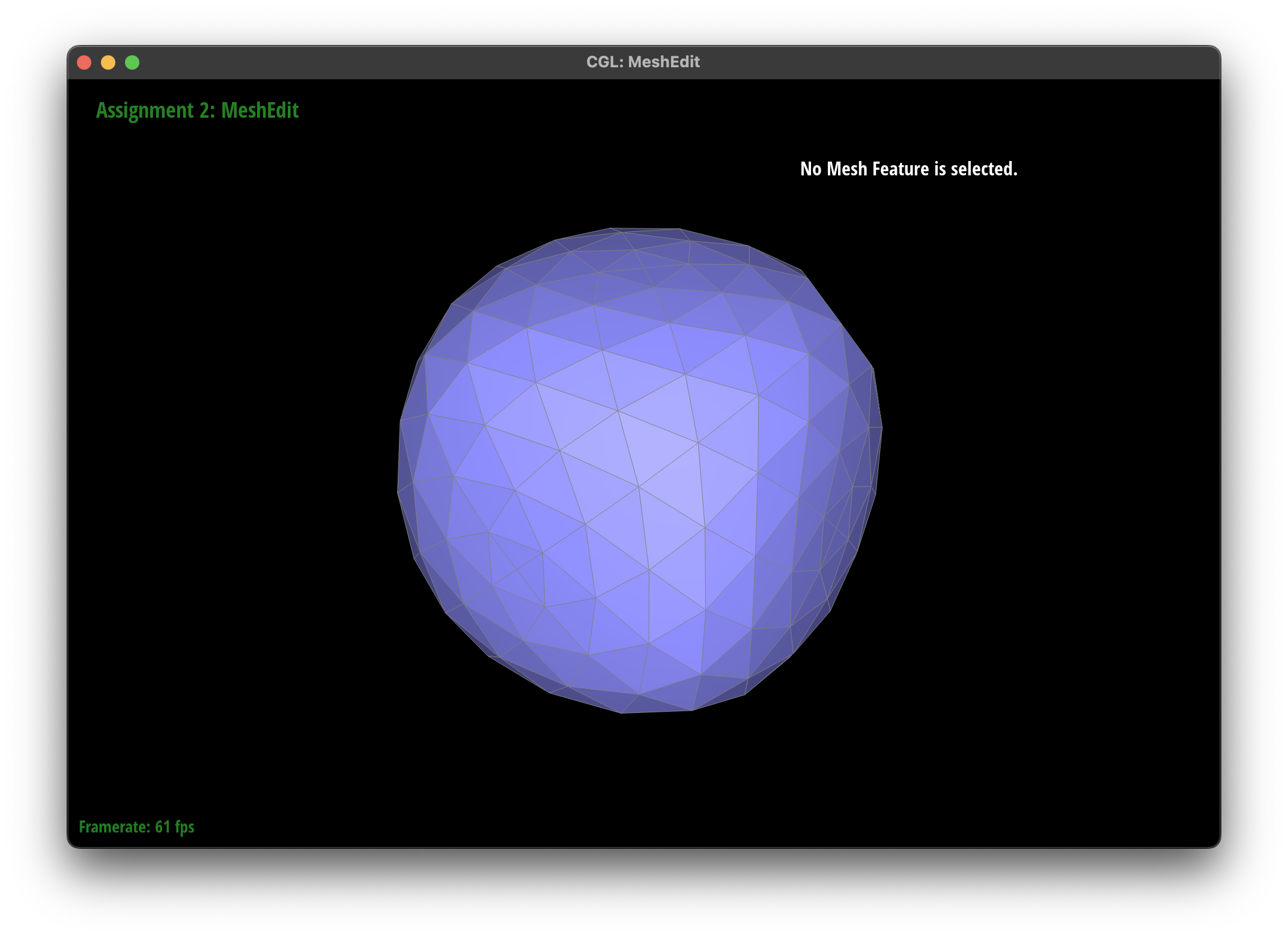
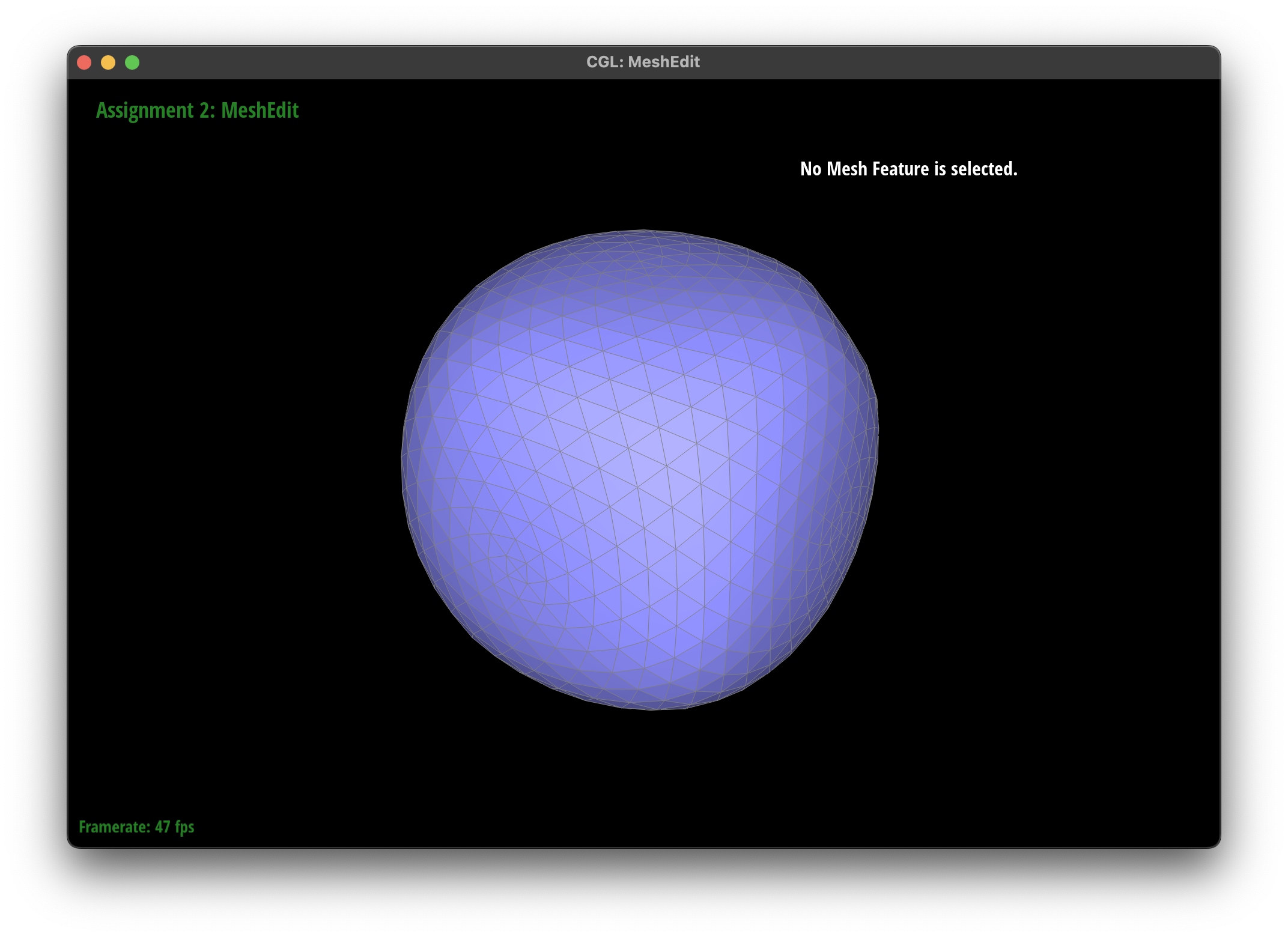
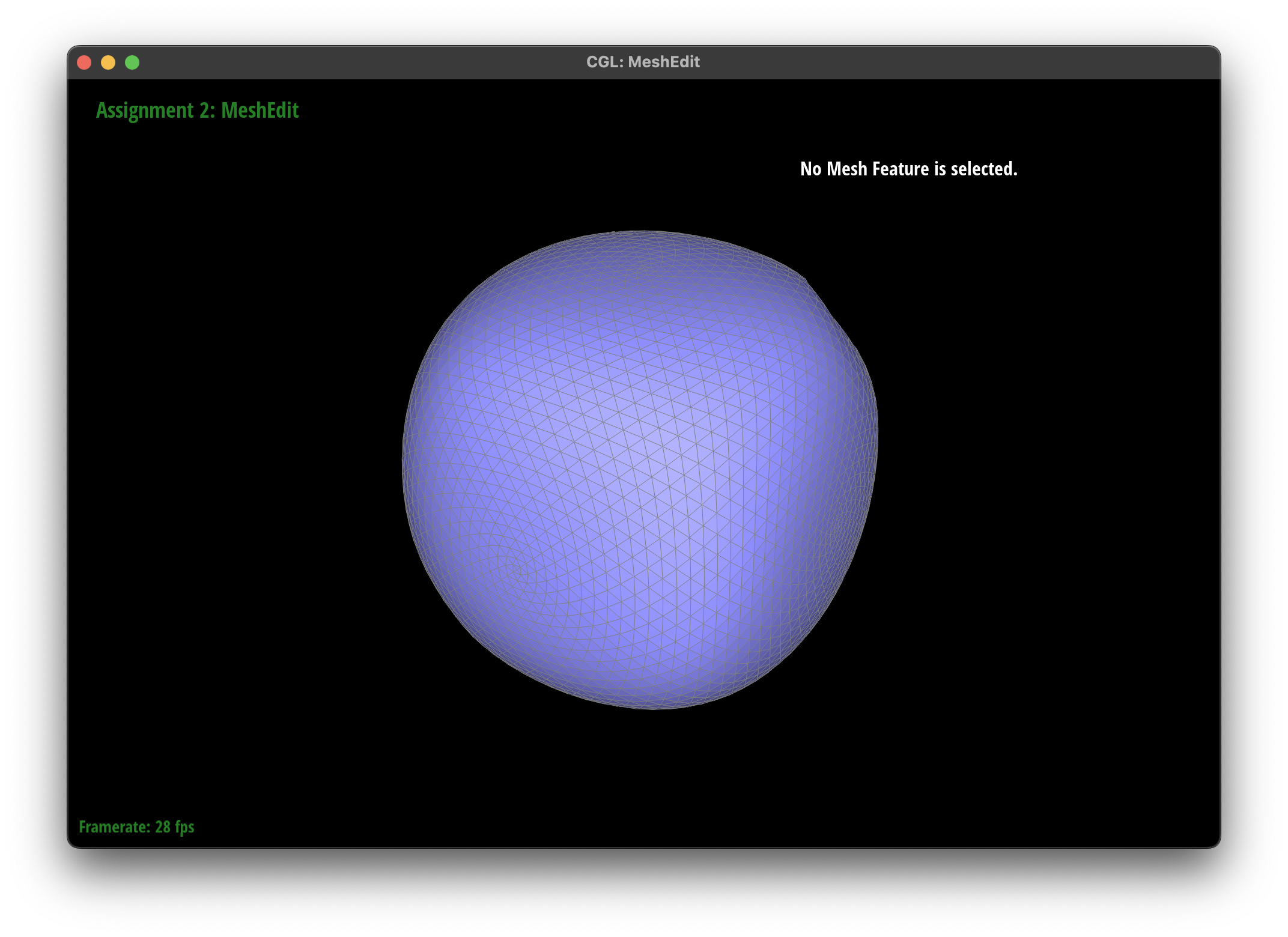
I implemented loop subdivision through the following 5 steps: looping through existing vertices and caching their new positions, looping through existing edges and caching the new positions of their midpoints, looping through existing edges (here I use a hashset to store existing edges to avoid infinite loops...I can't any other method working) and split, looping through all edges and flipping newly created edges that connects an old vertex and a new one, and finally updating the position of the vertices. Sharp corners and edges become smoothed out as subdivision progresses. However if I pre-split some boundary edges, I can somehow preserve some sharp structure near boundaries. See the comparison between cube with and without pre splitting below.
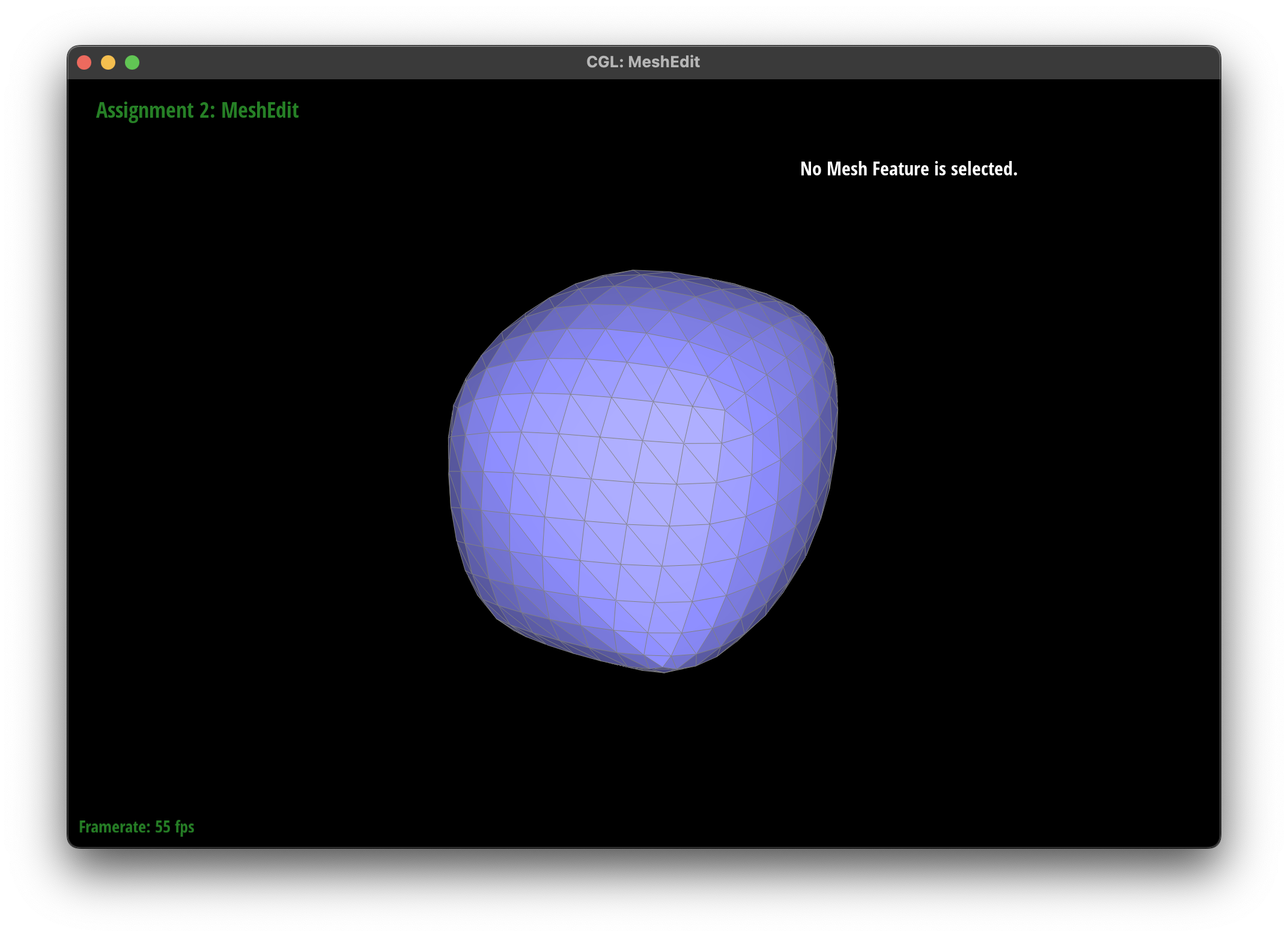
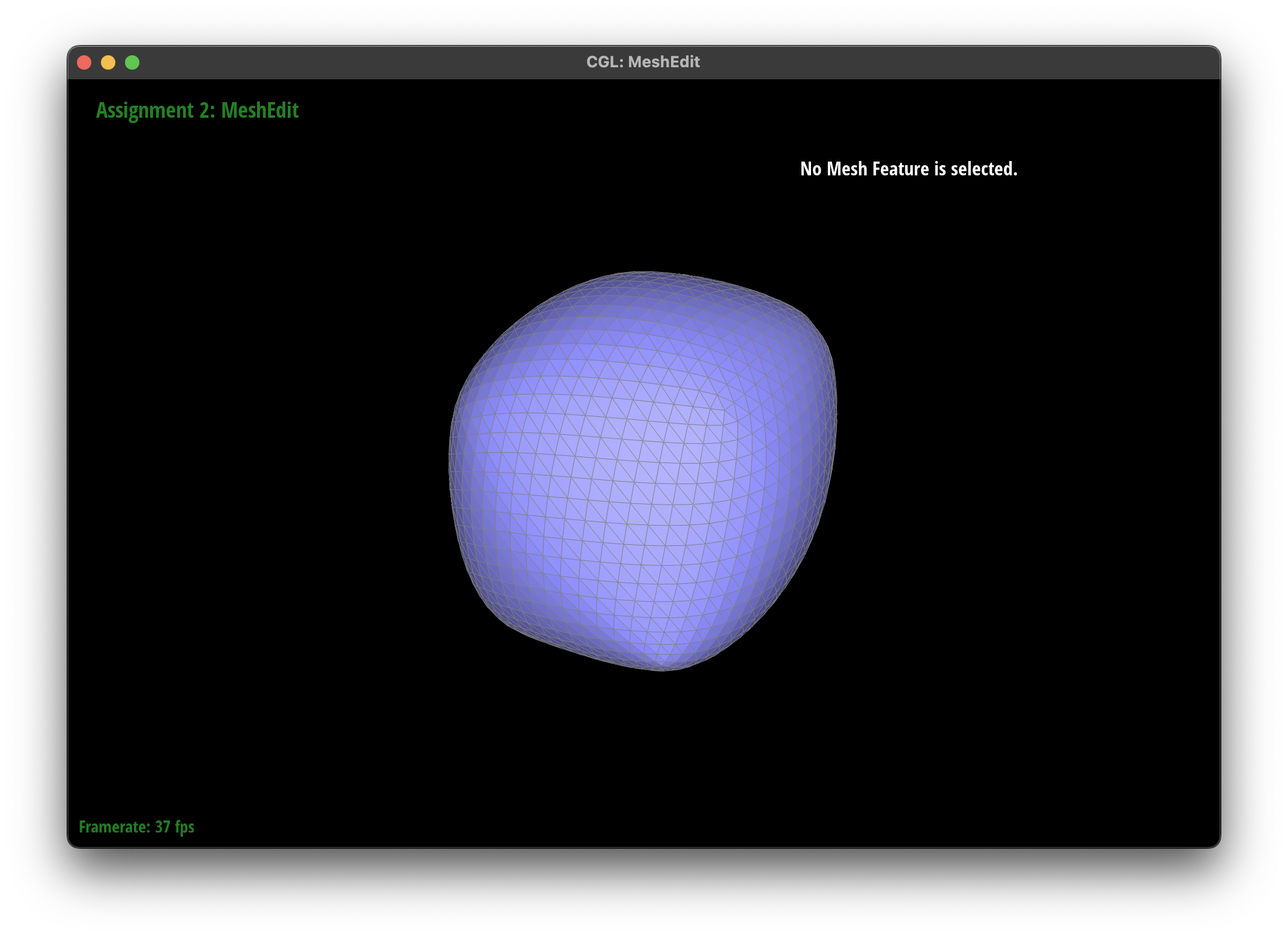
Right now without pre splitting, the cube becomes too smooth and loses its shape. Also it is asymmetric after the first upsampling. This is because right now the edges on each face is not rotationally symmetric (since there is a single edge that crosses each face). If we don't start with a symmetric mesh (in terms of vertices, edges, and consequently faces), upsampling will make the mesh asymmetric. See below for 0-4 levels of upsampling.
To make the cube symmetric, I can pre split the edges to be symmetric (i.e. each surface is a "X") in terms of vertices, edges, and also faces. See blow for visualizations.