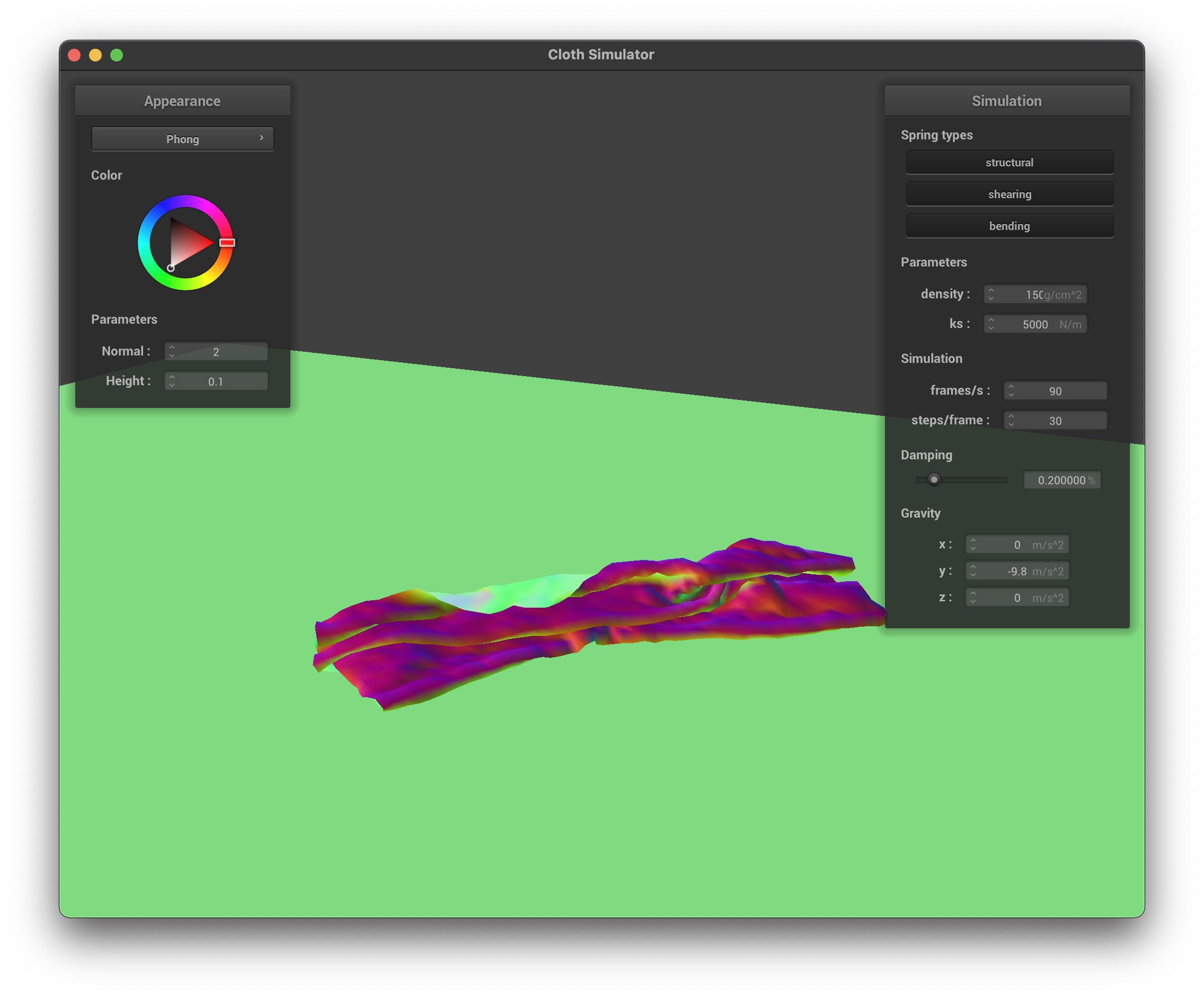
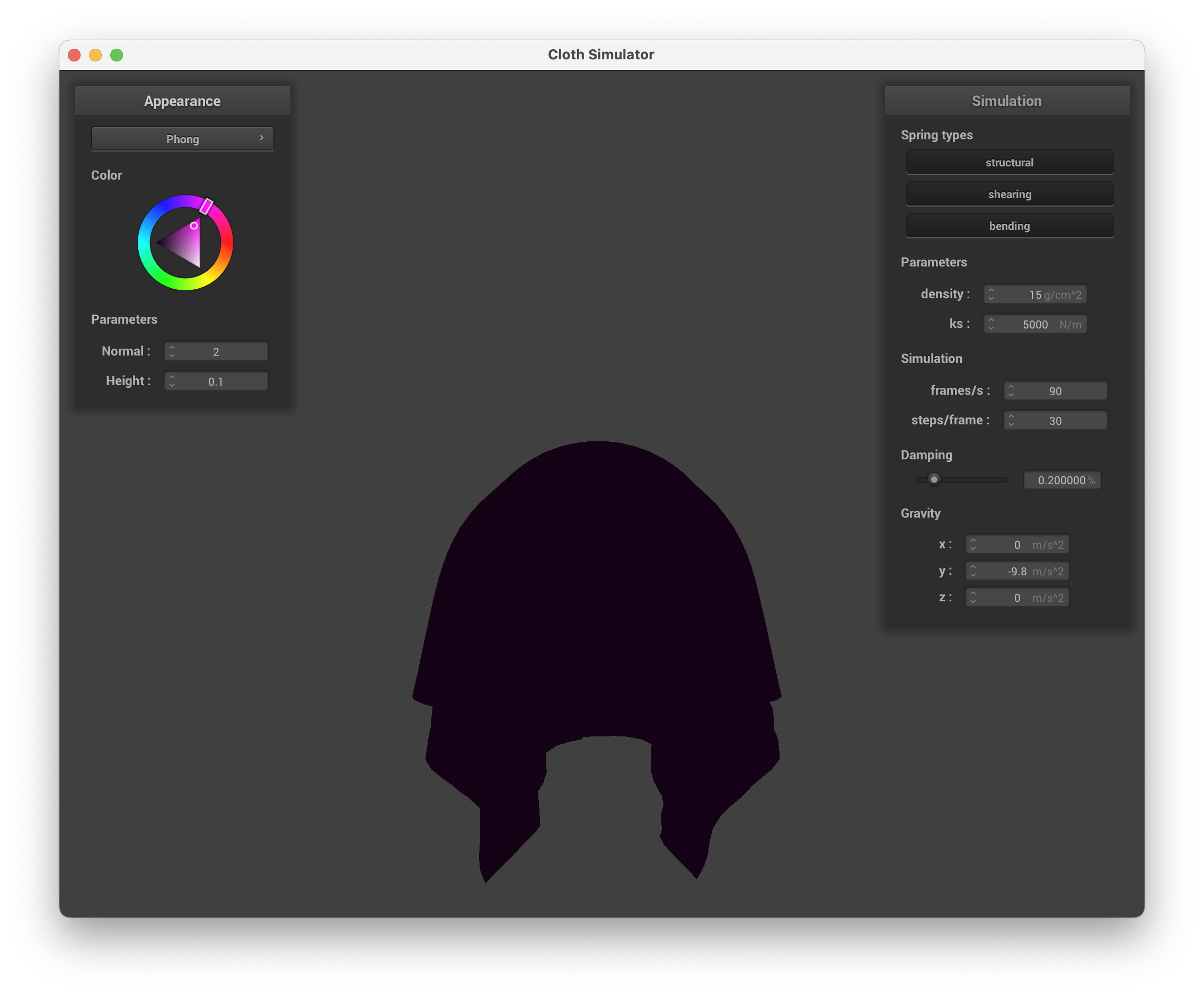
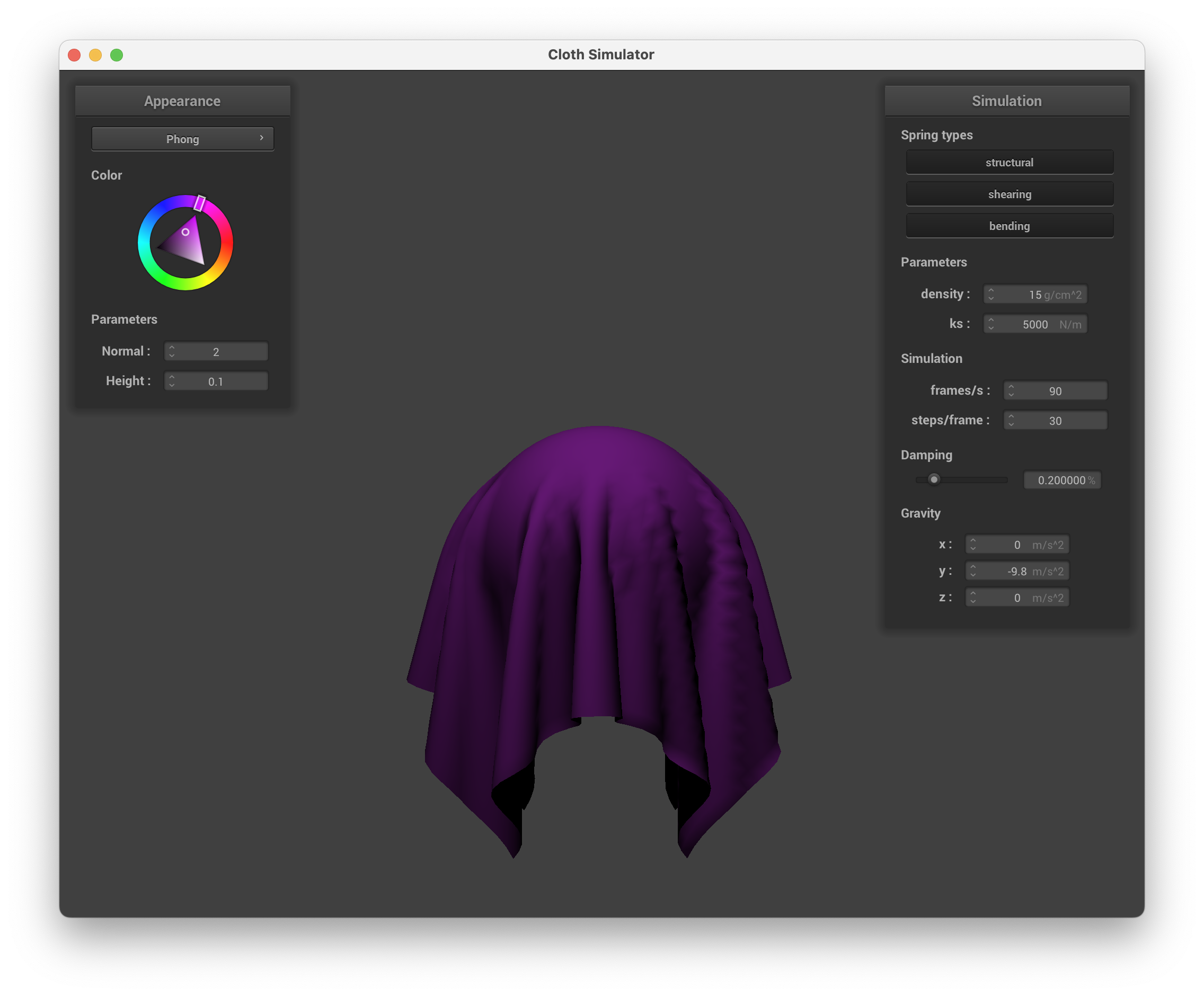
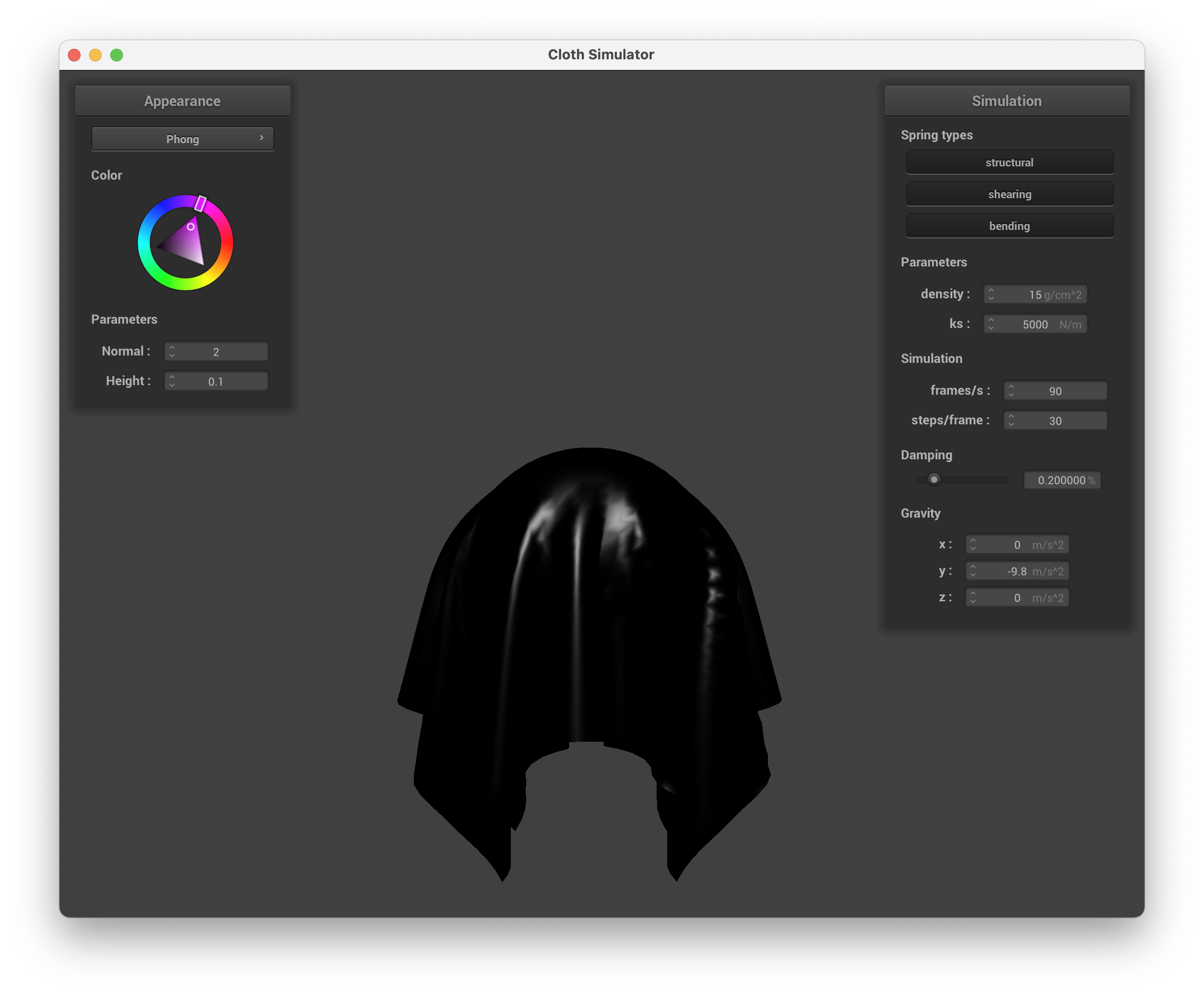
In this homework we implemented various physical simulation utilities as well as a few GPU-accelerated shaders. In Part 1 we initialize the point masses and springs that models a cloth. In Part 2 we implemented the physical step with numerical integration and by considering all the external and internal forces. In Part 3 we implemented collision handling with plane and sphere. In Part 4 we implemented self collision constraint. Finally in Part 5 we implemented GPU-accelerated vertex and fragment shaders of various functionalities. My website link is https://ZekaiWang04.github.io/cs184/hw4/.
Part 1: Masses and Springs
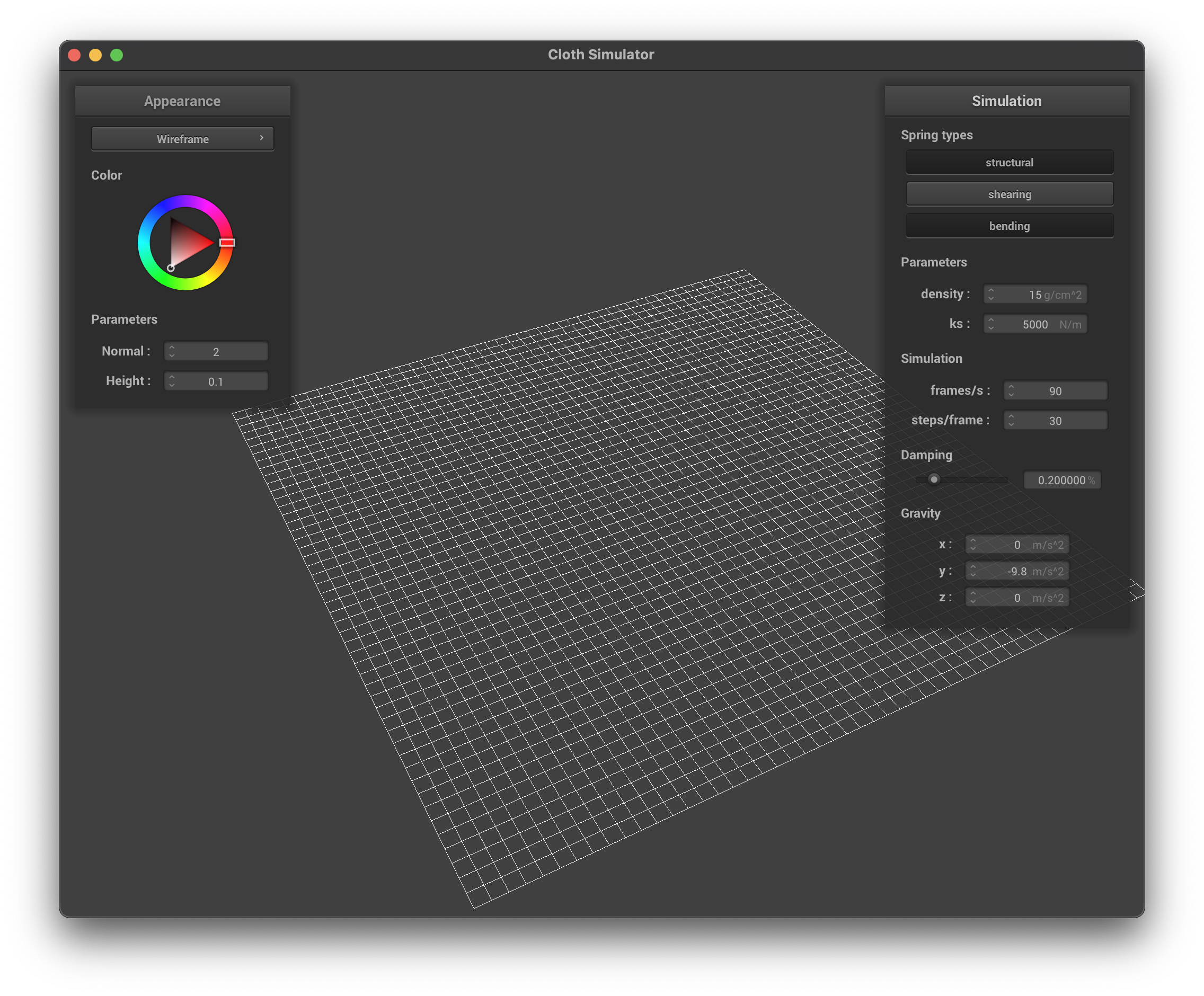
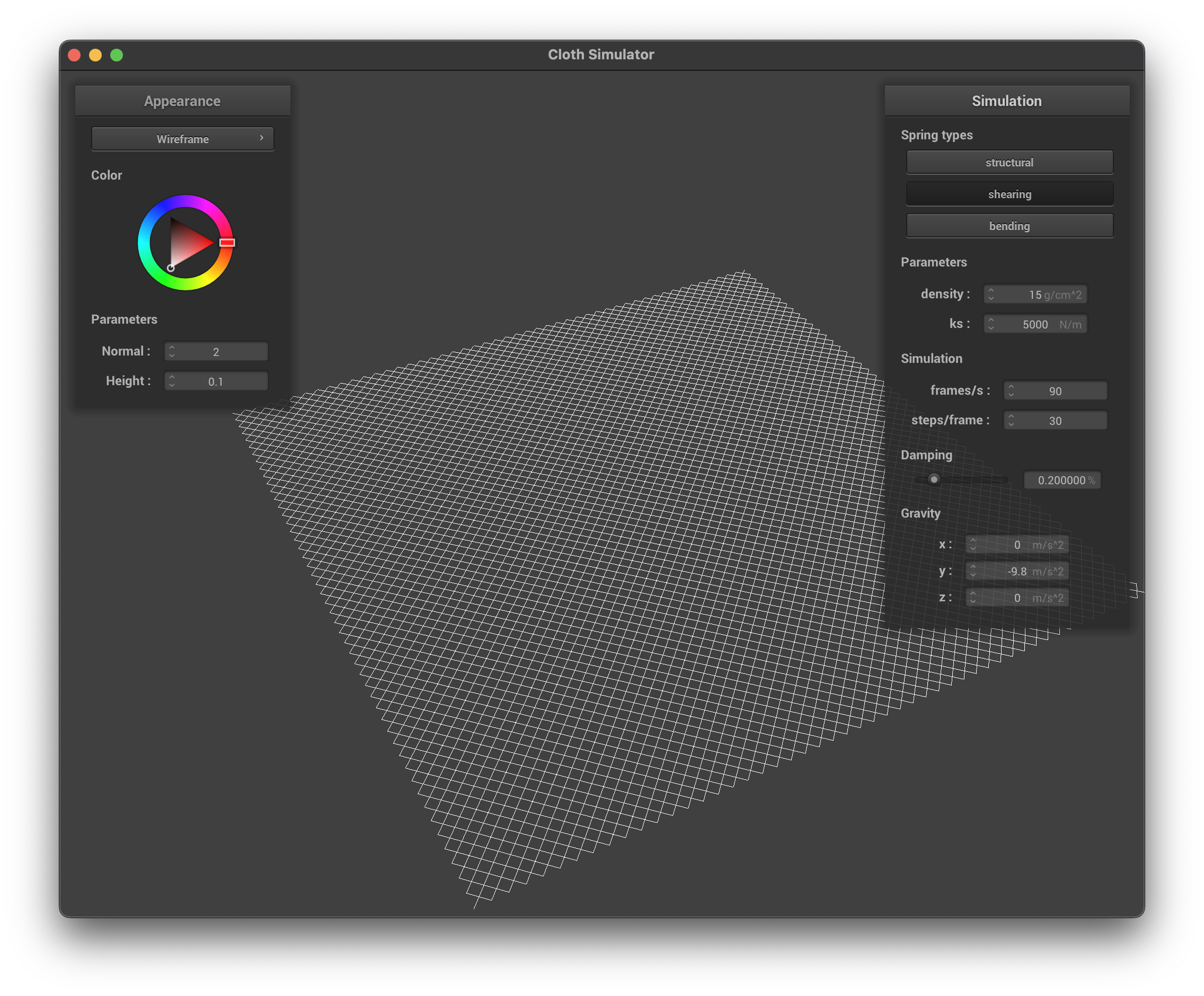
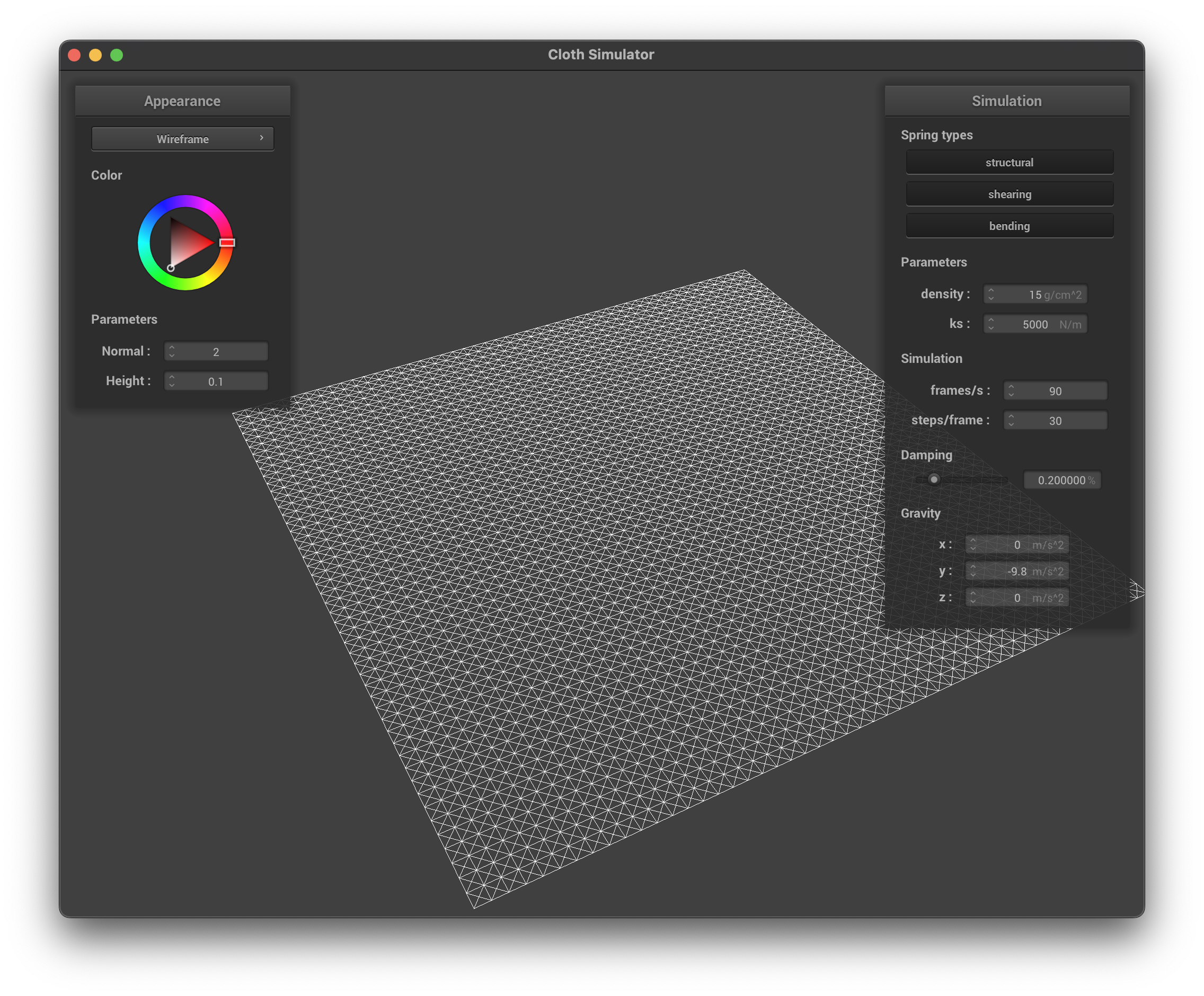
To initialize a cloth, we first position the point masses according to the prespecified grid, and then we connect each point mass with its left and upper neighbor with structural spring constraints, each point mass with its upper-left and upper-right neighbor with shear spring constraints, and each point mass with its left and right neighbor two grids away with bending spring constraints. Below are the visualizations of the initialized scene for pinned2.json. Without any shearing constraints, the grid will only consists of springs in the x and y directions (no diagonal springs). With only shearing constraints, on the other hand, the grid will only consists of diagonal springs. With all constraints, the grid will consists of both diagonal and vertical/horizontal springs.
No Shearing ConstraintsOnly Shearing ConstraintsAll Constraints
Part 2: Simulation via numerical integration
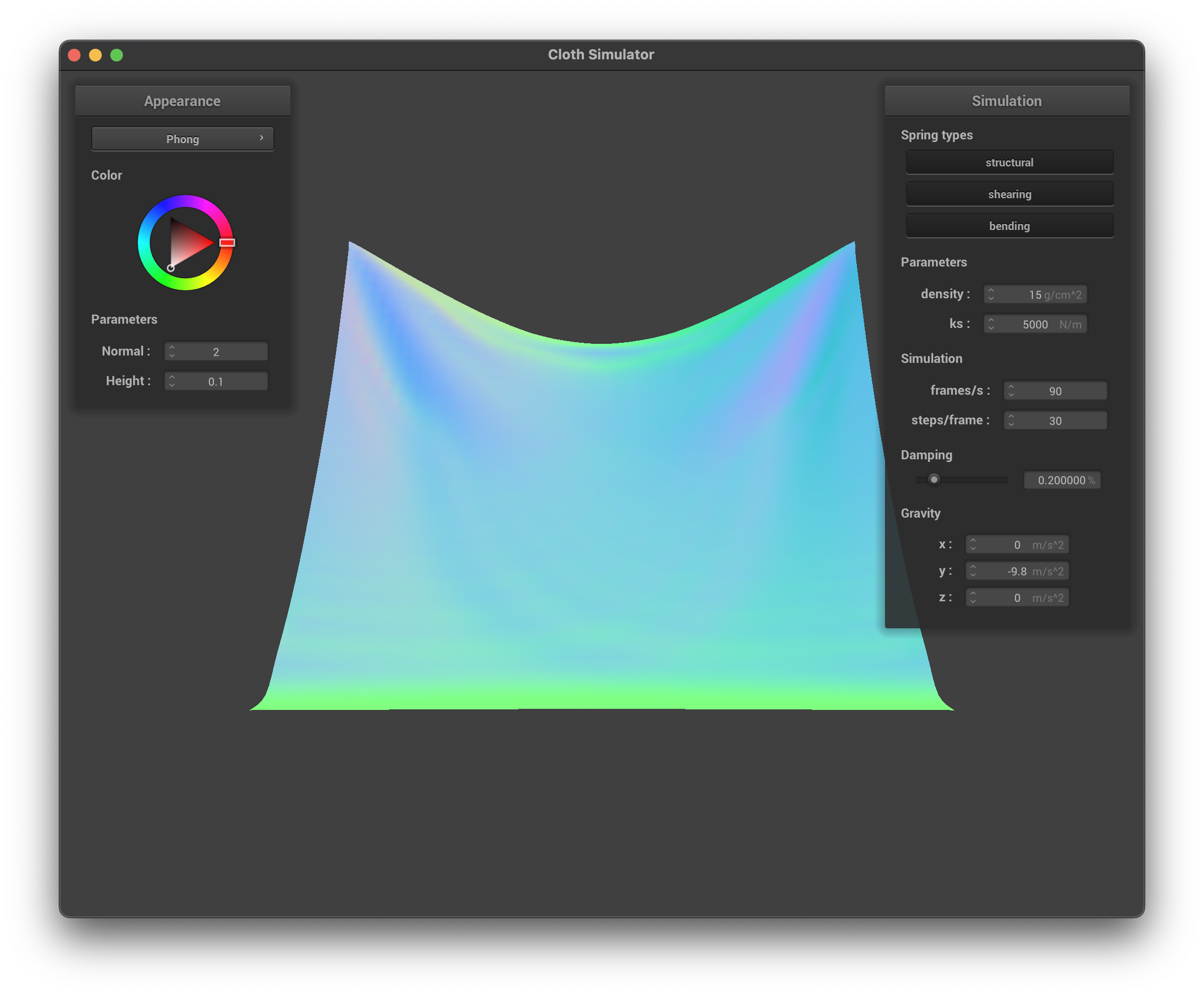
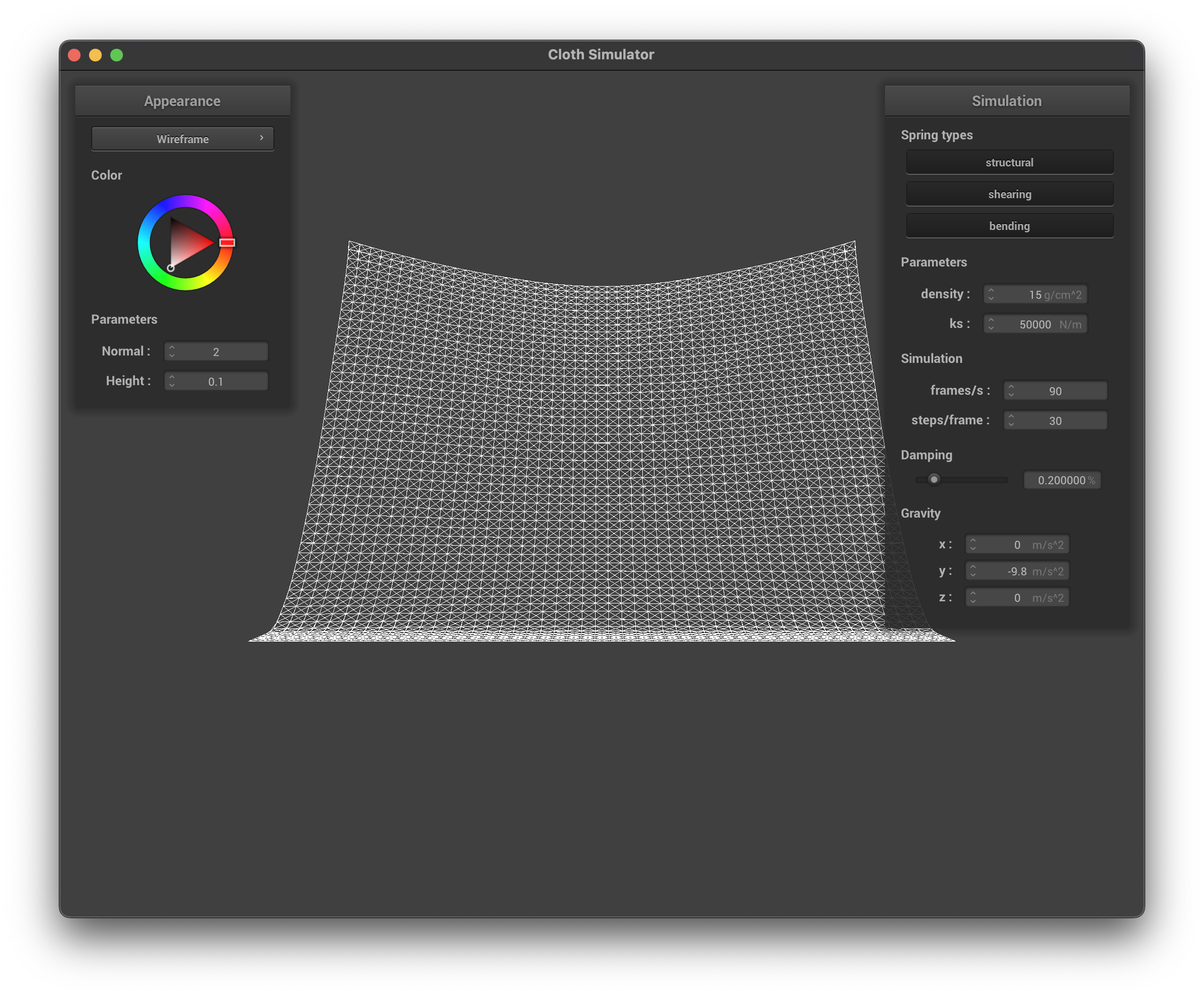
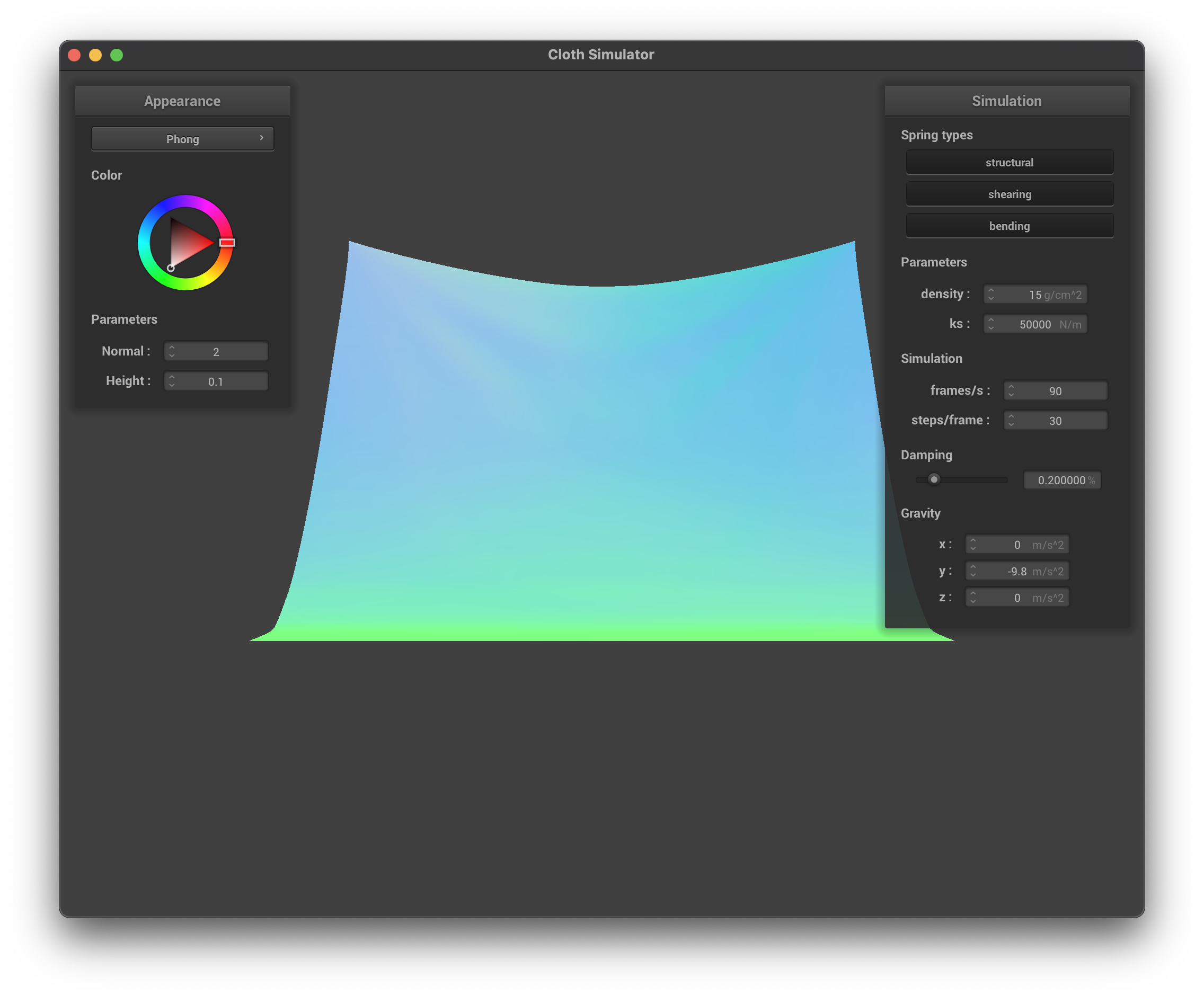
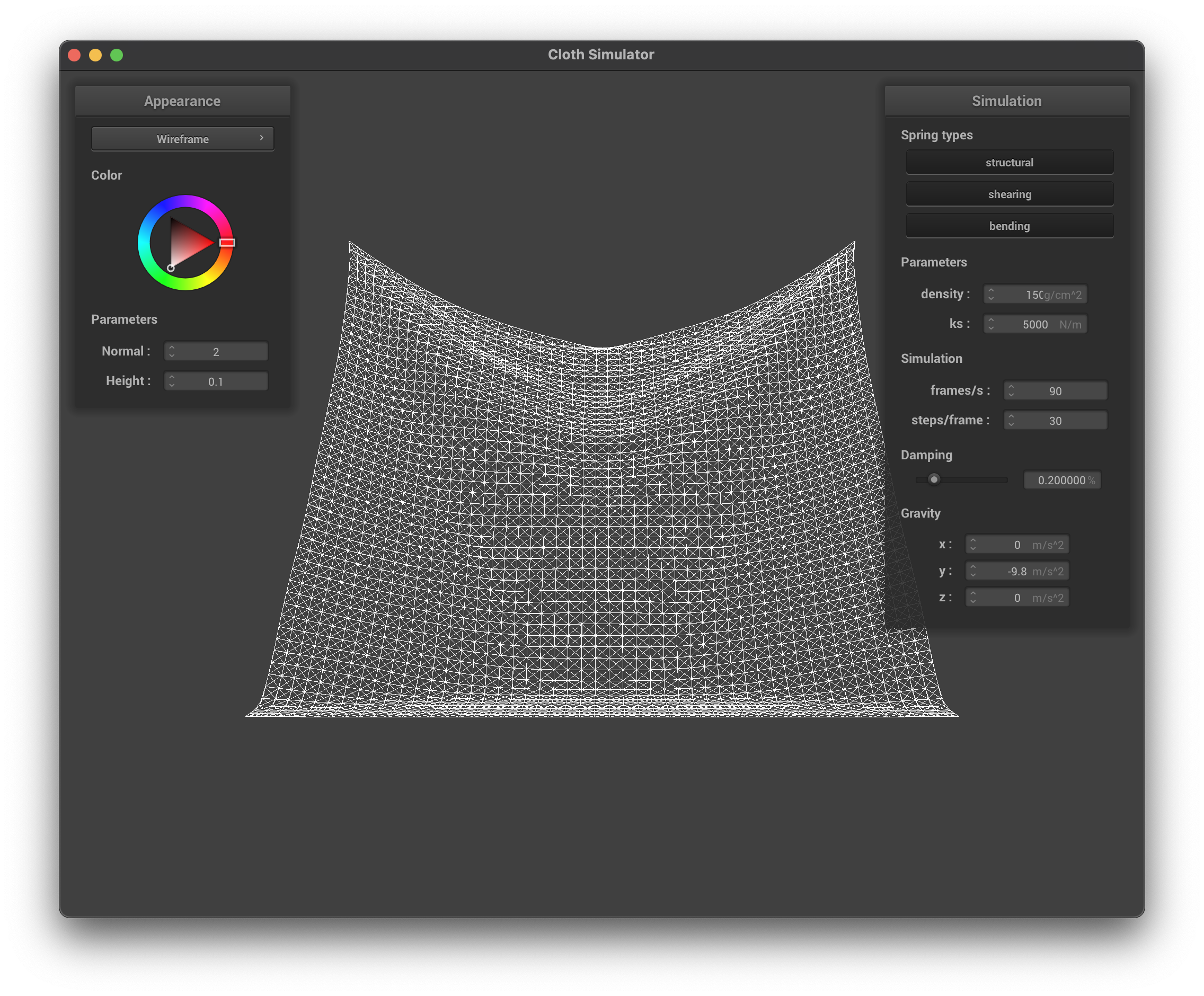
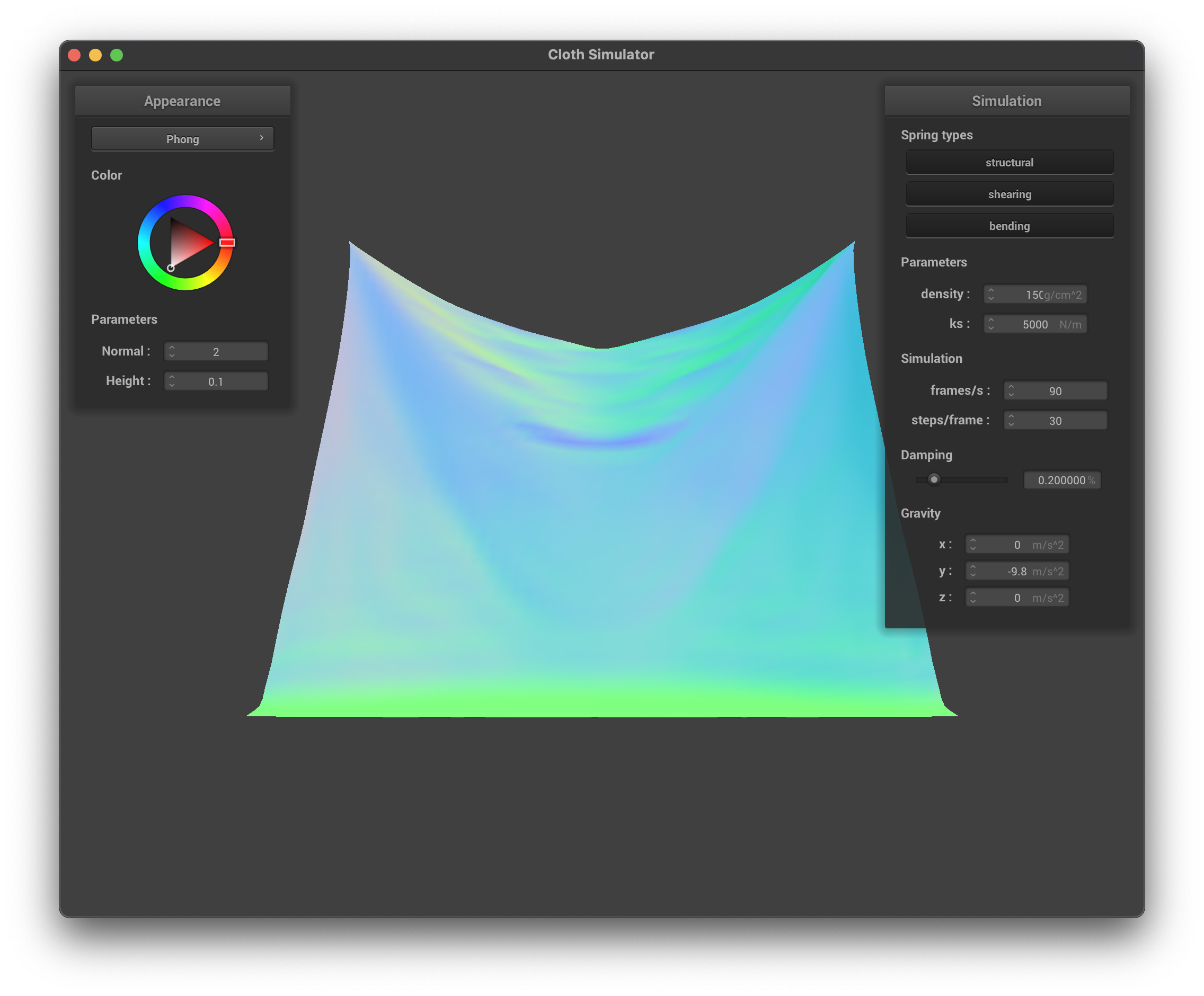
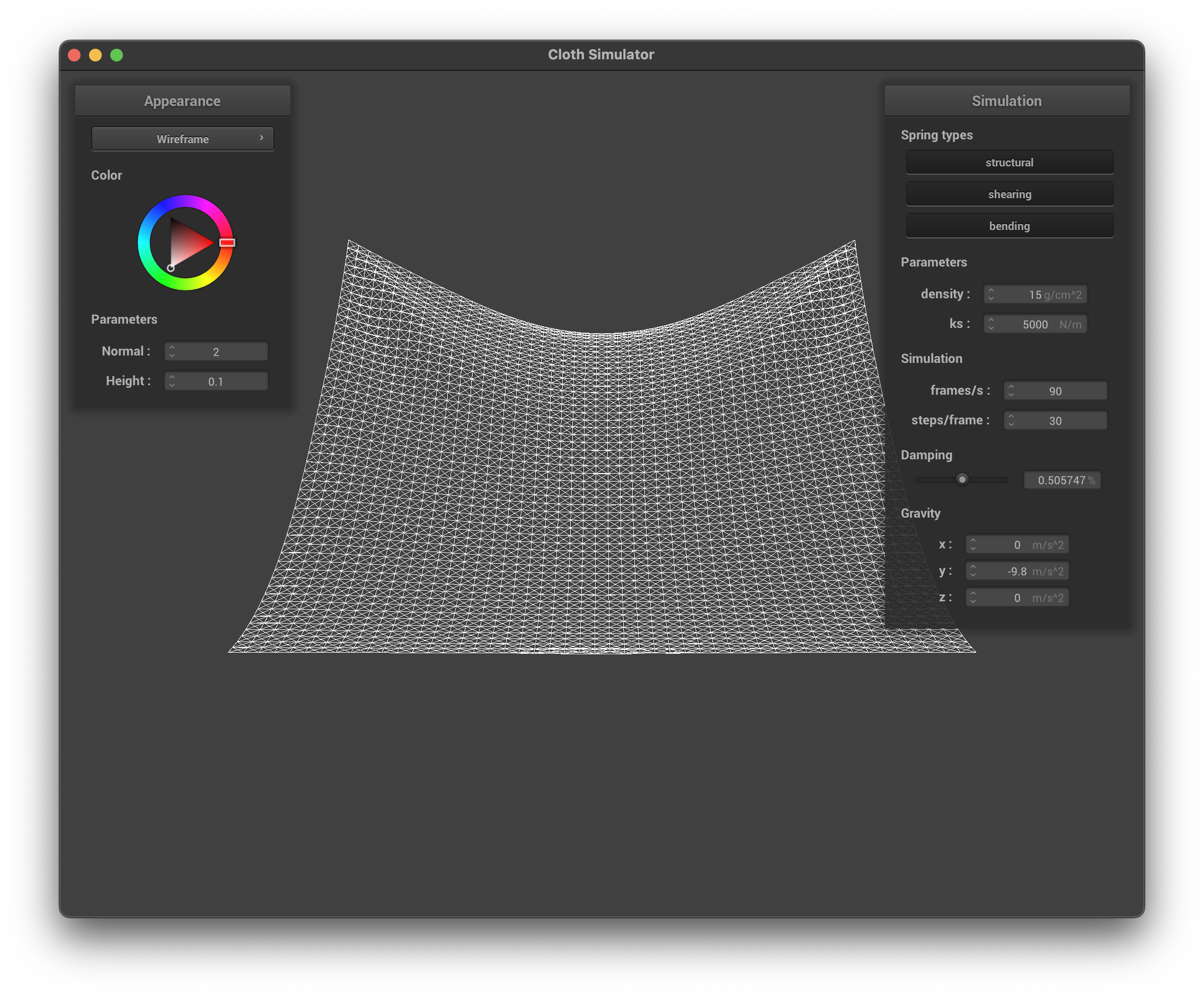
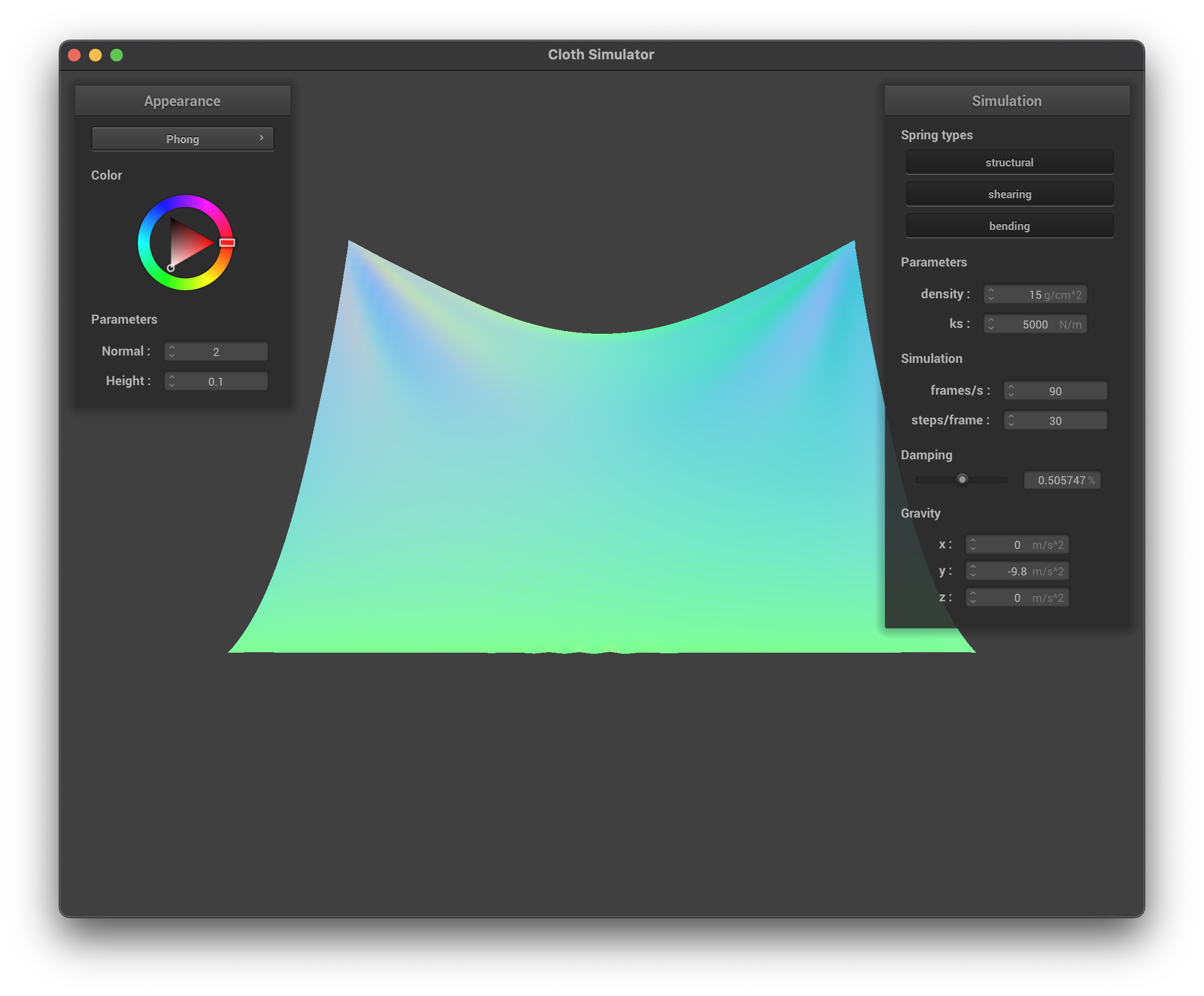
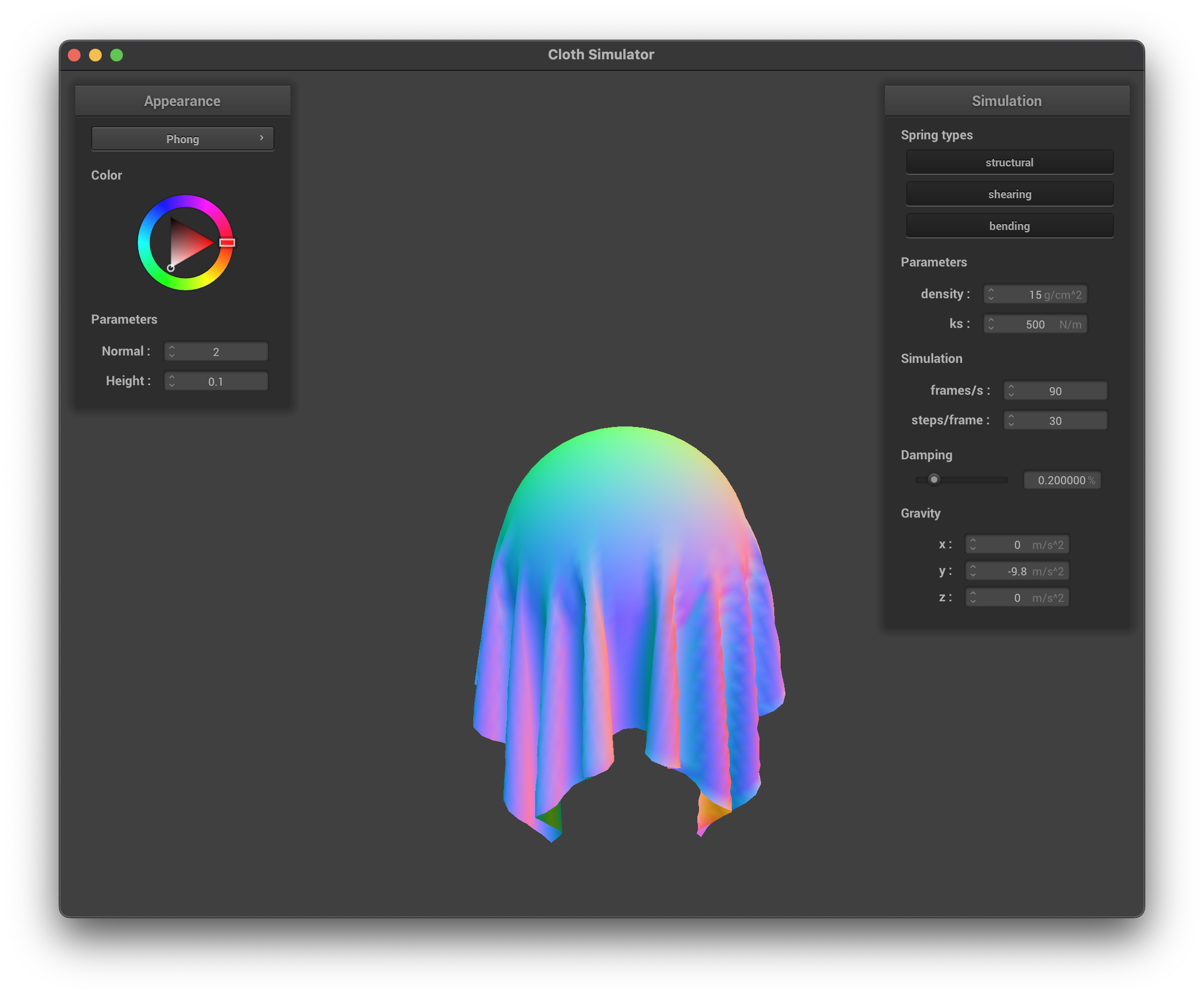
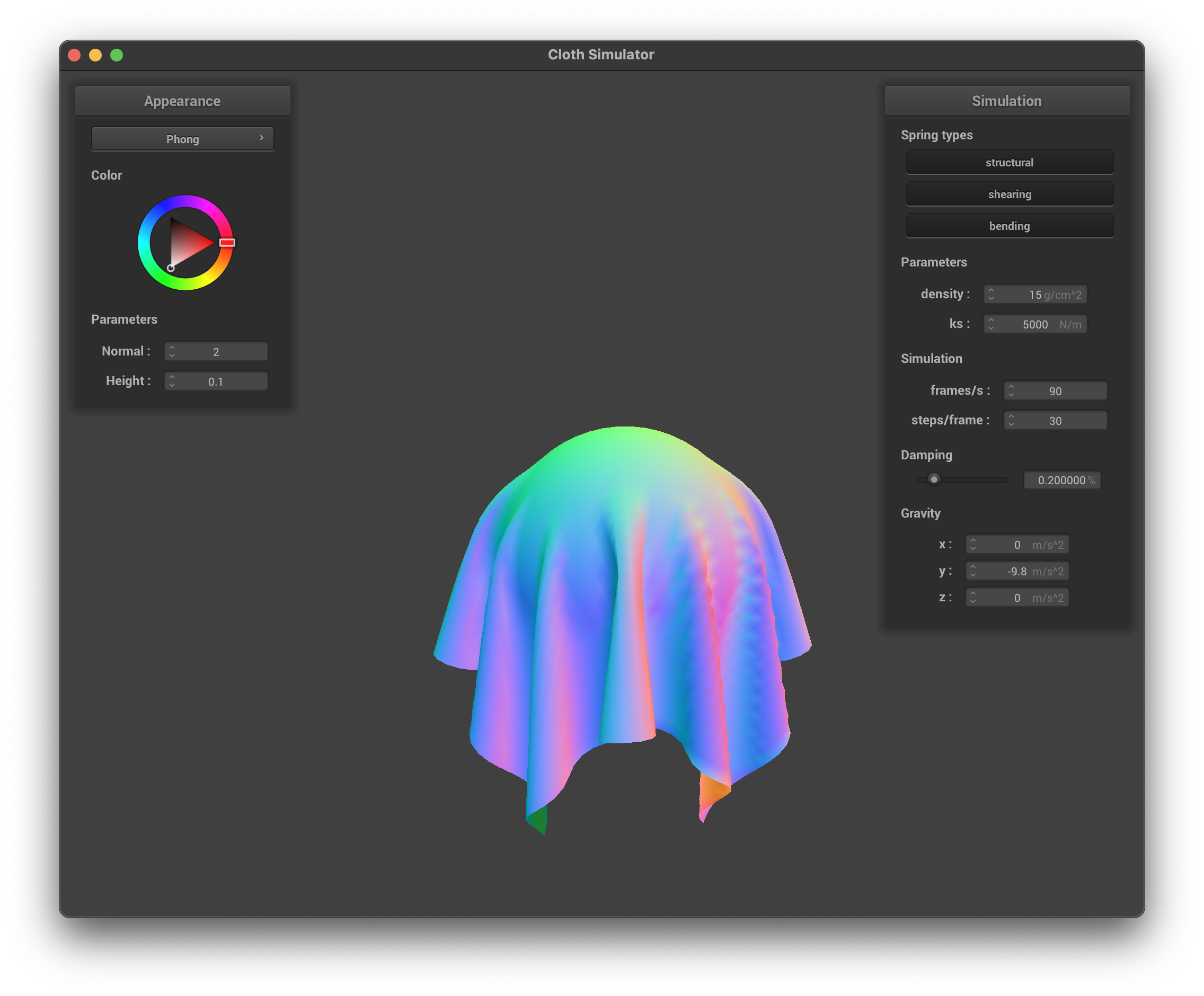
For each simulation step, we apply the sum external forces to each point mass and then consider the springs in the system. Given the forces at each point mass, We can use Verlet integration to numerically calculate the position of the point mass at the next timestep. Qualitatively, as the spring coefficient ks increases, the cloth becomes more rigid and the movement/oscillation of the cloth becomes less significant. With a very low ks the cloth is very soft and floppy, while with a very high ks the cloth is very stiff and rigid. Below are the visualizations of the cloth simulation with different ks values. As density increases, the vertical offset from the height where the two pinned points remain and the rest of the cloth increases, and the amount of wrinkles in the cloth increases. As the damping coefficient increases, the speed of the motion of the cloth decreases, and the oscillation/wrinkles of the cloth becomes less significant. See below for visualizations.
DefaultDefault ShadedHigh Spring CoefficientHigh Spring Coefficient ShadedHigh DensityHigh Density ShadedHigh Damping CoefficientHigh Damping Coefficient Shaded
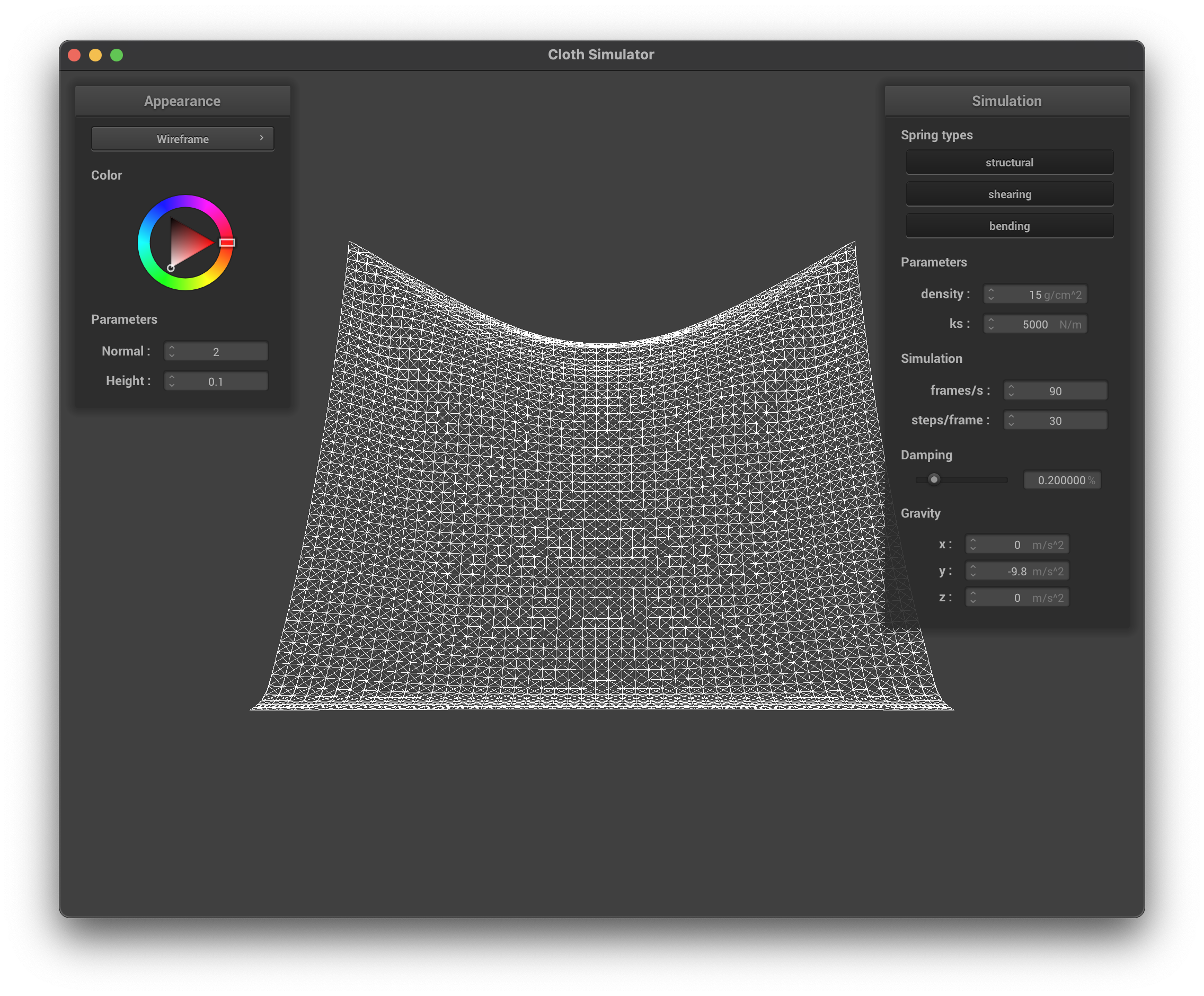
Below are the screenshot of the shaded pinned4.json scene at the final resting position (with the default parameters).
Final Resting Position
Part 3: Handling collisions with other objects
For collision with sphere, we first check if the distance between the point mass' position and the center of the sphere is less than the radius of the sphere. If so, using the unit vector describing the direction from the center to the point mass' position, we can calculate the tangent point on the sphere. Then we subtract its coordinate with the point mass' last position to get the adjustment offset, multiply it with (1-friction), and add it to the adjustment offset to handle collision. For collision with plane, we first check if the dot product between the point mass' position subtracts a point on the plane and the normal vector of the plane has a different sign with the dot product between the point mass' last position subtracts a point on the plane and the normal vector. If so, the point mass passes the plane before and after, and we can project the point mass' position to the plane using dot product. The projected point on the plane is the tangent point, and we need to add a delta distance to the point on the plane in the same side as the point mass' last position. Finally, the adjustment vector is the new tangent point minus the last position of the point mass, and we can multiply it with (1-friction) and then add it to last positions to get the new position of the point mass.
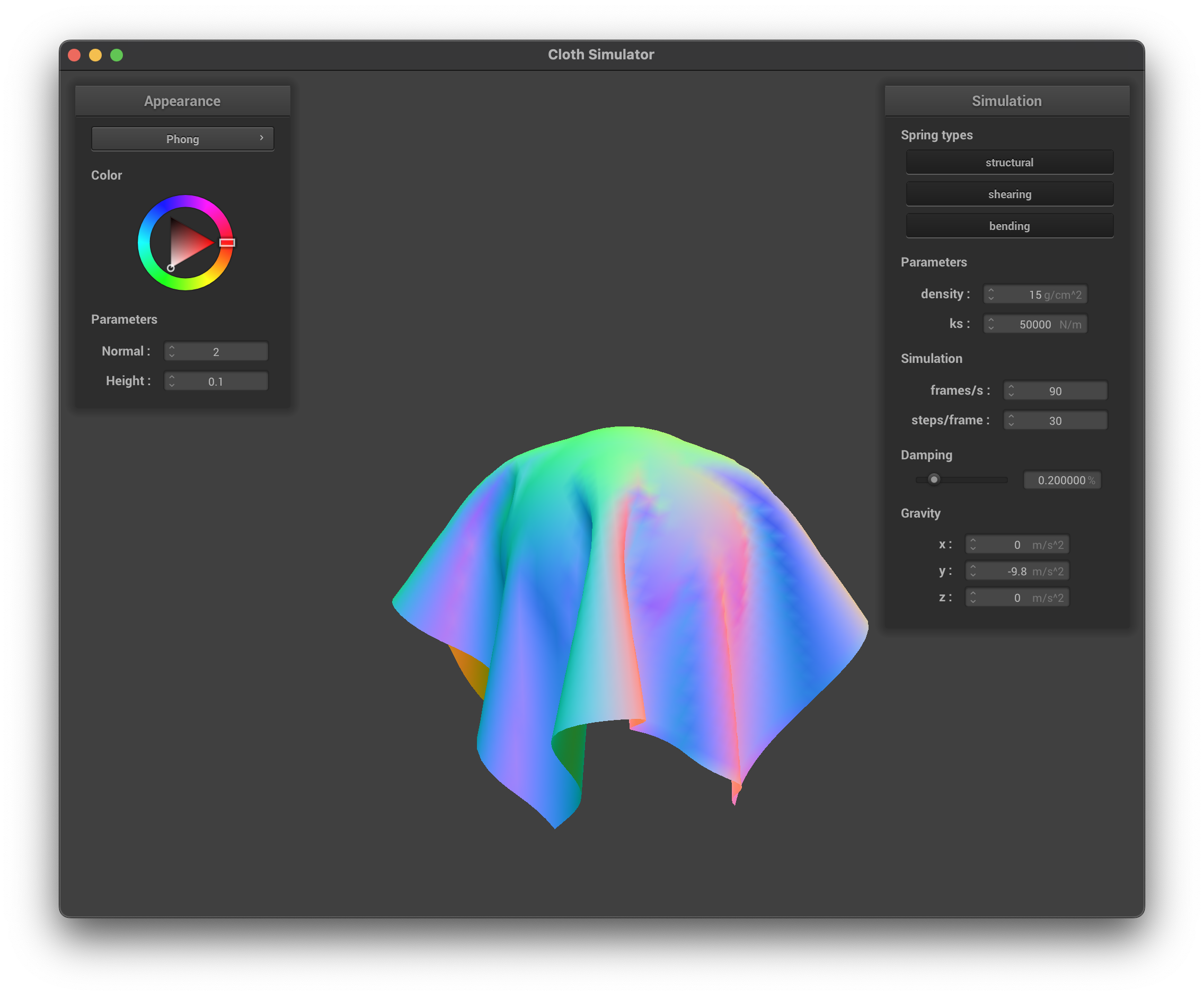
For the sphere collision scene, below are the shaded final states of the scene with different ks values. Qualitatively, as ks increases, the cloth becomes more rigid and the final state is more flat with sparser wrinkles that span larger regions.
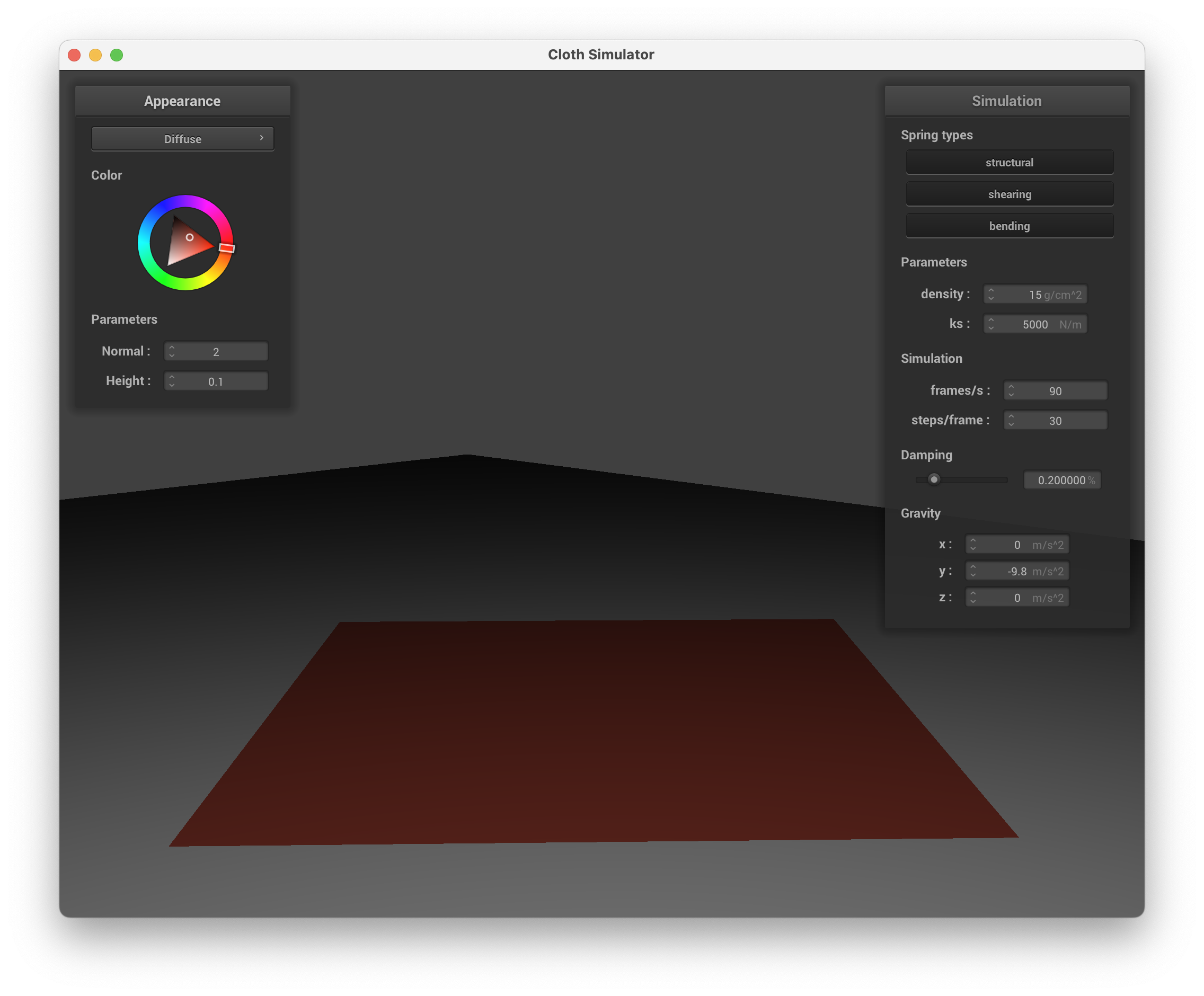
For the plane collision scene, below is the visualization of the final state, with a custom color.
Plane Scene
Part 4: Handling self-collisions
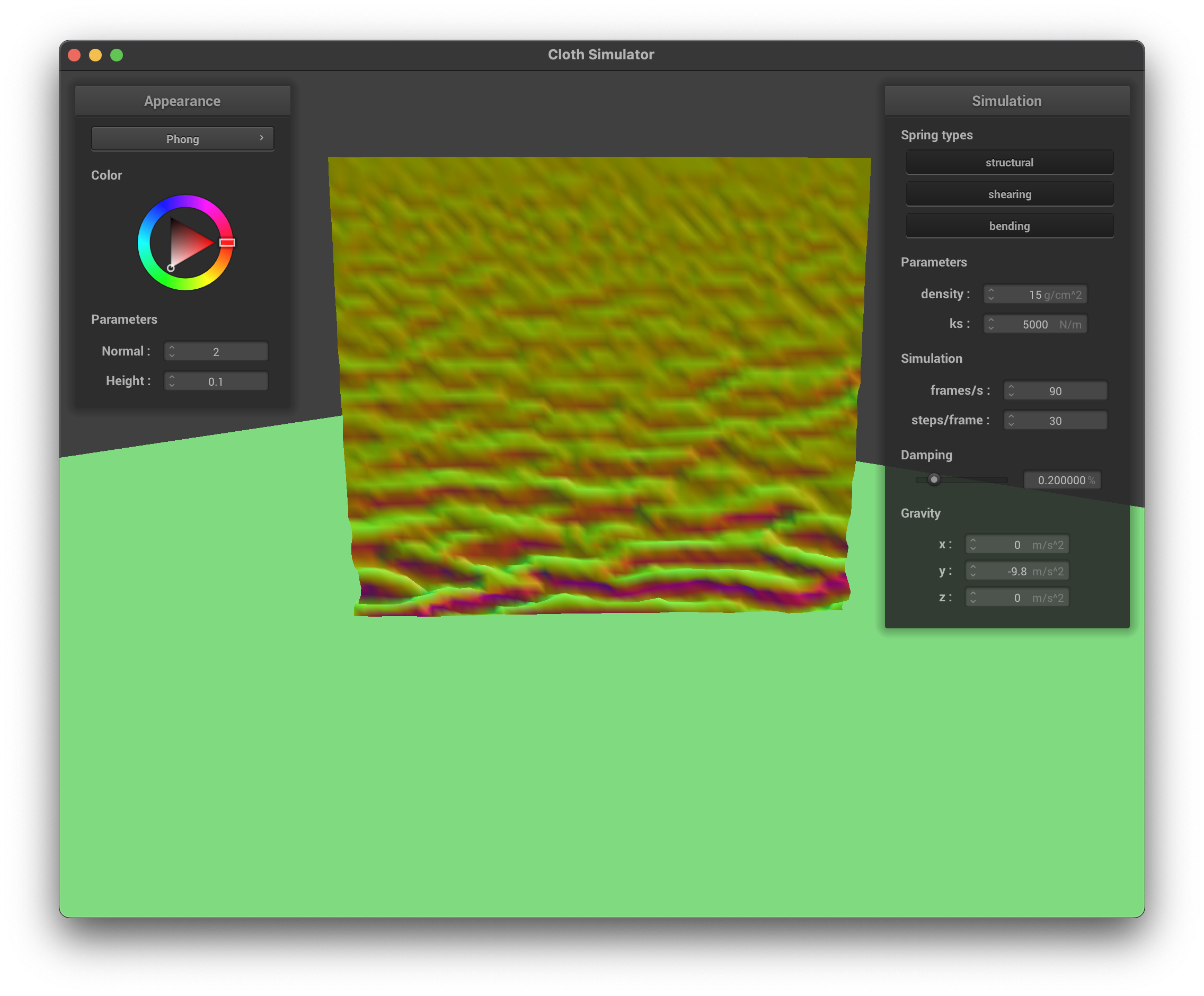
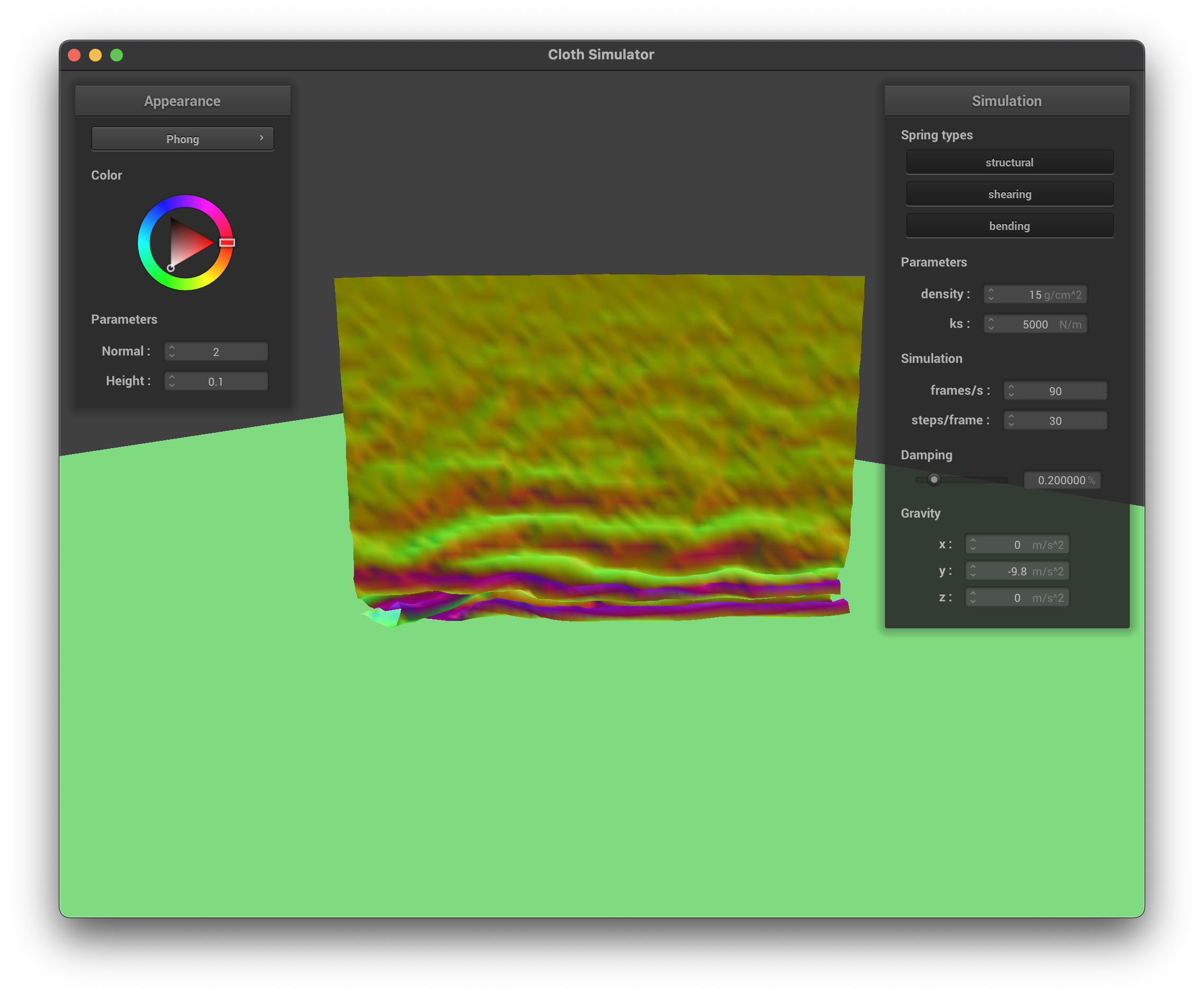
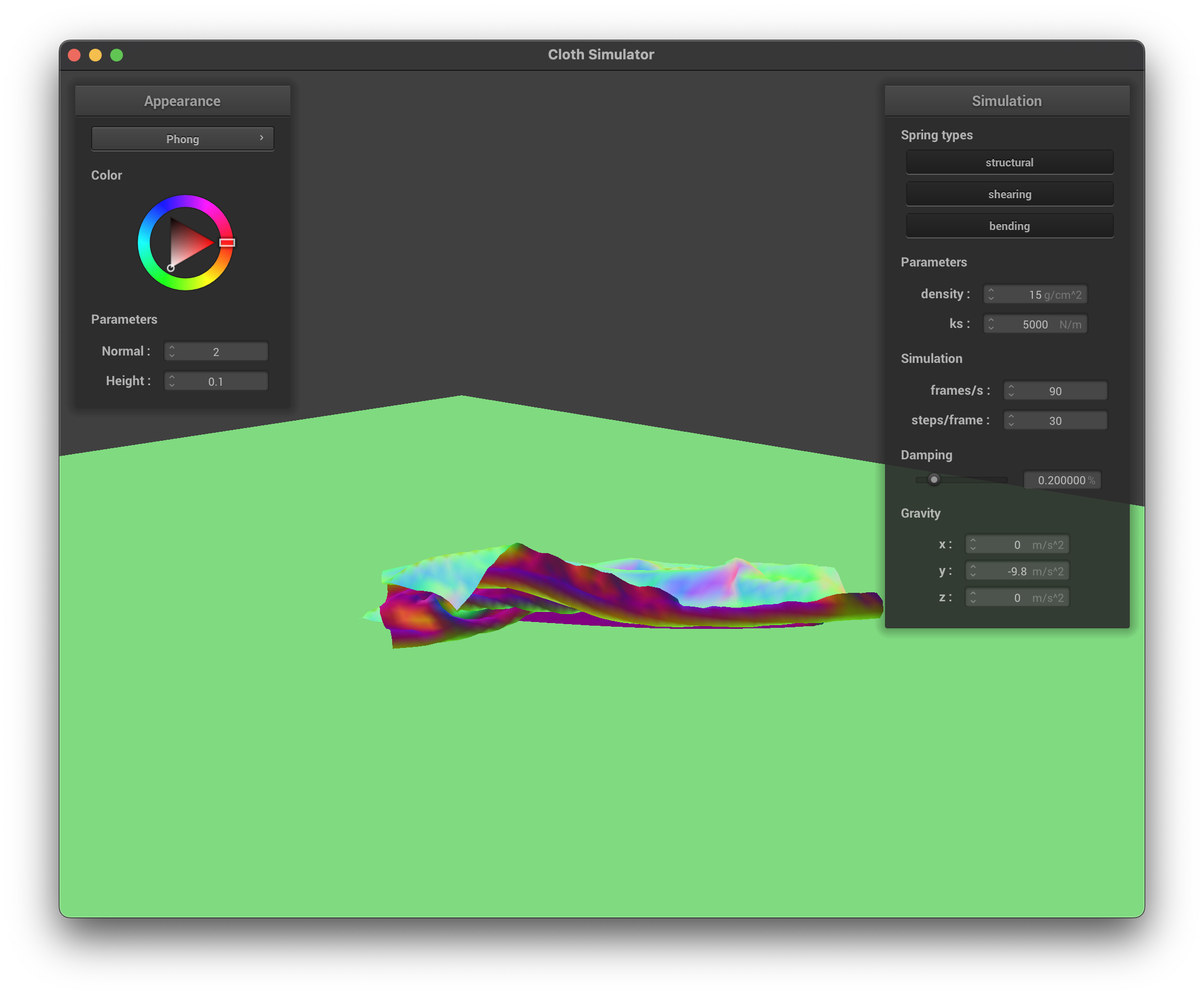
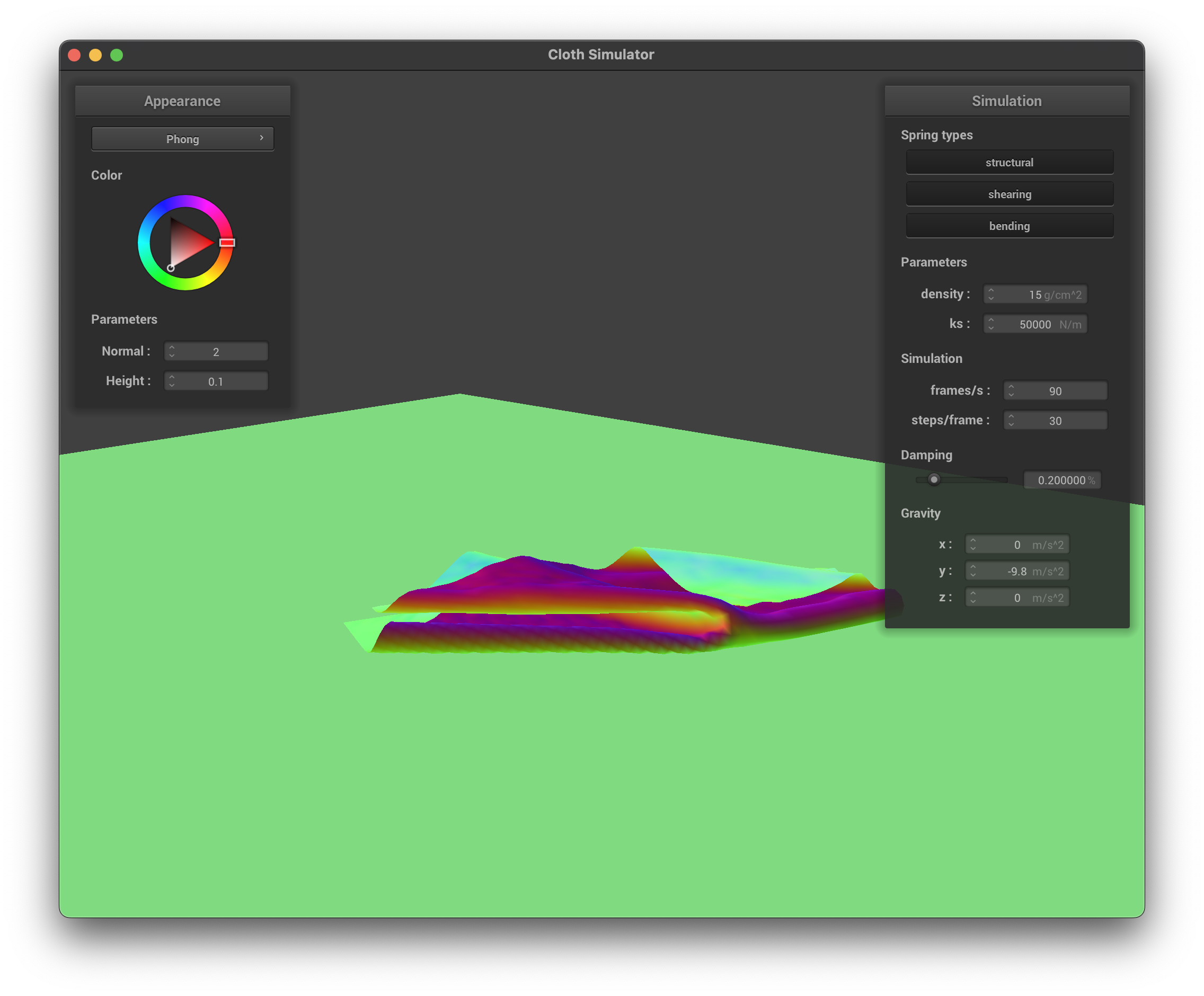
To handle self collision, we first define a spatial hash that maps any position to a float by assiging the position to a 3D voxel of pre-specified size and then use the voxel indices to construct a hash value. We put every point mass to a hash map using the spatial has, and for each point mass we check point masses in the same or adjacent voxels for potential collisions, and for each potential self collision point mass we check if their distance is below a threshold. If so, we accumulate an adjustment vector that accounts for the collision between the two, and finally we apply the average adjustment vector divided by the number of simulation steps to the point mass' position. See the three screenshots below for different stages of the self collision process.
Early StageMiddle StageLate Stage
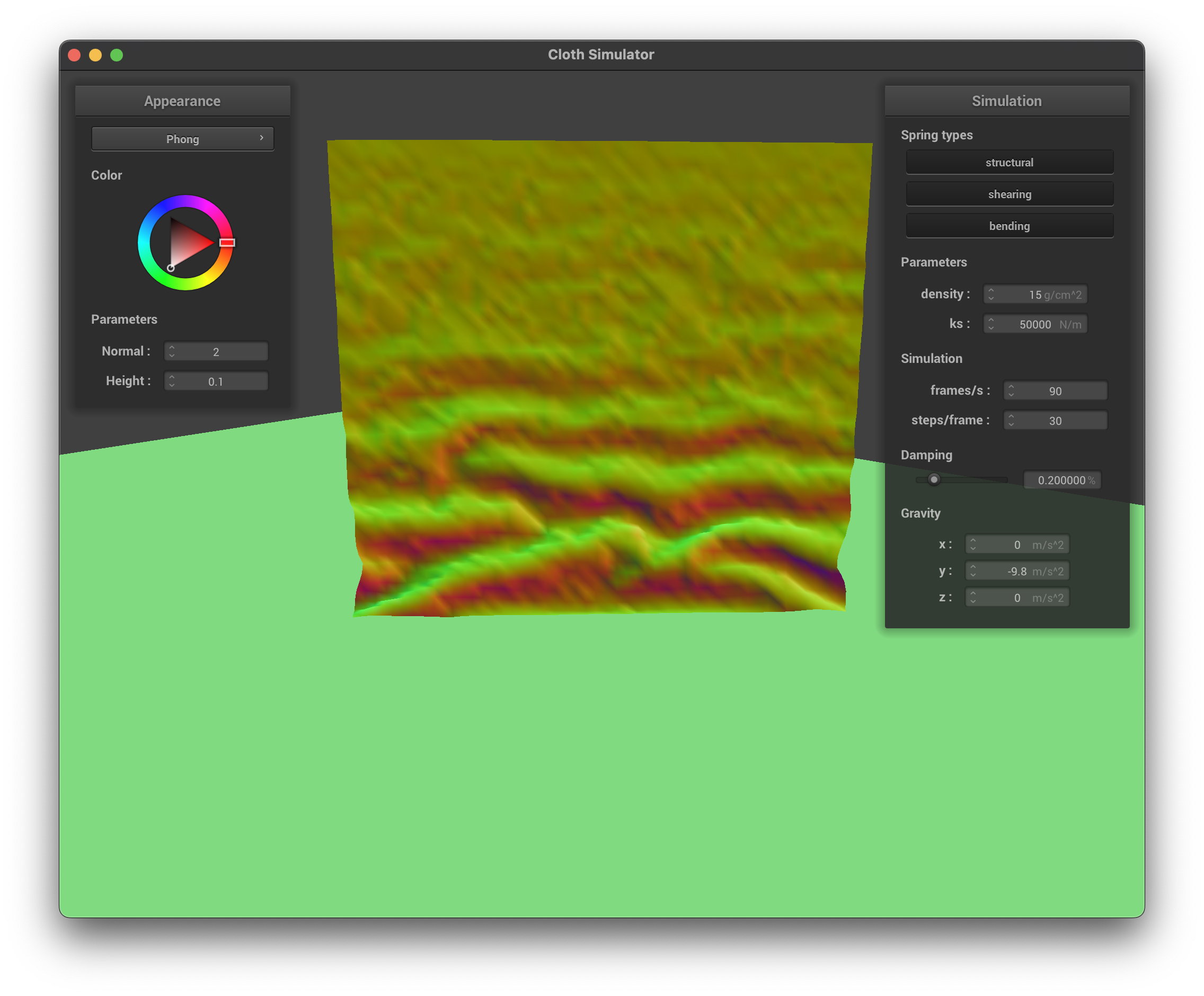
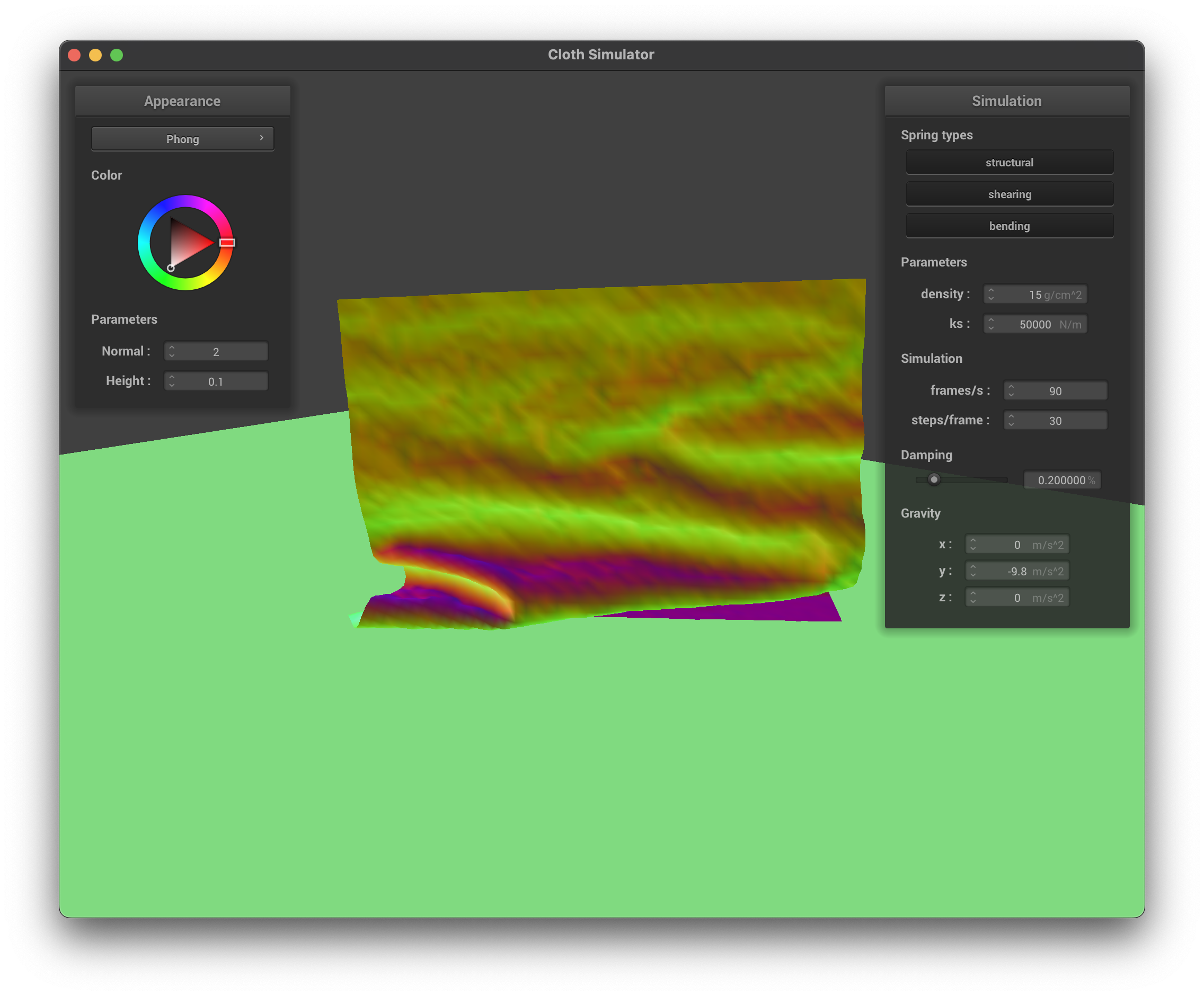
If we increase ks, we observe that in all stages the cloth is more rigid, the wrinkles are less significant, and the cloth is more flat.
Early Stage, high ksMiddle Stage, high ksLate Stage, high ks
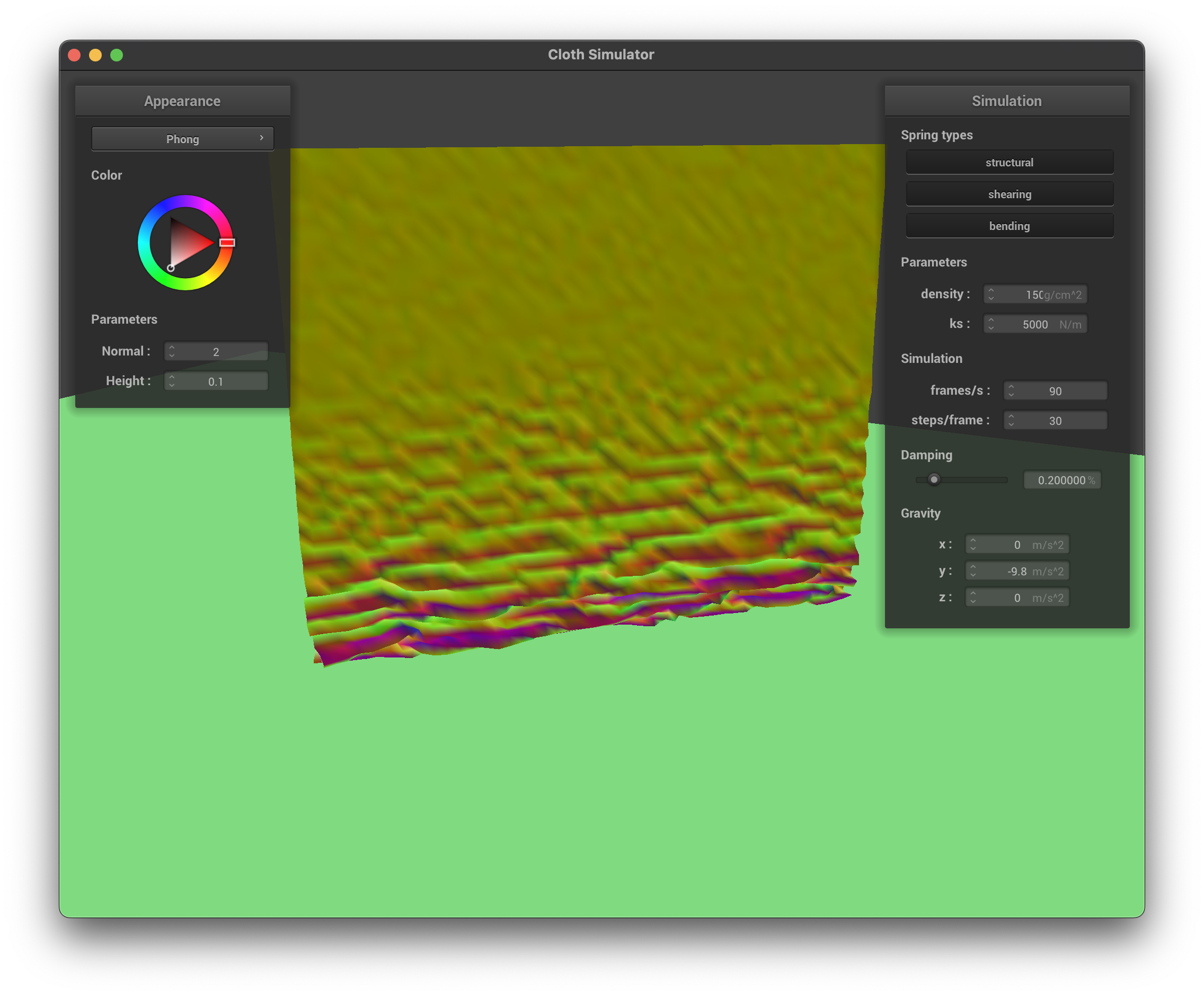
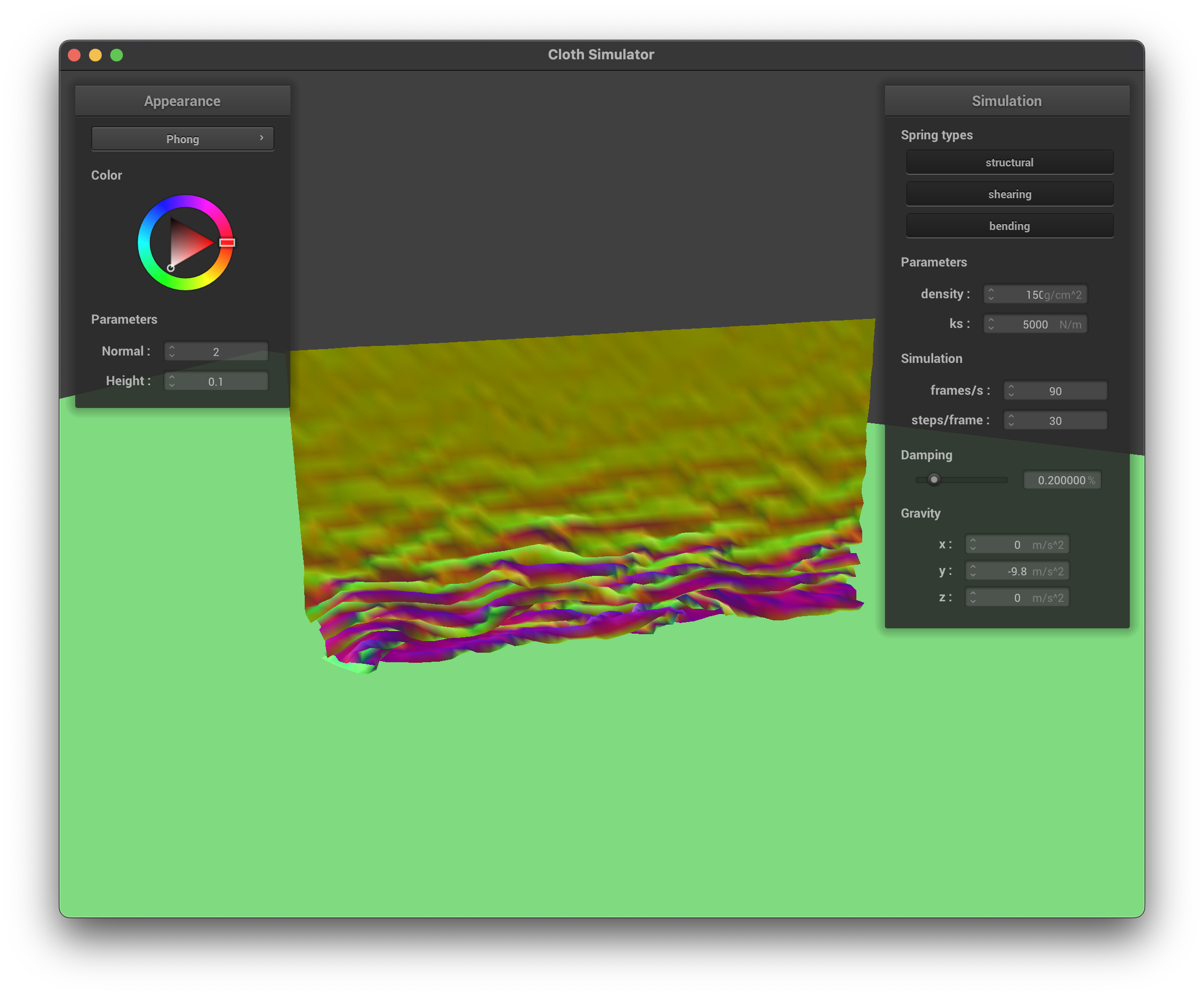
If we increase the density, since gravity force would be larger whereas spring forces are constant, the cloth is pulled down more and the wrinkles are also less significant.
Early Stage, high densityMiddle Stage, high densityLate Stage, high density
Part 5: Cloth Sim
A shader is a dedicated program that runs parallelly on the GPU and is responsible for processing some specific parts of the rendering pipeline. The vertex shader runs once per vertex, which processes the position, normal vector, tangent vector, and the uv coordinate of the vertex (i.e. material effects). After the vertex shader finishes, the result will be fed into the fragment shader, which runs once per pixel and is responsible for calculating the rendered color of that pixel. The vertex values are interpolated through barycentric coordinates across the polygons that the vertices form, and the framgent shader takes in these values and performs shading calculations to render the final color at that pixel (i.e. lighting effects). Once we have that, we send the color to the framebuffer. After processing all the primitives, the frame buffer contains the final rendered scene.
As a disclaimer, I use copilot to generate and check my code for this part because I am unfamiliar with the new language and its programming paradigms. Even though I use AI, I still understand the concepts for rendering and shading.
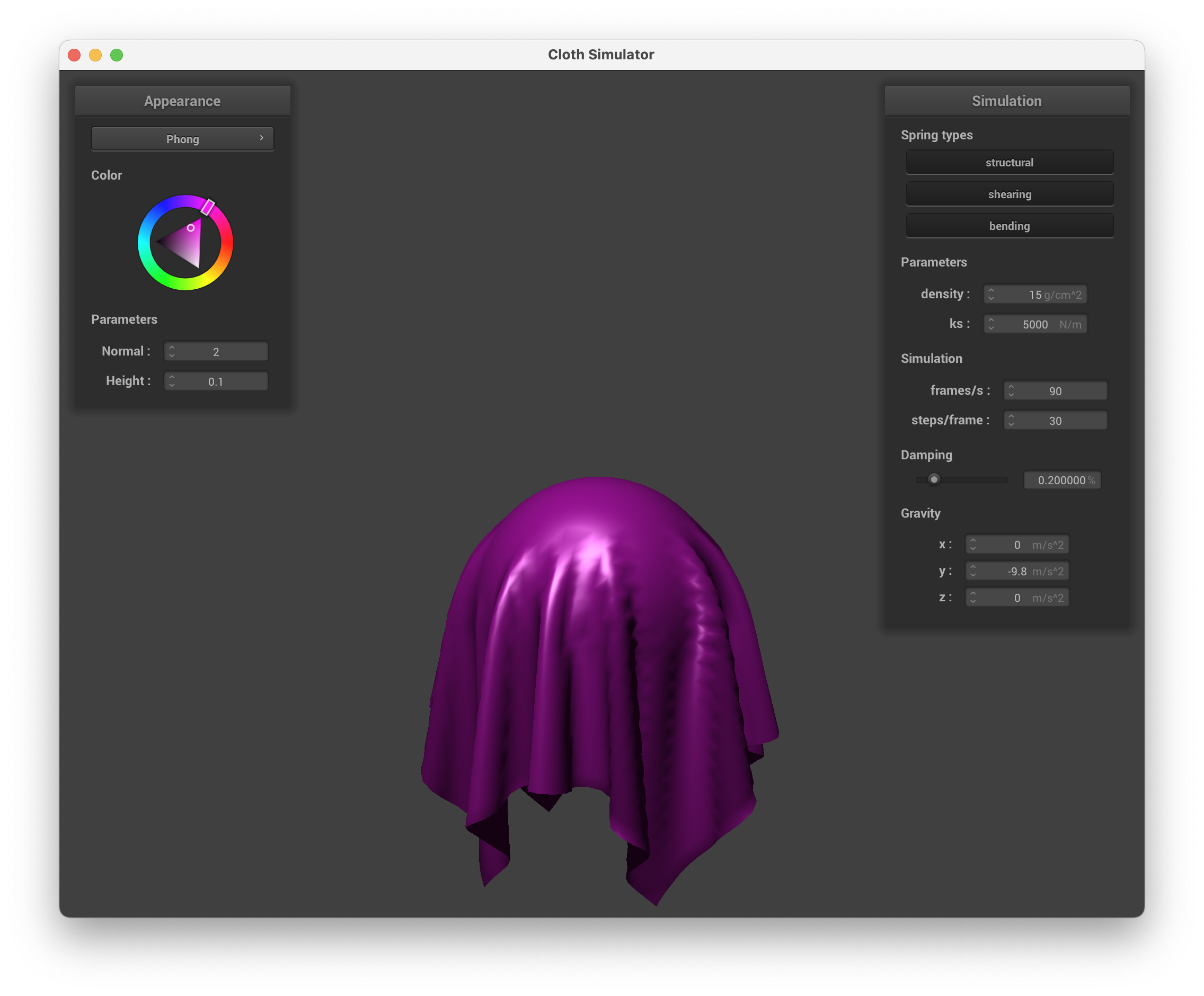
The Blinn-Phong shading model is a heuristic lighting model that adds up three components: the constant ambient light, the diffuse light that roughly models the light diffused from the surface, and the specular light that roughly models the light specularly reflected from the surface (color for the specular highlight is set to white). We can incorporate the Blinn-Phong model in the fragment shader. See the screenshots below for the Blinn-Phong shading model with only the ambient light, only the diffuse light, only the specular light, and all three components.
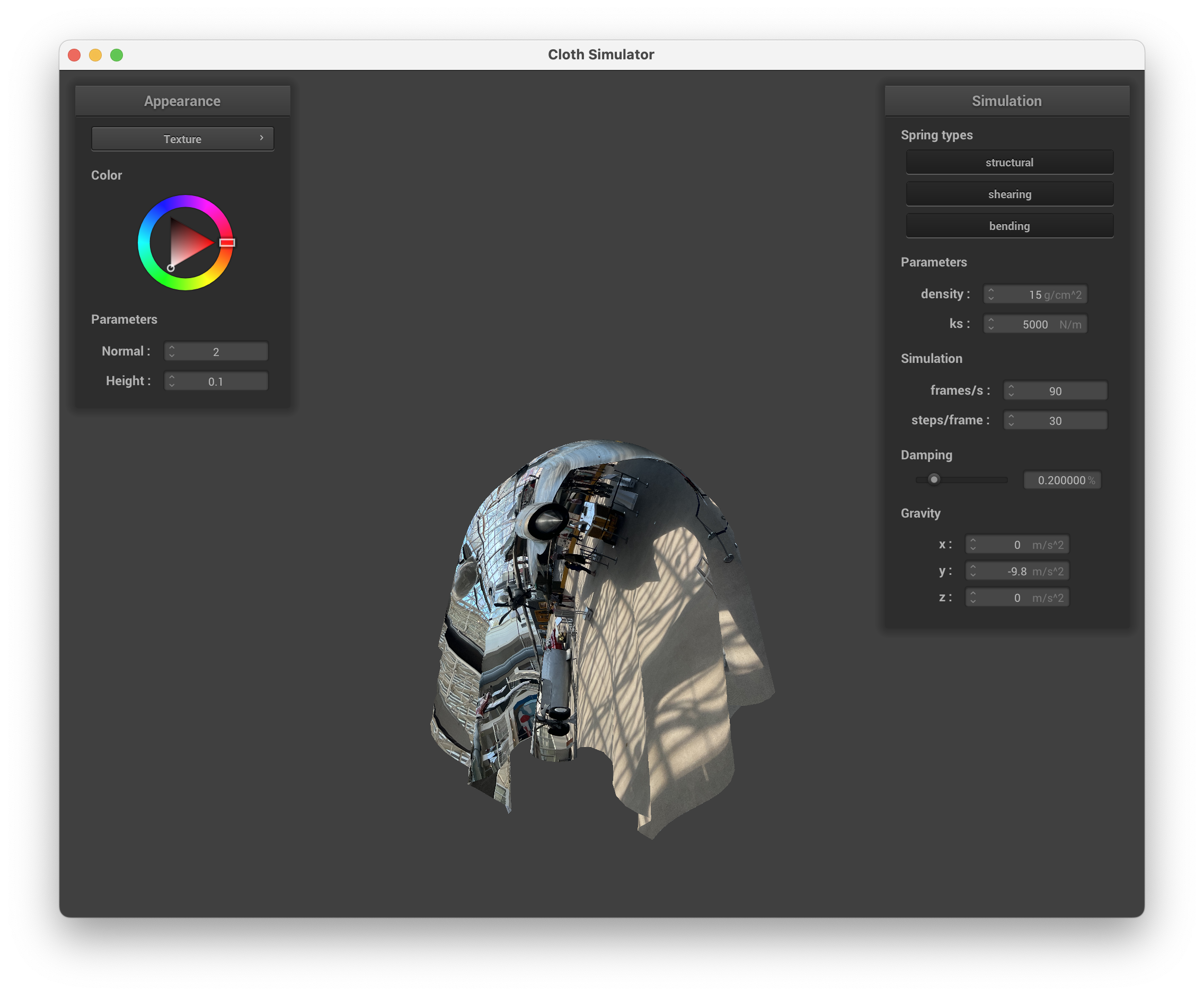
For the fragment shader, we can also specify a texture mapping. See the screenshot below for the scene with a custom texture (a photo of the Museum of Flight).
Texture Mapping
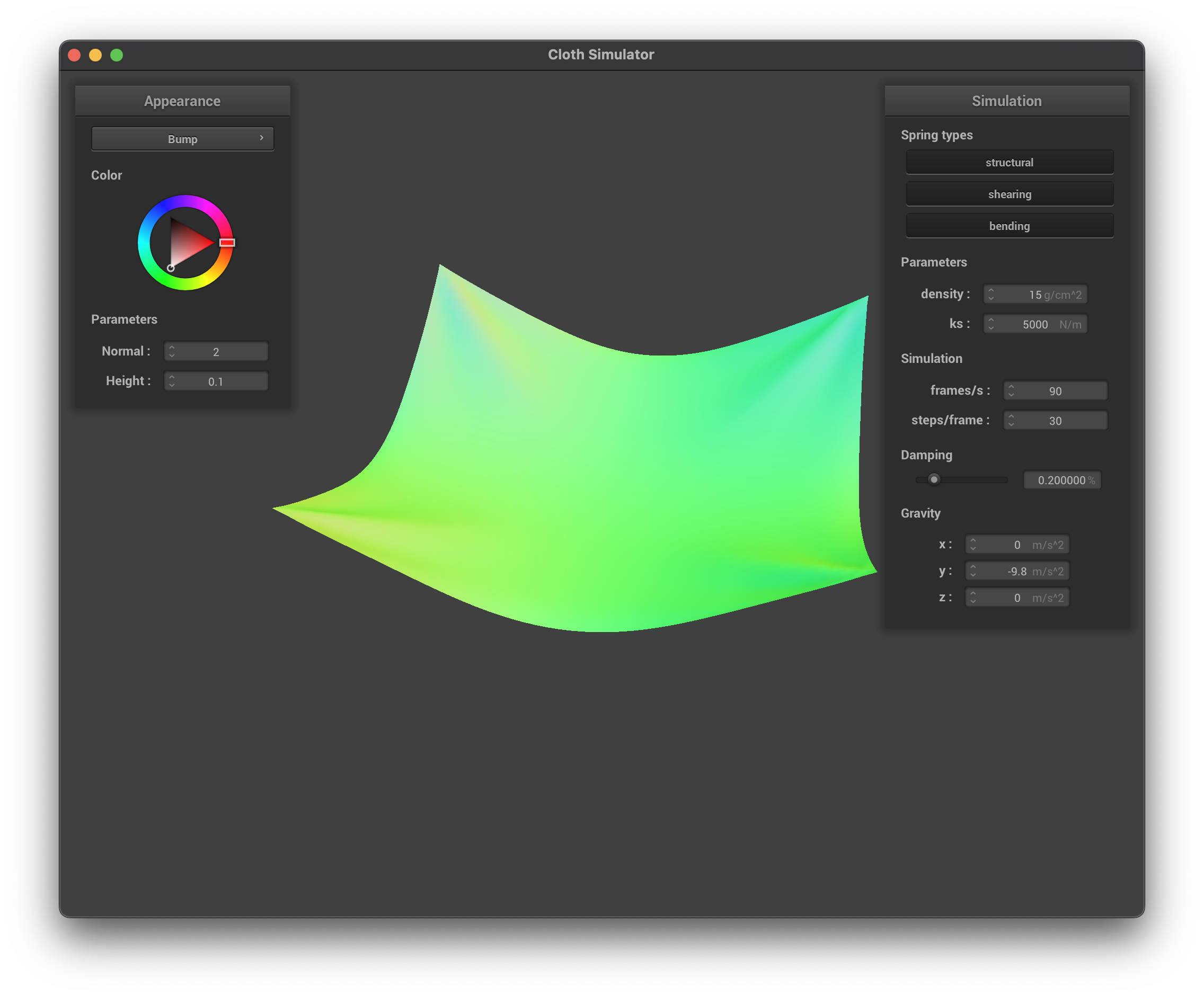
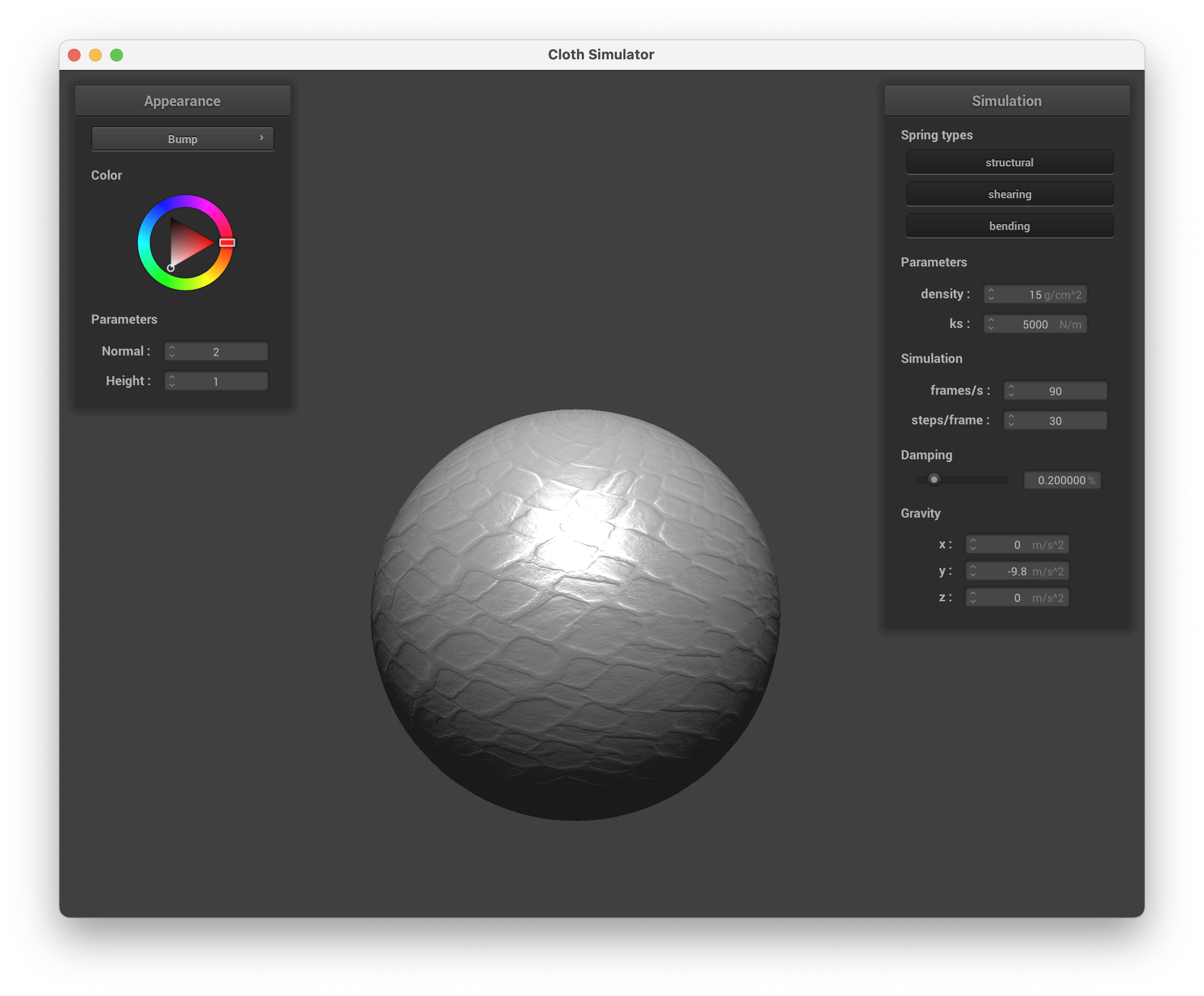
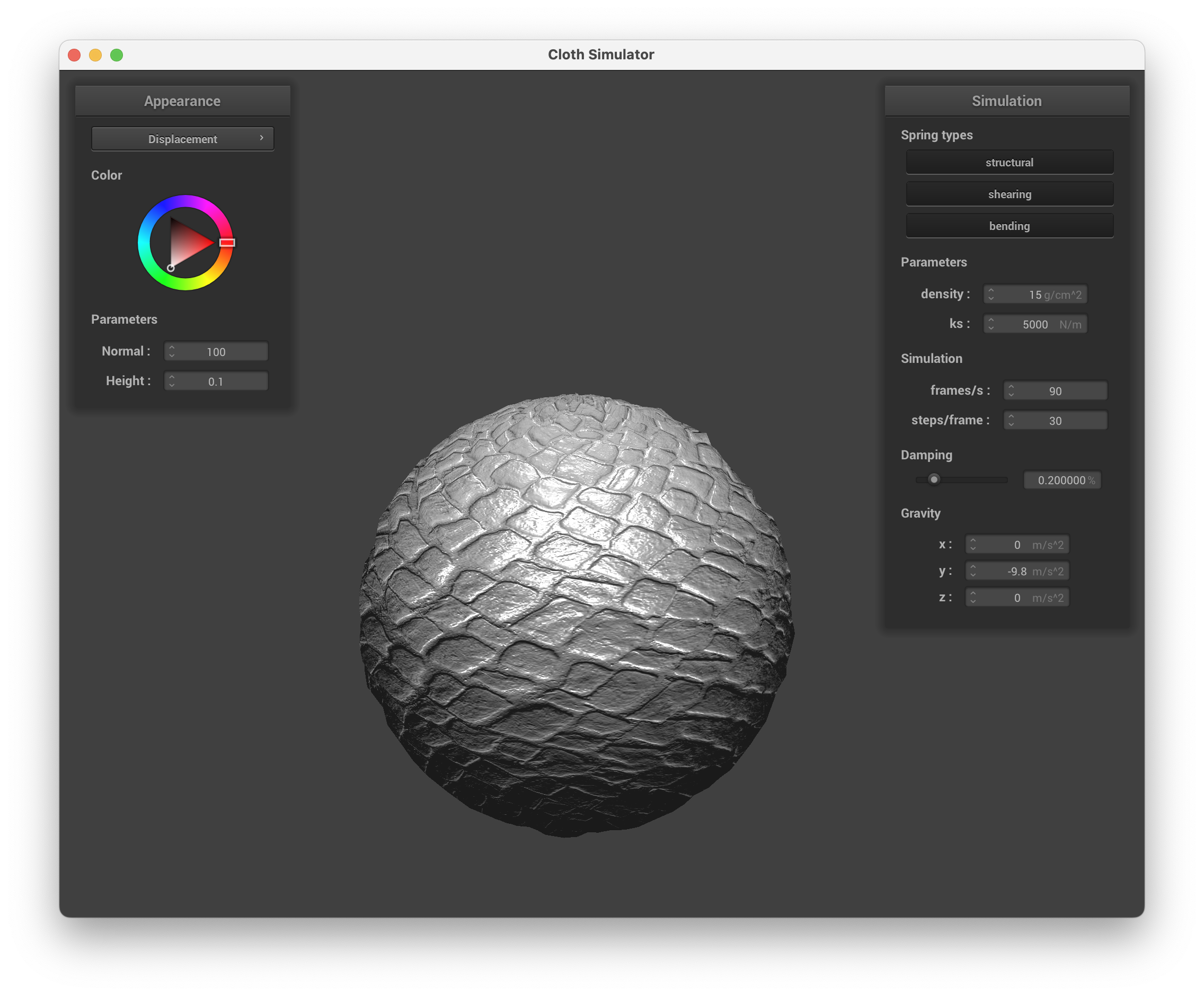
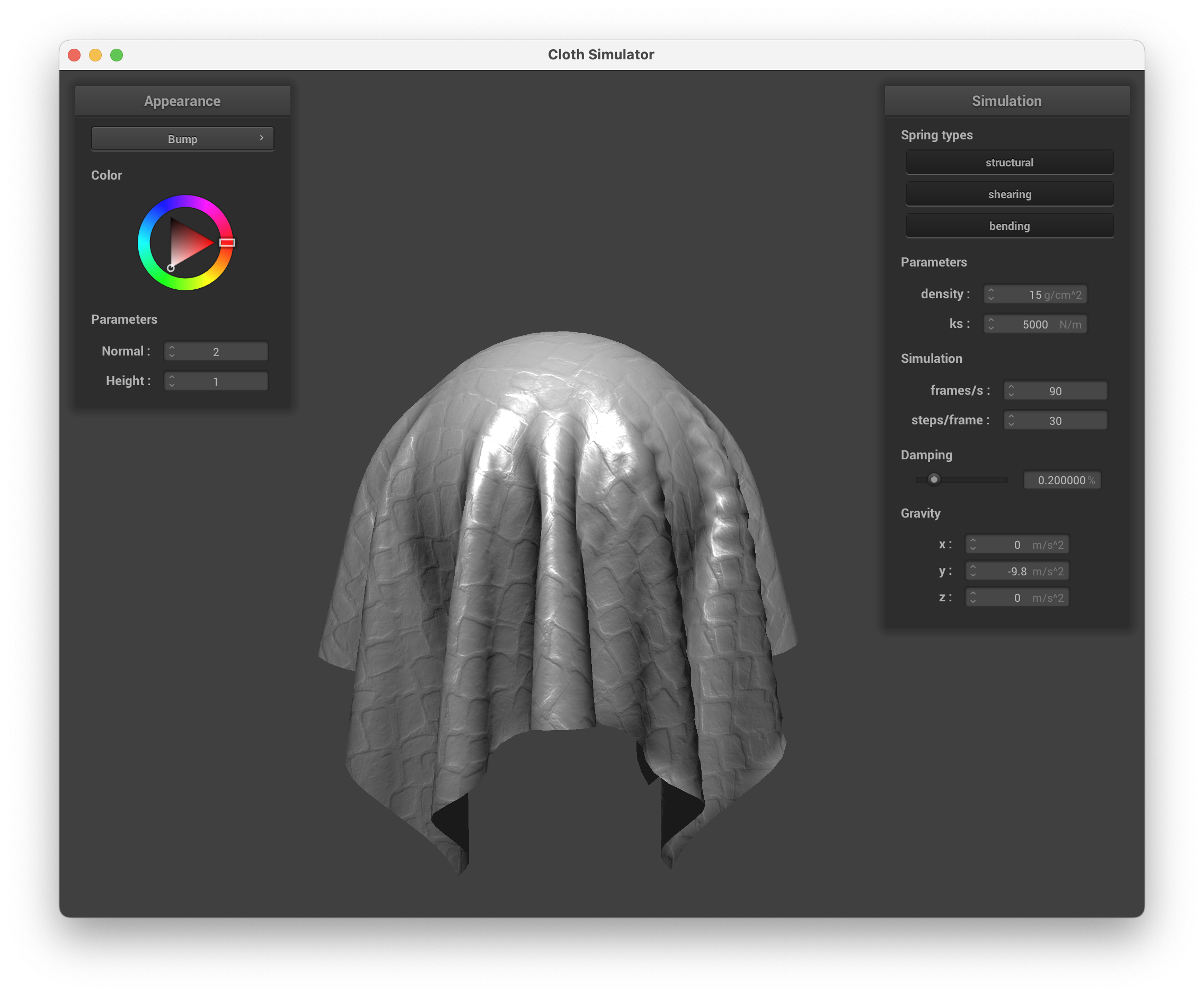
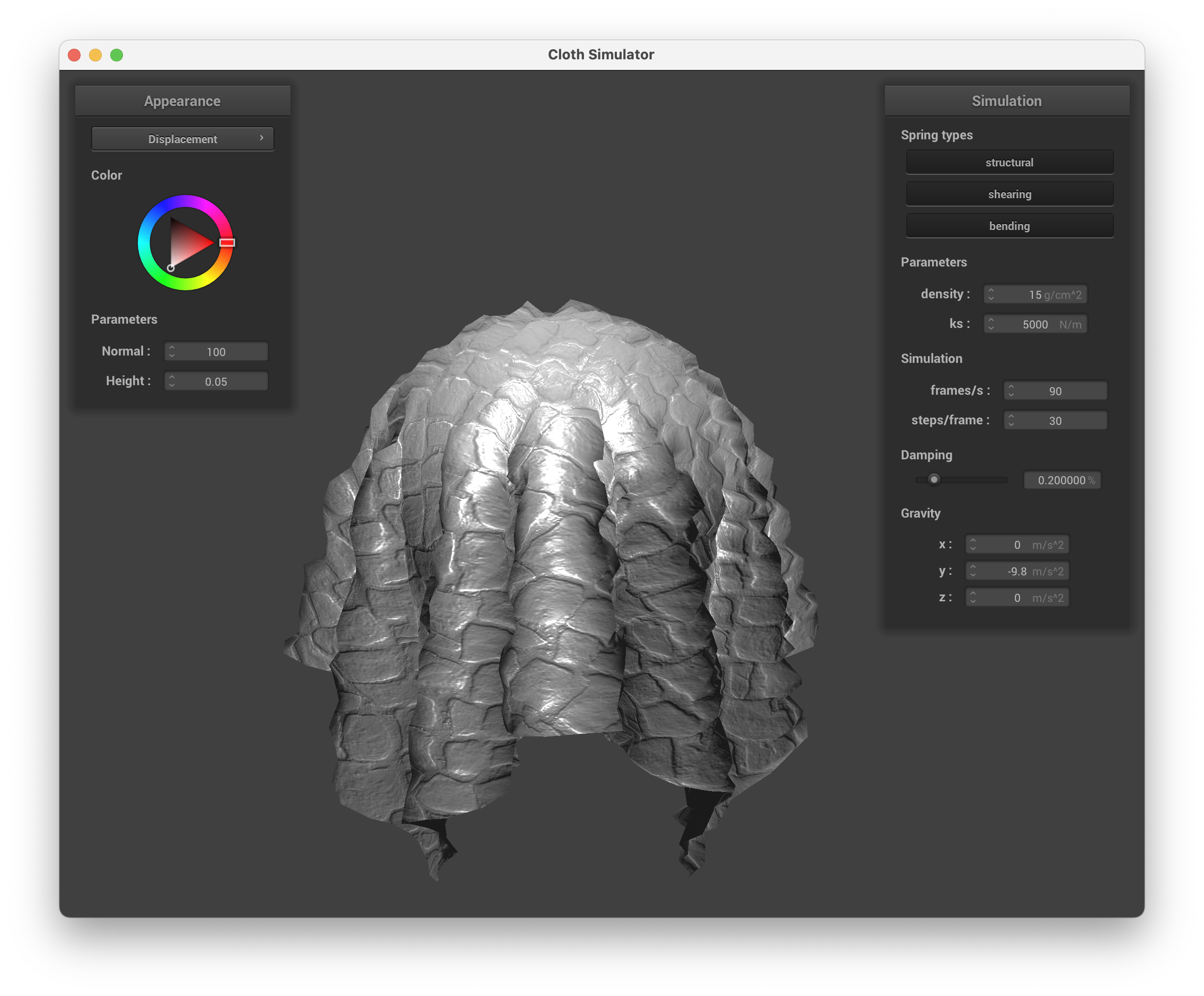
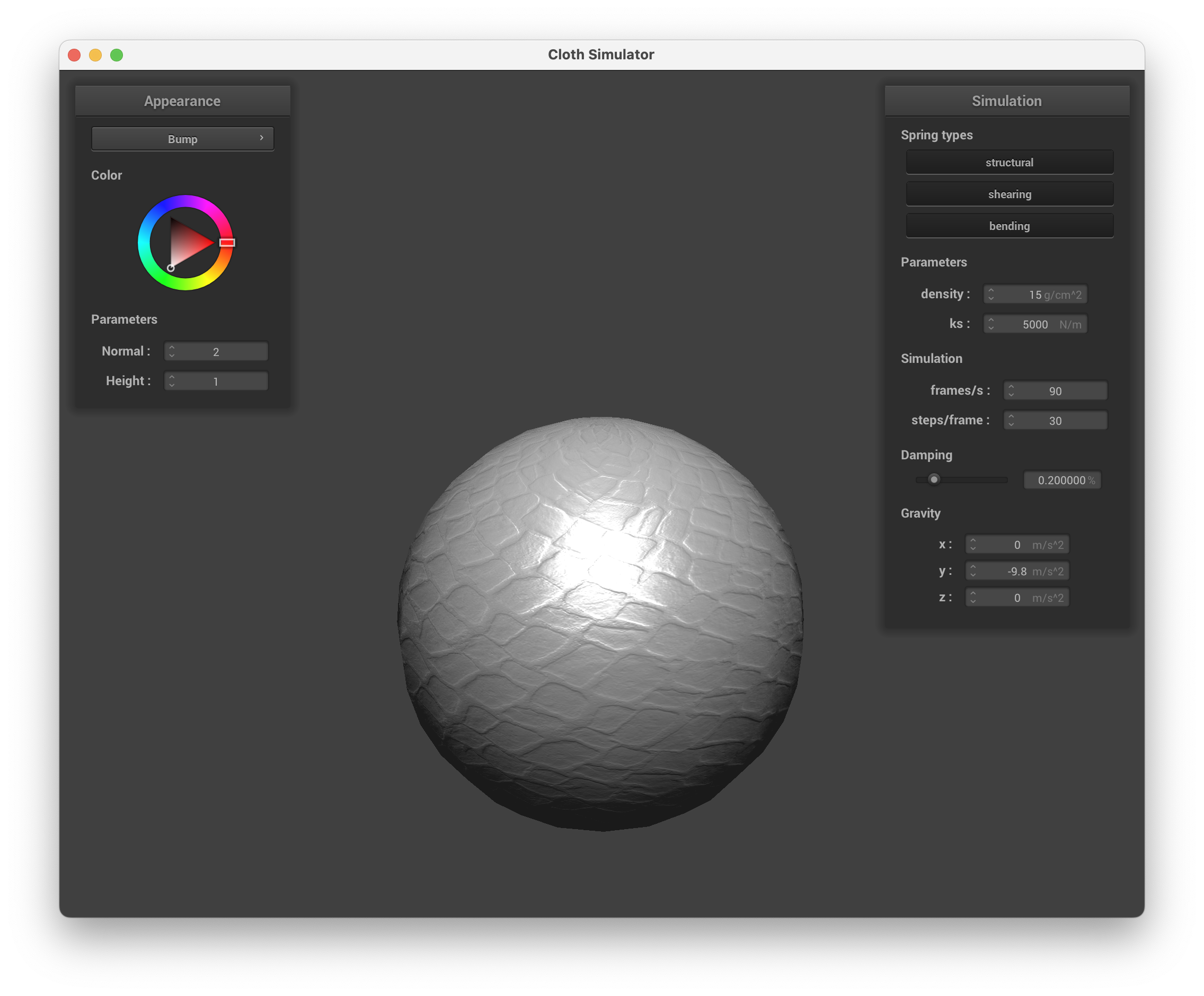
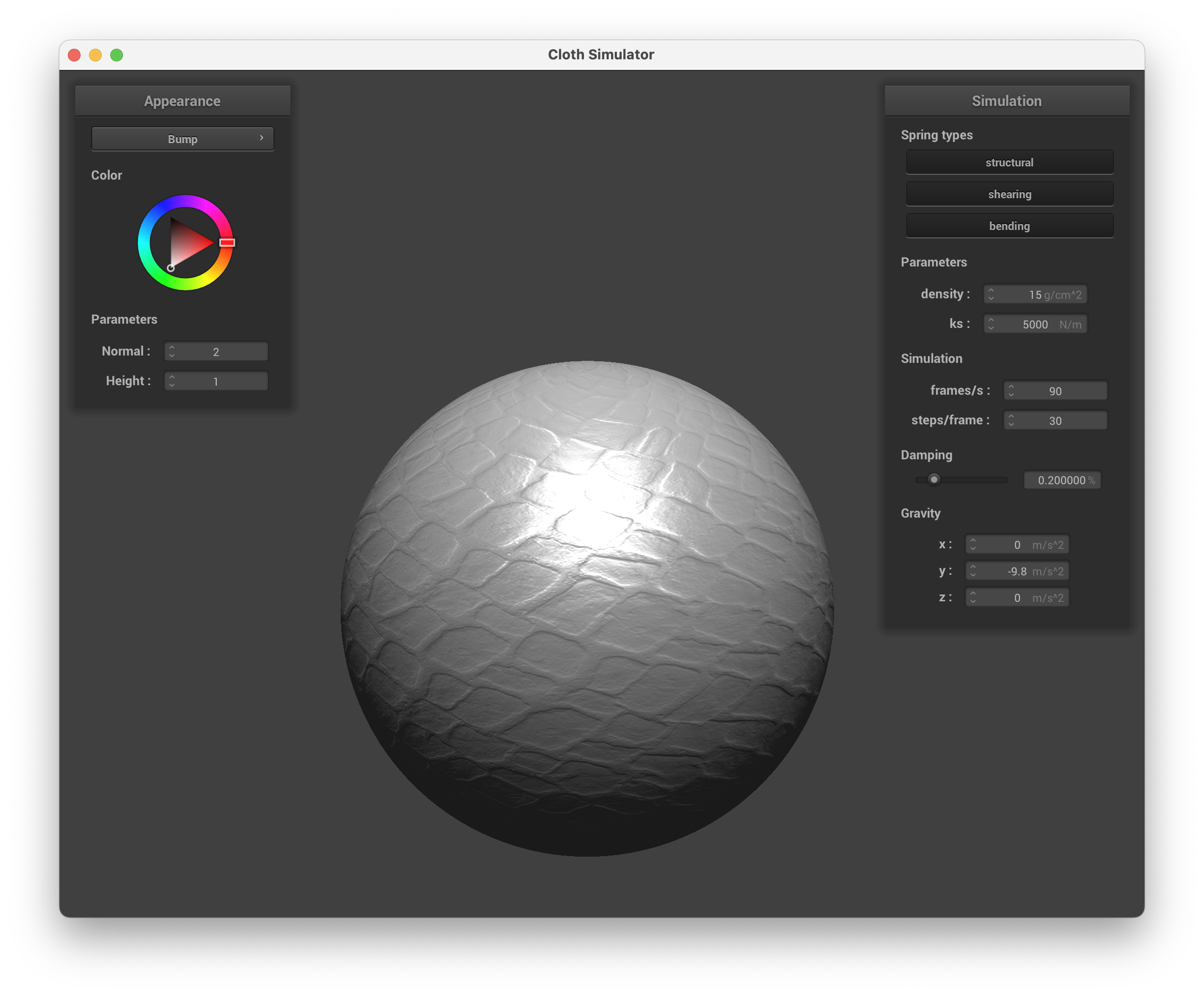
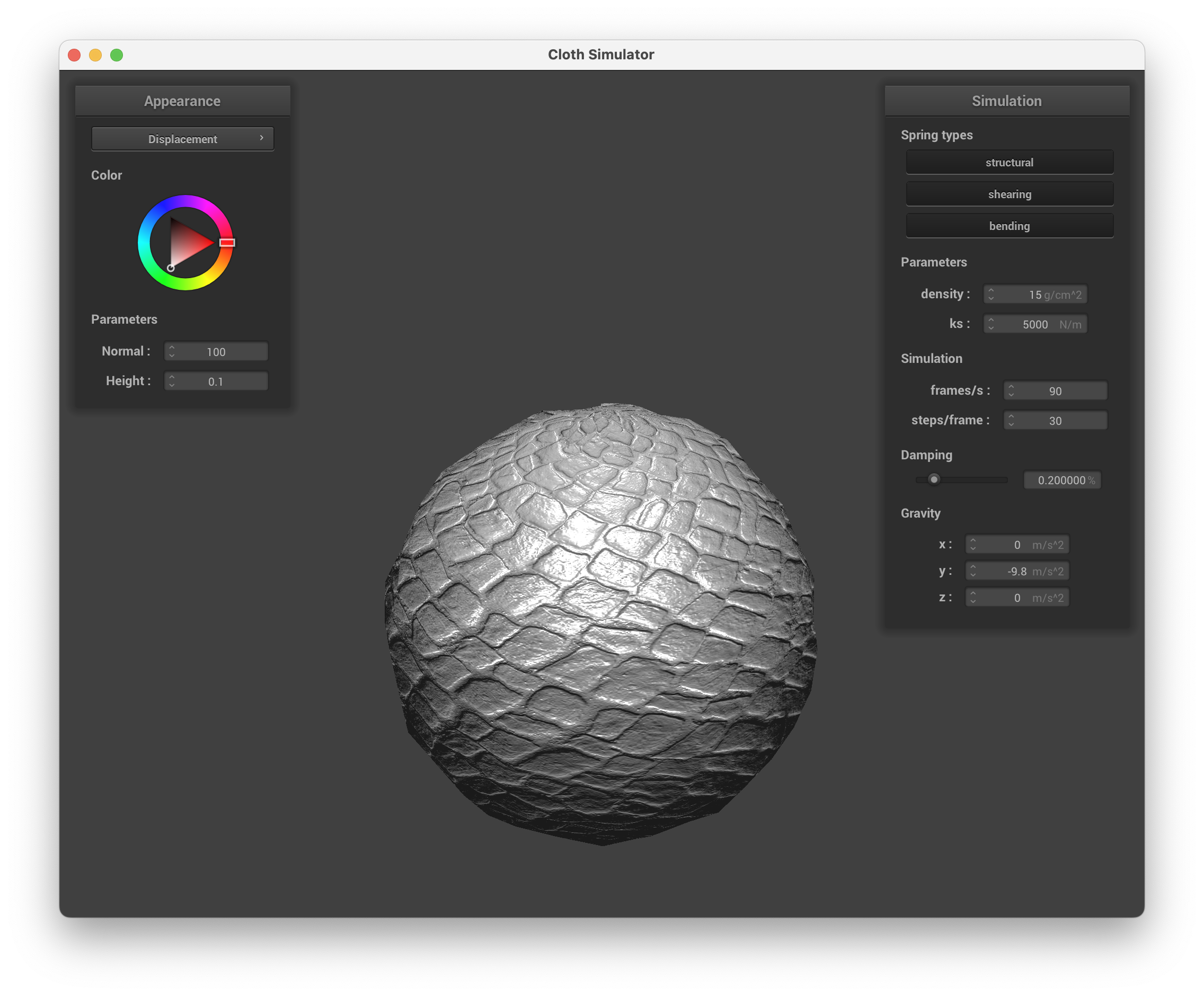
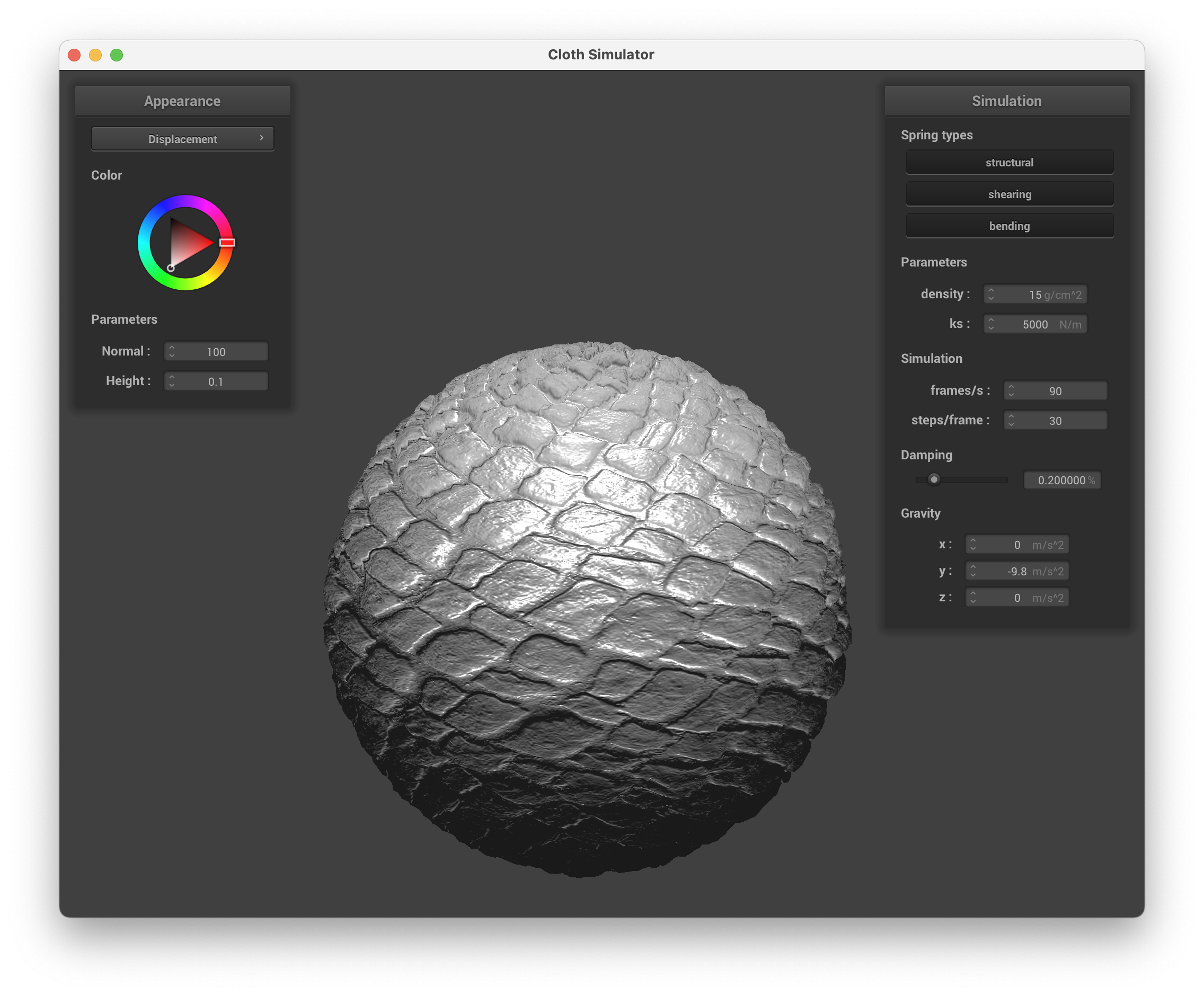
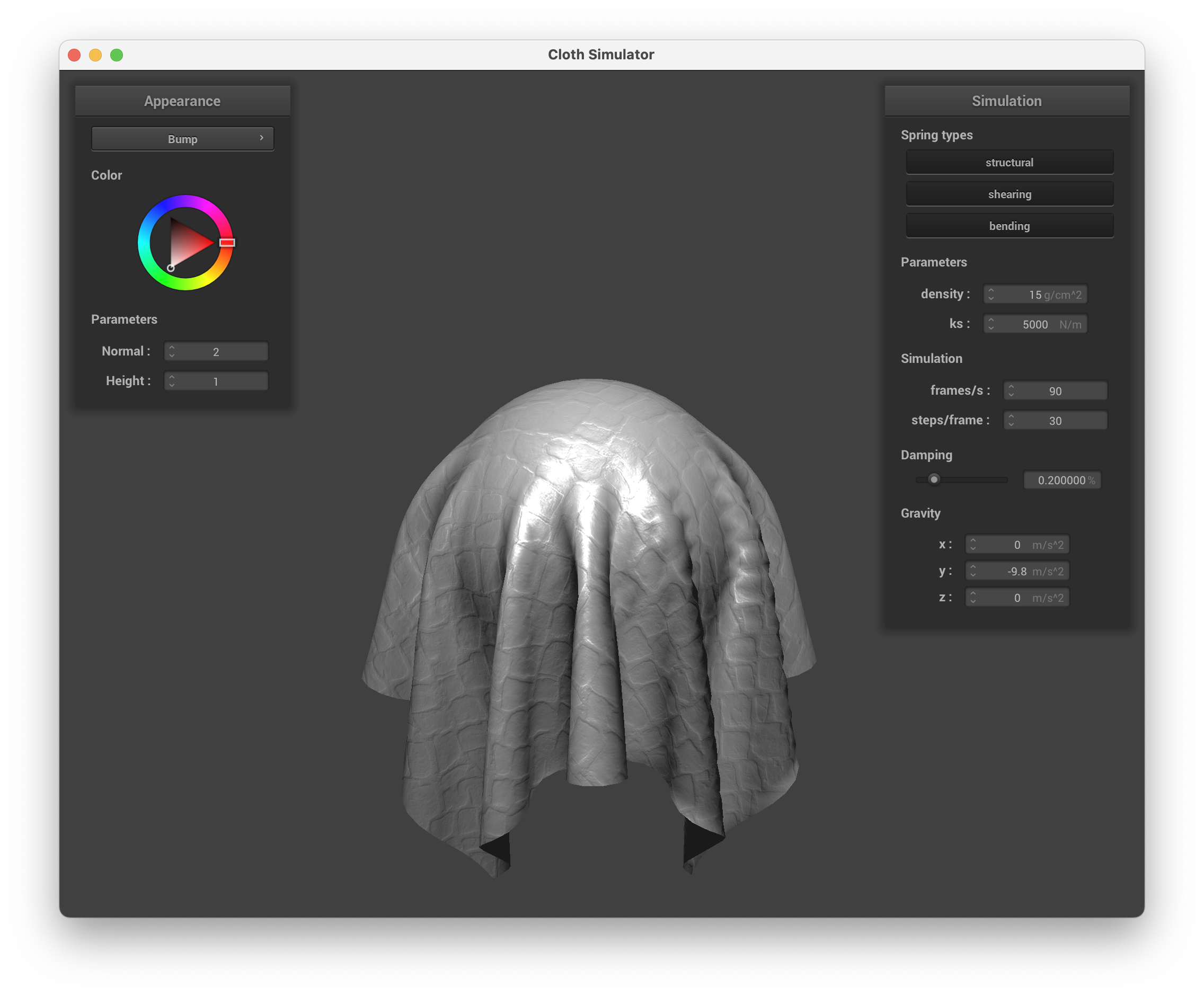
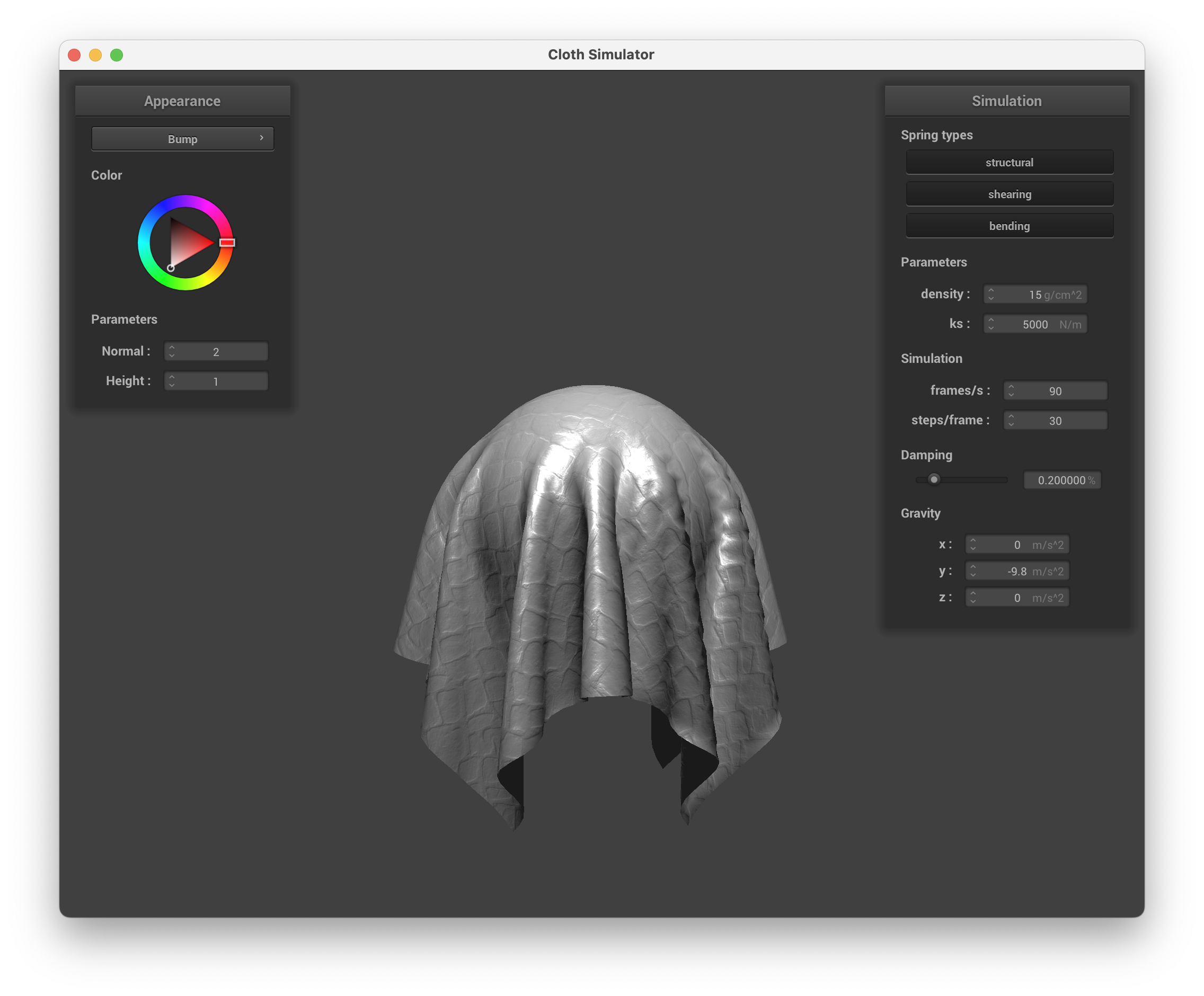
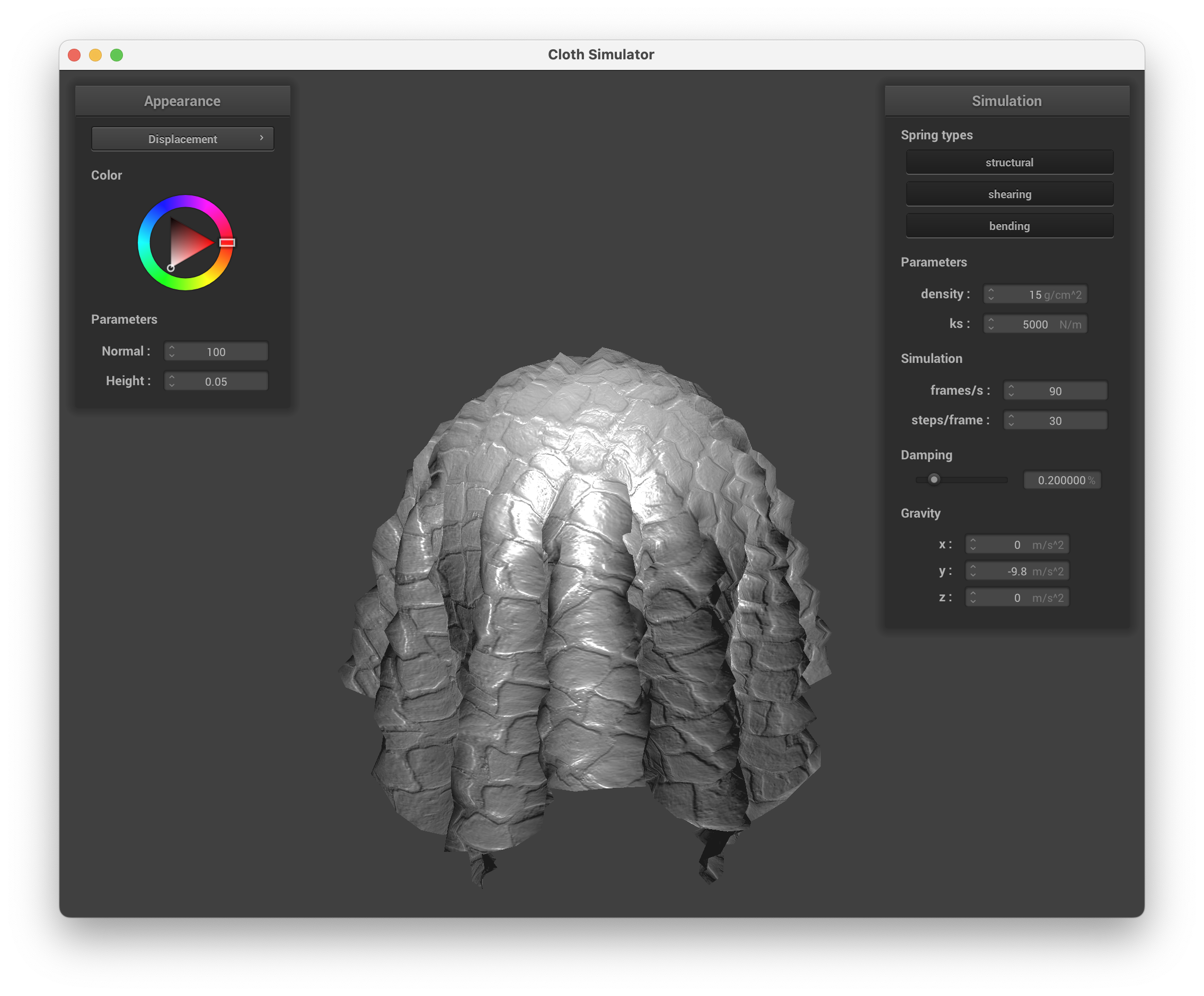
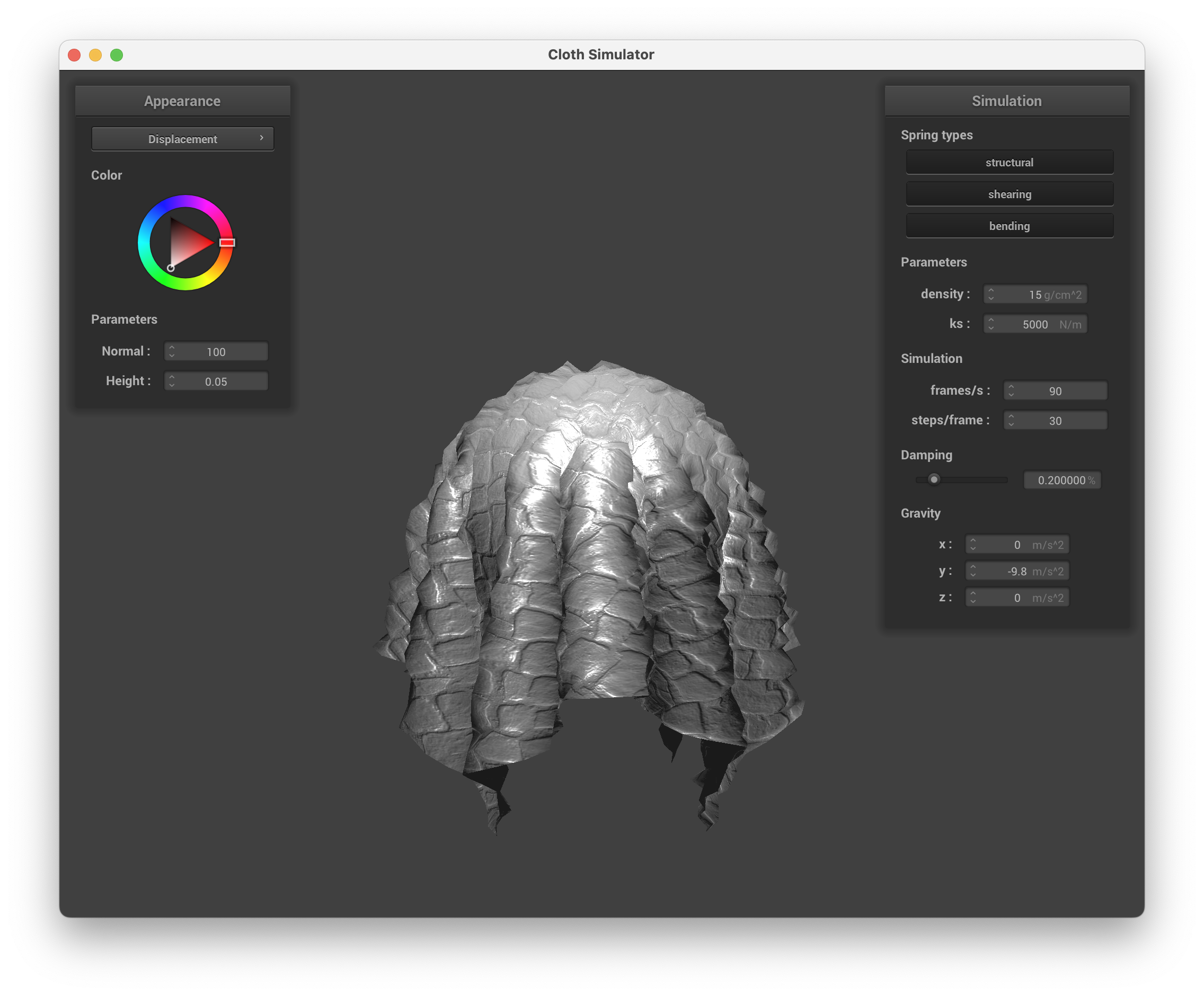
We can also introduce bumps or displacements into the surfaces using a height map. For bumps we alter the surface normal vectors that will create visual bumps on the surface of polygons, yet the positions of the point where light reflects are not changed. For displacements, we alter both the position and the surface normals so the point where light reflects is also changed. See the screenshots below for the sphere and the cloth with bumps and displacements.
Sphere with BumpsSphere with DisplacementsCloth with BumpsCloth with Displacements
We can observe the effect of changing the sphere's coarseness. See the screenshots below for -o 16 -a 16 and -o 128 -a 128. As the mesh resolution increases, for the displacement shader the rendered sphere becomes more smooth, is more round, and the fine-grained details are of better quality. For the bump shader, the details also become a bit more fine-grained.
Sphere with Bumps, coarseSphere with Bumps, fineSphere with Displacements, coarseSphere with Displacements, fineCloth with Bump, coarseCloth with Bump, fineCloth with Displacement, coarseCloth with Displacement, fine
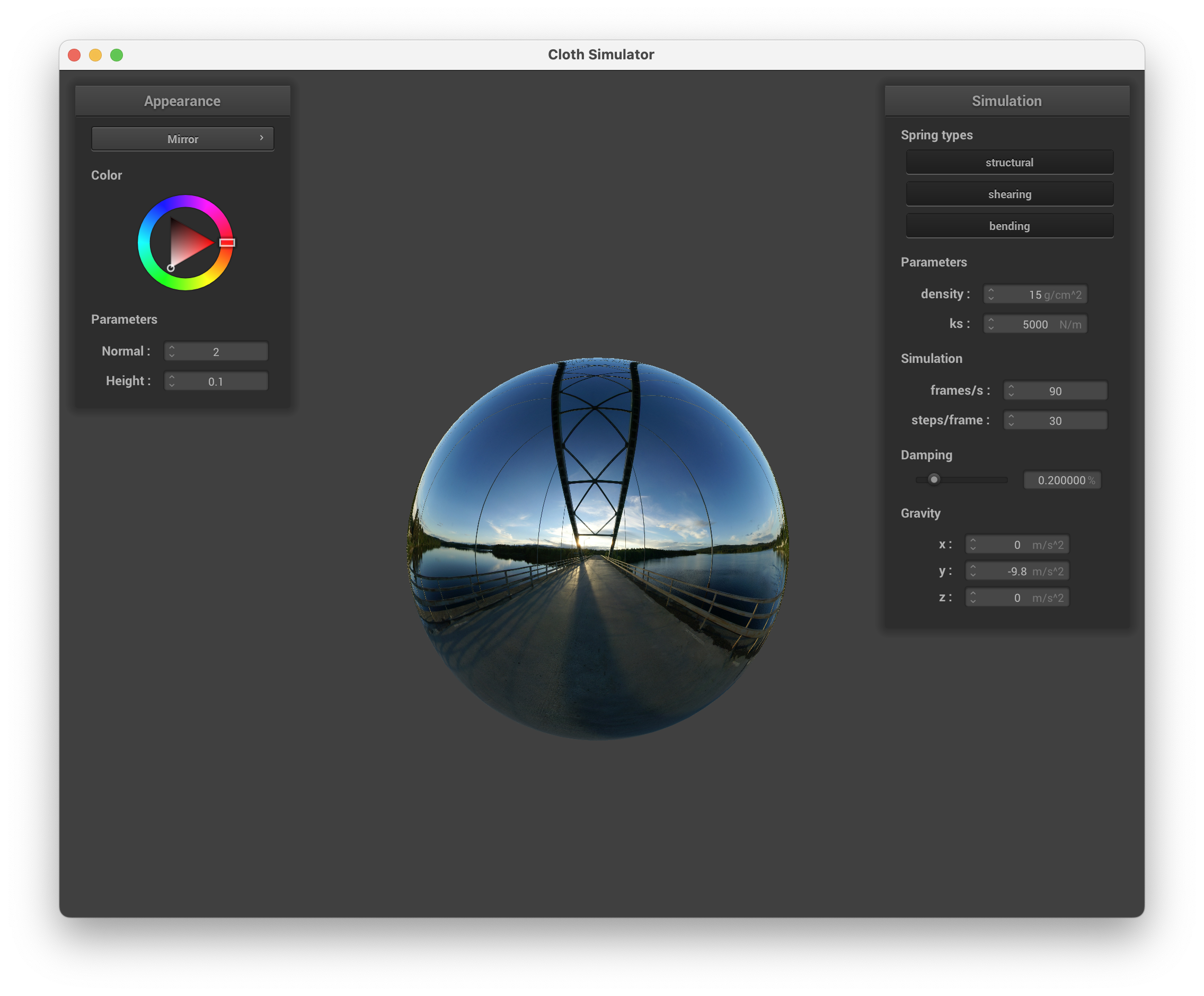
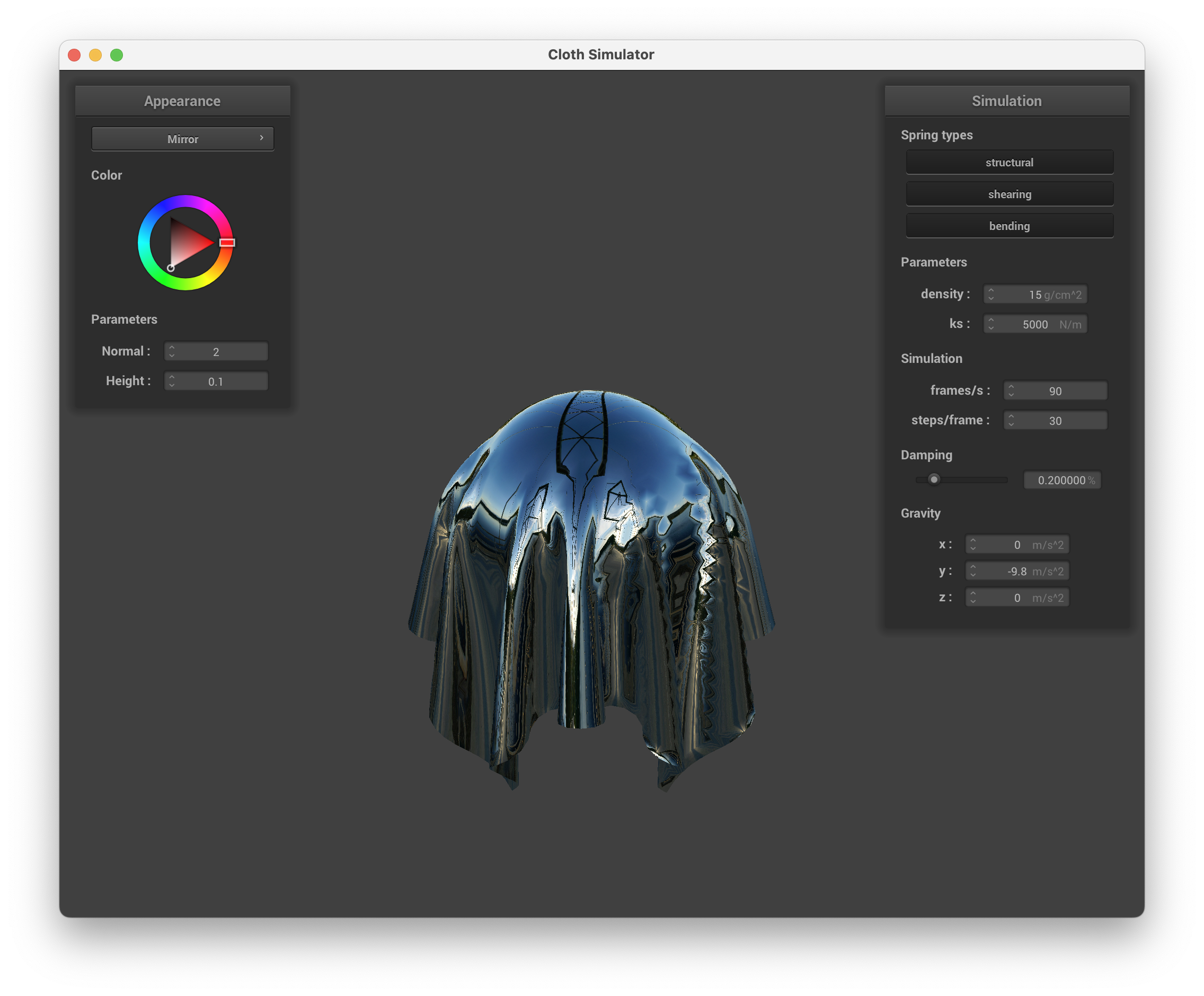
Finally, we can also inplement fully specular mirror reflection. See the screenshot below for the sphere and cloth with mirror reflection.
Sphere with Mirror ReflectionCloth with Mirror Reflection